
Apple Watch Ultra 4 vs Ultra 3
If you already own an Apple Watch Ultra 3, should you upgrade?
That's probably the biggest question surrounding Apple's new Apple Watch Ultra 4.
At first glance, the two watches look very similar.
But internally, Apple has made several important changes.
The Ultra 4 introduces a new S11 processor, upgraded health sensors, new AI-powered features, Readiness tracking, and significantly improved battery endurance.
Let's break down the differences.
Ultra 4 vs Ultra 3: Quick Comparison
| Feature | Apple Watch Ultra 3 | Apple Watch Ultra 4 |
|---|---|---|
| Processor | S10 | S11 |
| Standard battery | Up to 42 hours | Up to 50 hours |
| Low Power Mode | Previous generation | Up to 84 hours |
| Heart sensing | Previous sensor system | New optical + electrical sensors |
| Readiness | No | Yes |
| Audio Intelligence | No | Yes |
| Natural Titanium | Yes | Yes |
| Black Titanium | Yes | Yes |
| Starting price | Previous $799 starting point | $799 |
The Ultra 4's most meaningful improvements are therefore inside the device rather than a dramatic redesign.
Performance: S11 vs S10
The Ultra 4 moves from the S10 to Apple's new S11 chip.
This matters because the processor is responsible for more than general speed.
The S11 helps power new health-processing and AI features, including Apple's Audio Intelligence system.
For existing Ultra 3 owners, the performance upgrade may not be immediately obvious during simple tasks.
But as more features use on-device intelligence, the S11 becomes more important.
Health Tracking: A Major Upgrade
This is arguably the biggest reason to consider upgrading.
The Ultra 4 introduces new optical and electrical heart sensors and can measure heart rate much more frequently.
Apple's new system can take readings at five-second intervals and measure heart-rate variability more frequently than before.
That additional data feeds into Apple's new Readiness feature.
Readiness: A New Way to Think About Training
Instead of only recording your activity, Ultra 4 tries to provide more context.
Readiness considers:
Sleep + activity + health data + recent training
and turns those signals into guidance about how to approach your day.
For people who train regularly, this could be one of the most useful differences between Ultra 3 and Ultra 4.
Battery: 50 Hours vs 42 Hours
This is an upgrade you can feel every day.
Ultra 4 offers up to:
50 hours standard use
versus:
42 hours on Ultra 3.
That's an increase of roughly 19%.
For a device designed around hiking, travel, sports, and outdoor adventures, additional battery life matters.
AI Features
Ultra 4 also introduces new Audio Intelligence features.
These include:
Live Rewind
Review a recent piece of conversation as text.
Siri Recap
Generate summaries of conversations.
Sound Recognition
Detect important environmental sounds such as alarms, sirens, or doorbells.
These capabilities are among the clearest signs that Apple is moving the Watch toward a more intelligent computing platform.
Should Ultra 3 Owners Upgrade?
Upgrade makes more sense if you:
- Train frequently
- Care about health tracking
- Want longer battery life
- Want new AI features
- Spend significant time outdoors
- Want the latest Apple Watch technology
You may want to keep Ultra 3 if:
- Your current watch works perfectly
- You don't need additional health features
- Battery life is already enough
- You don't care about AI features
- You primarily use your watch for notifications and basic fitness tracking
What About Your Watch Band?
If you're moving from Ultra 3 to Ultra 4, don't automatically assume that every accessory decision should remain unchanged.
The Ultra 4 retains the familiar Ultra design language, but it is still worth checking the exact compatibility of any band or case before purchasing.
And if you're upgrading the watch, it can be a good opportunity to upgrade the band too.
New Watch. New Look.
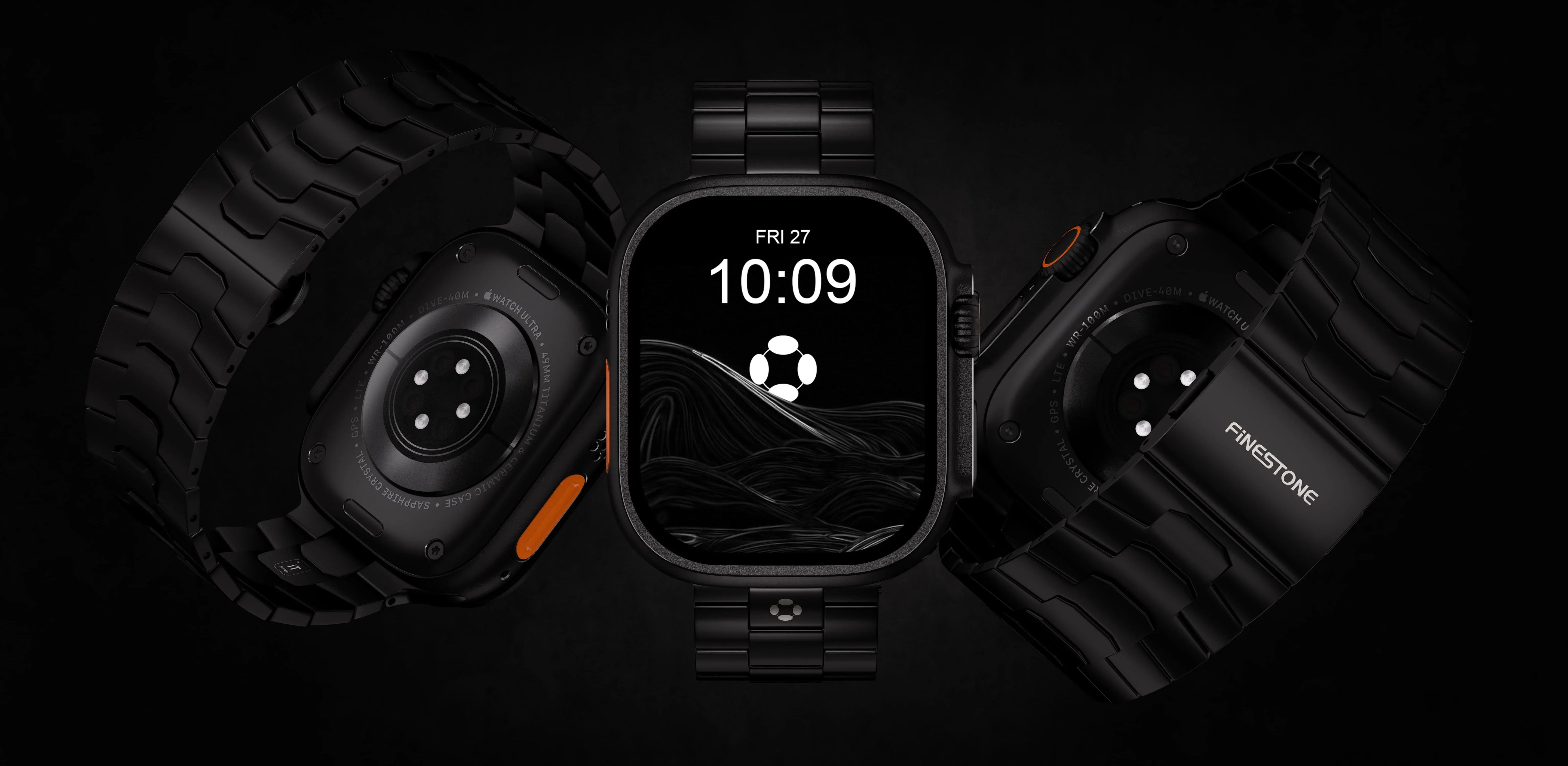
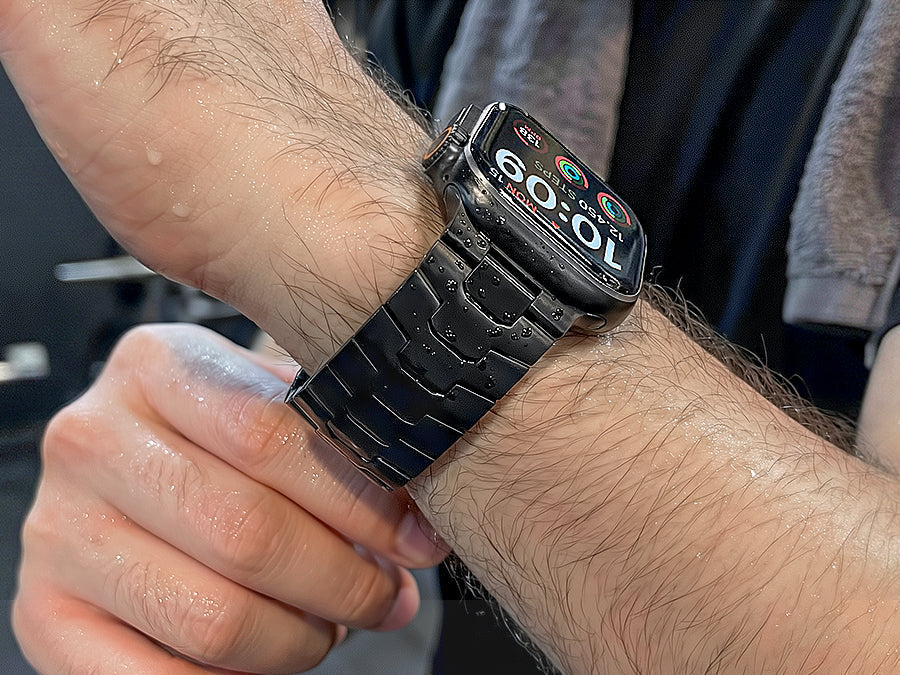
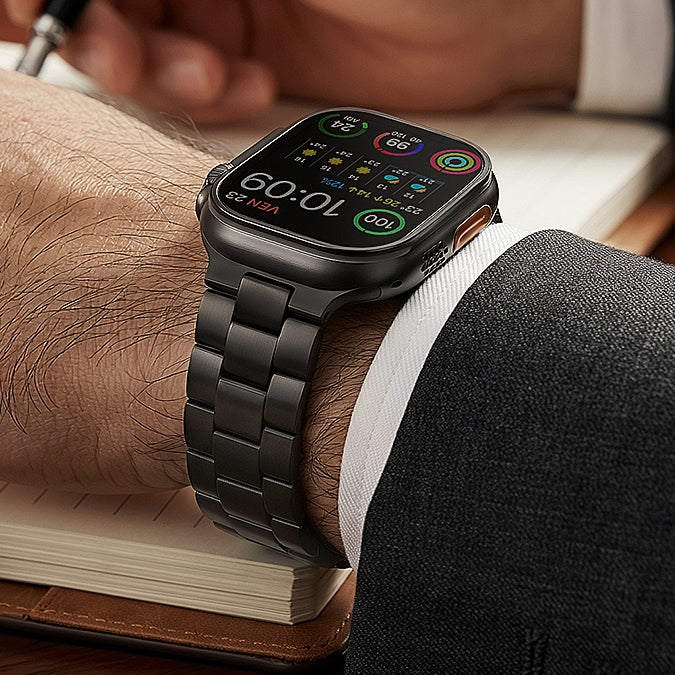
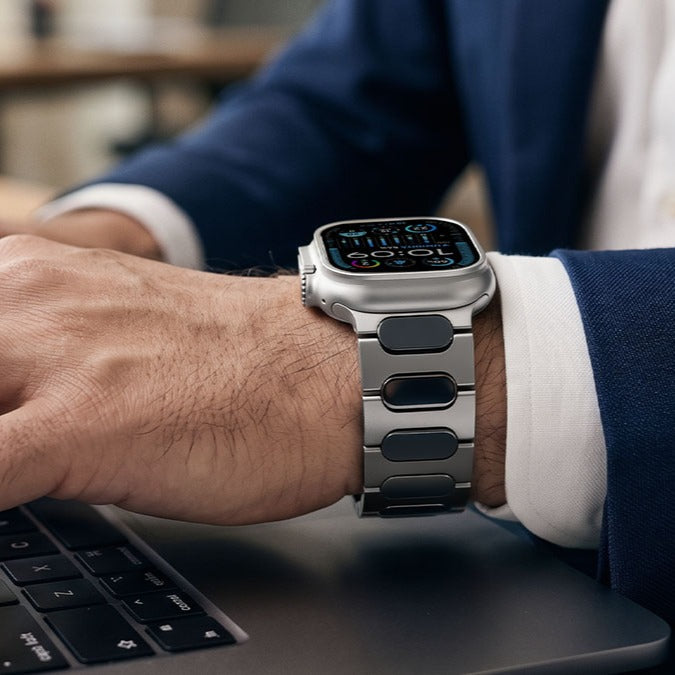
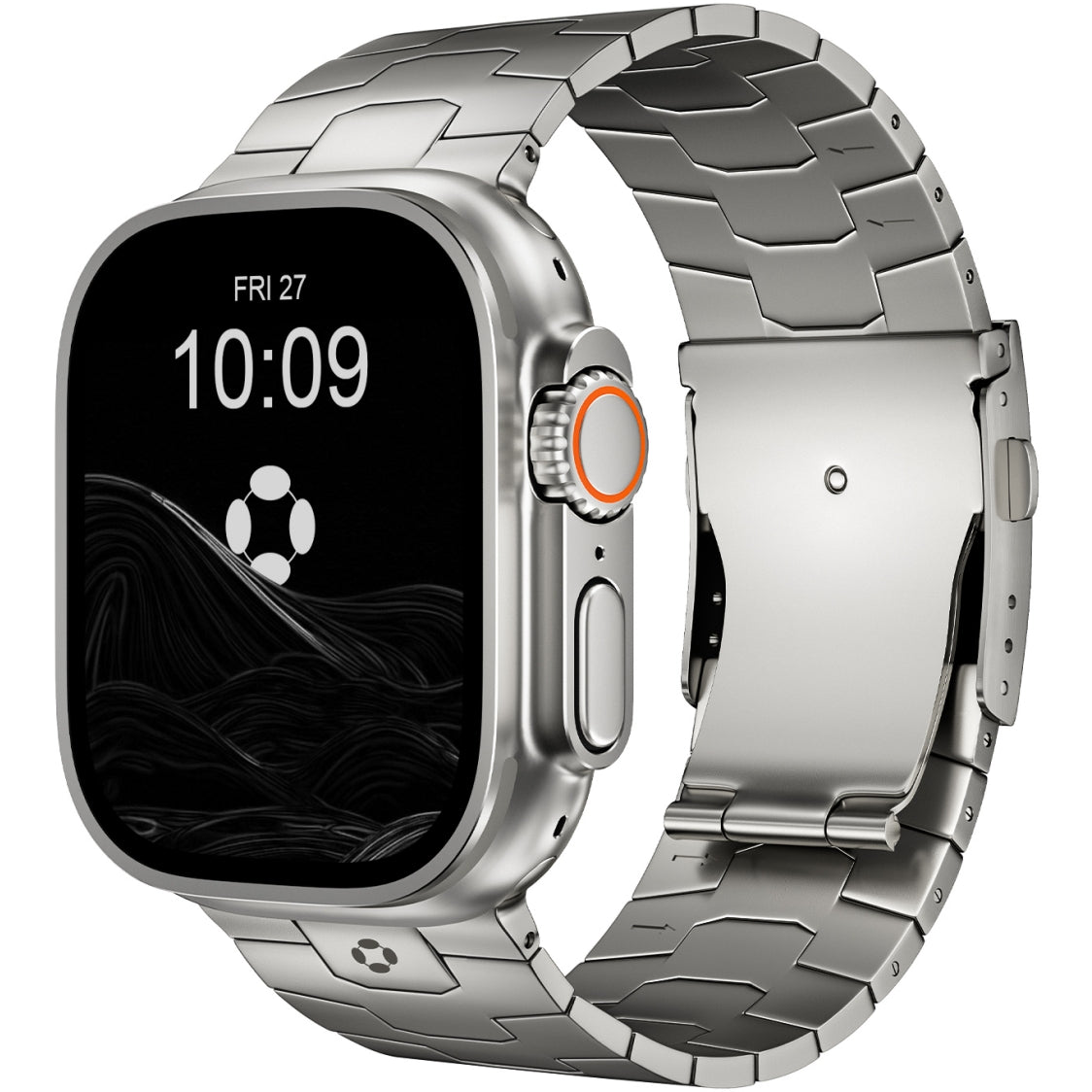
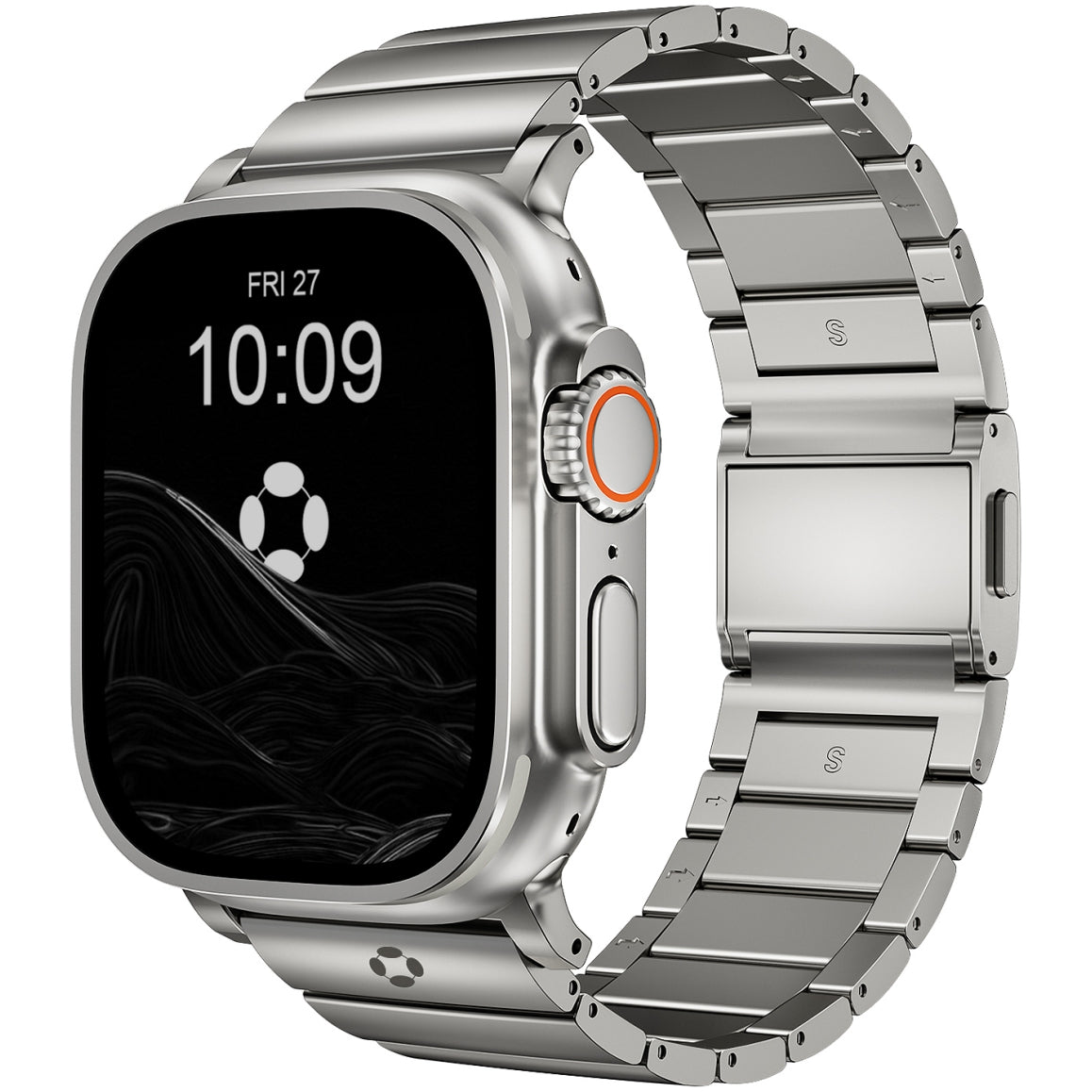
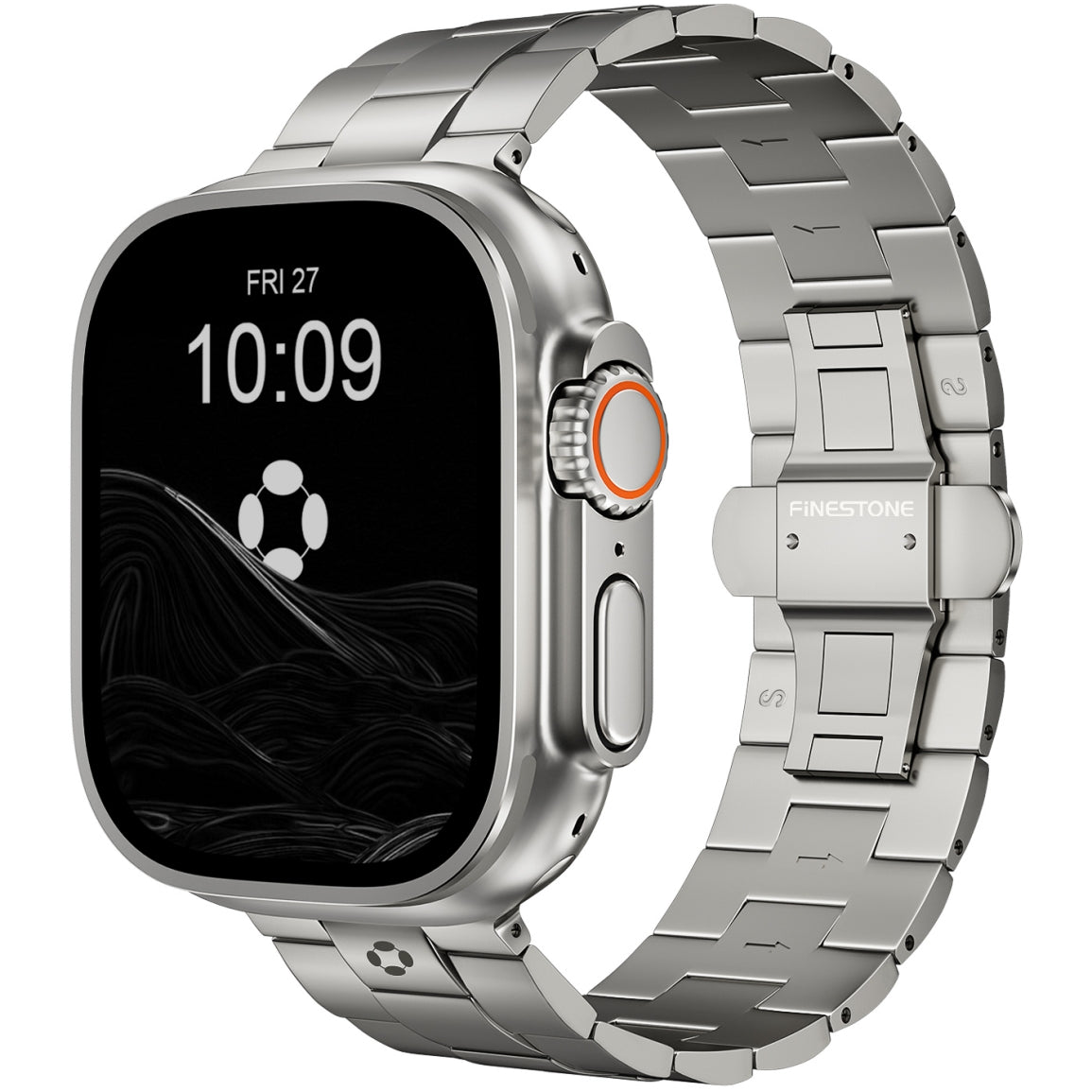
A premium titanium Apple Watch band can give the Ultra 4 a more refined business appearance.