
If you’re thinking about upgrading your wristwear or diving into the world of smartwatches, the Apple Watch is one of the top choices for tech-savvy individuals looking for style, functionality, and convenience all in one. Whether you’re new to the smartwatch scene or just considering upgrading to an Apple Watch, this guide will provide you with everything you need to know to get started.
From choosing the right model to understanding its features and accessories, we’ll walk you through all the basics and explain why the Apple Watch could be the perfect addition to your daily routine. Plus, we'll talk about how selecting the right watch band, like a Finestone titanium Apple Watch band, can enhance both the functionality and appearance of your device.
What Is the Apple Watch?
The Apple Watch is a line of smartwatches developed by Apple, combining the features of a traditional watch with the capabilities of a smartphone. It integrates seamlessly with your iPhone, allowing you to receive notifications, track your fitness goals, send messages, answer calls, and even manage your calendar—all directly from your wrist.
Available in various models, the Apple Watch offers a range of features that make it one of the most versatile gadgets you can wear.
Key Features of the Apple Watch:
-
Fitness Tracking: Monitor your steps, calories burned, heart rate, sleep, and even track specific workouts.
-
Notifications: Receive texts, emails, and app notifications right on your wrist.
-
Health Monitoring: Features like ECG (electrocardiogram), blood oxygen levels, and fall detection help keep you healthy.
-
Customization: With a wide selection of watch faces and bands, the Apple Watch can easily fit your style.
Which Apple Watch Model Should You Choose?
Apple offers several Apple Watch models to cater to different needs, preferences, and budgets. The two main categories are:
1. Apple Watch Series
The Apple Watch Series models are the most popular and come with a wide range of features, including health and fitness tracking, cellular capabilities, and water resistance. The latest model, Series 8, includes advanced sensors for more comprehensive health monitoring, such as a temperature sensor and car crash detection.
2. Apple Watch SE
The Apple Watch SE offers a more affordable option without sacrificing essential features like fitness tracking, heart rate monitoring, and notifications. It's perfect for those who want an Apple Watch experience but don’t need the advanced sensors found in the Series 8.
3. Apple Watch Ultra
The Apple Watch Ultra is designed for outdoor enthusiasts and athletes who require a more rugged watch with enhanced durability, a bigger display, and longer battery life. It comes with features like GPS precision, a siren, and water resistance suitable for diving.
Apple Watch Setup: Getting Started
Once you've chosen the right model, setting up your Apple Watch is easy and straightforward. Here's how:
1. Pairing with Your iPhone
To begin using your Apple Watch, you’ll need to pair it with your iPhone. Simply turn on your watch and open the Apple Watch app on your iPhone. Follow the on-screen instructions to pair your devices, and you'll be ready to start customizing and using your watch.
2. Setting Up Notifications
Once paired, you can choose which apps you want to receive notifications from. This allows you to stay on top of important alerts without having to pull out your phone.
3. Personalizing Your Watch
Customizing your Apple Watch is part of the fun. You can change the watch face, choose the complications (small widgets that display information like weather, fitness stats, or calendar events), and select the watch band that suits your style.
Must-Have Apple Watch Accessories
1. Apple Watch Bands: Style and Comfort
While the Apple Watch is functionally rich, its customizability extends beyond just the watch face. Apple Watch bands play a crucial role in how your watch fits, feels, and looks. Whether you're into leather, silicone, metal, or even fabric, the right band can dramatically change the appearance of your watch.
Why Titanium Bands Are Perfect for Apple Watch
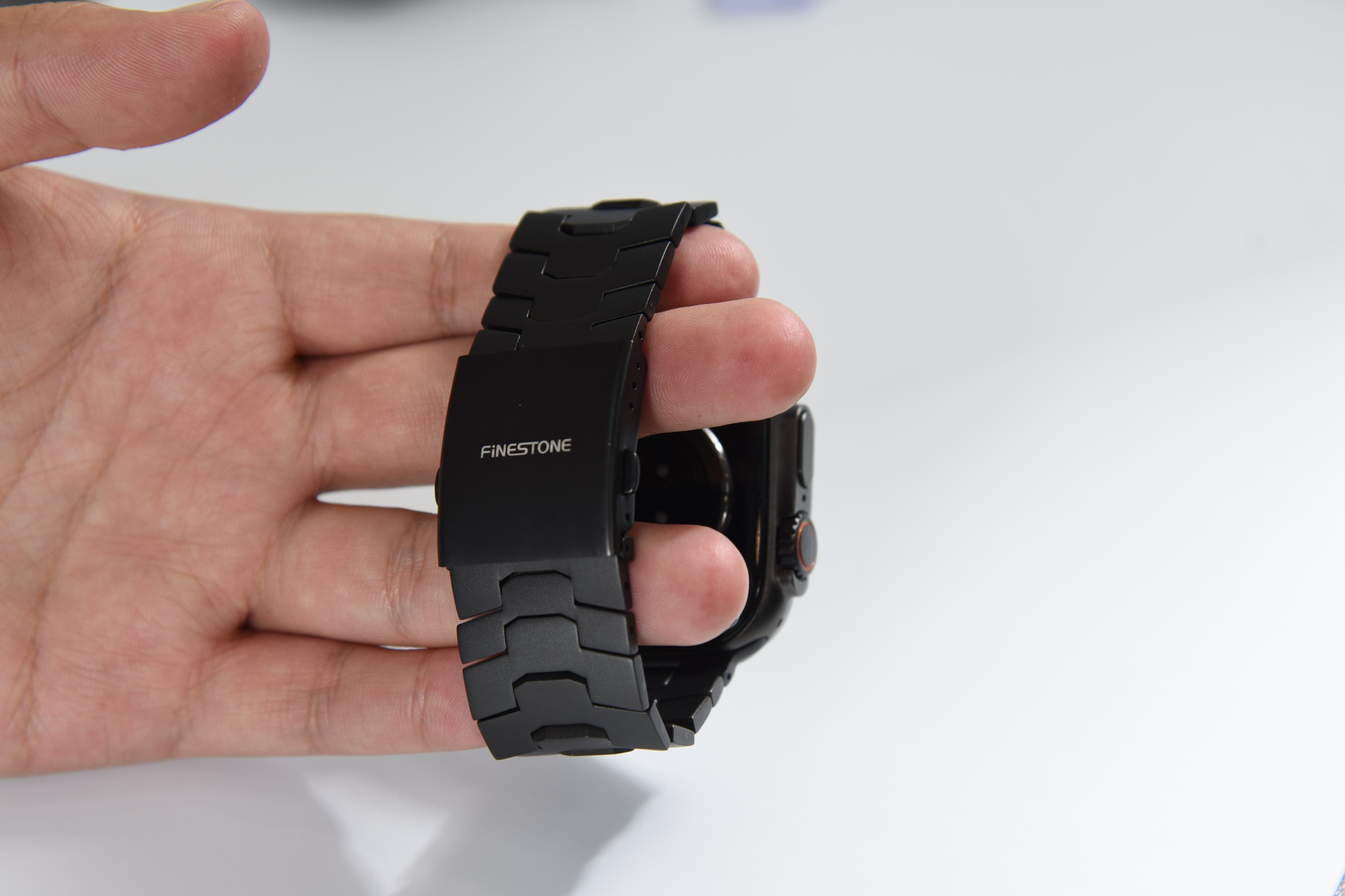
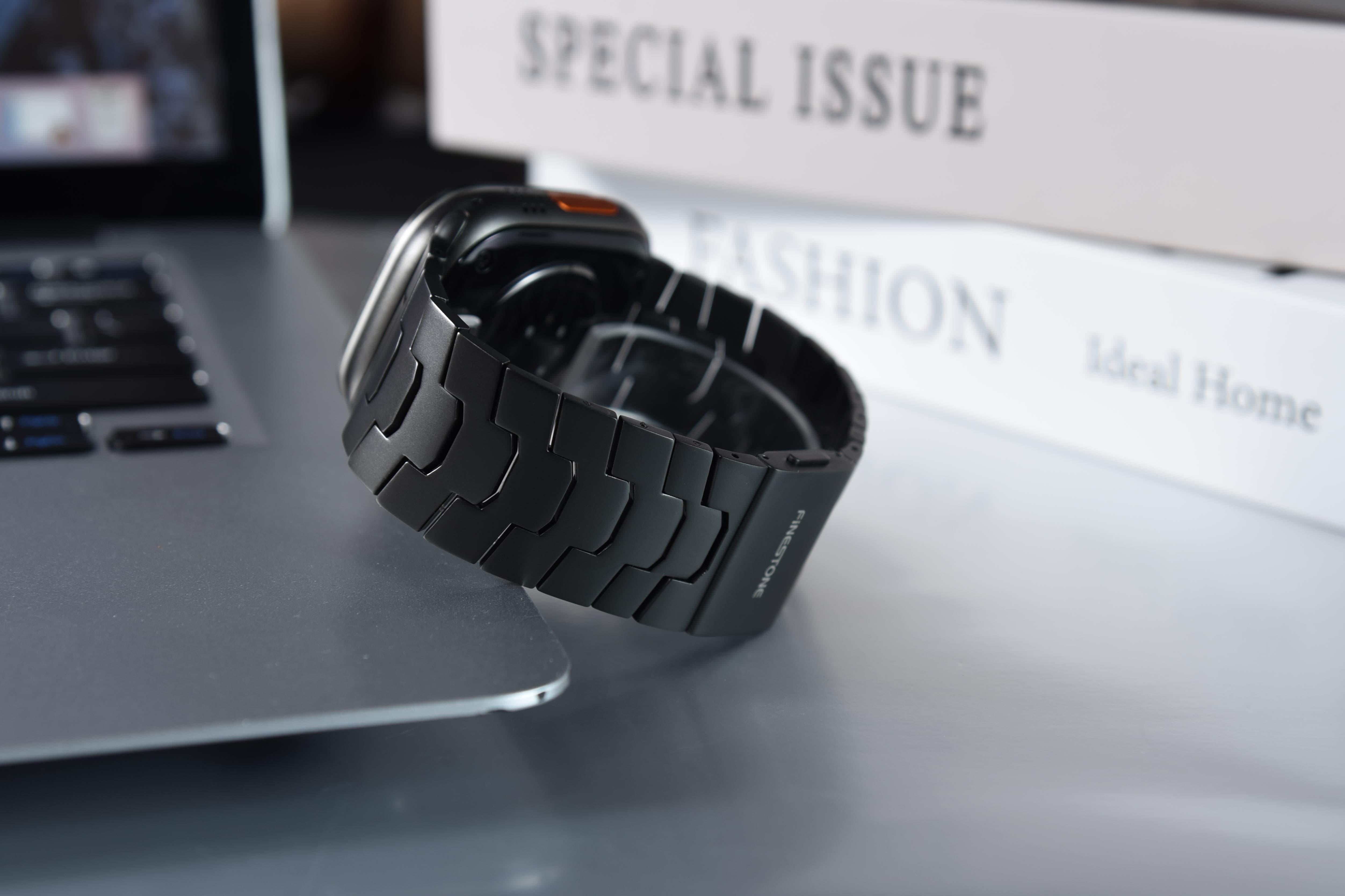
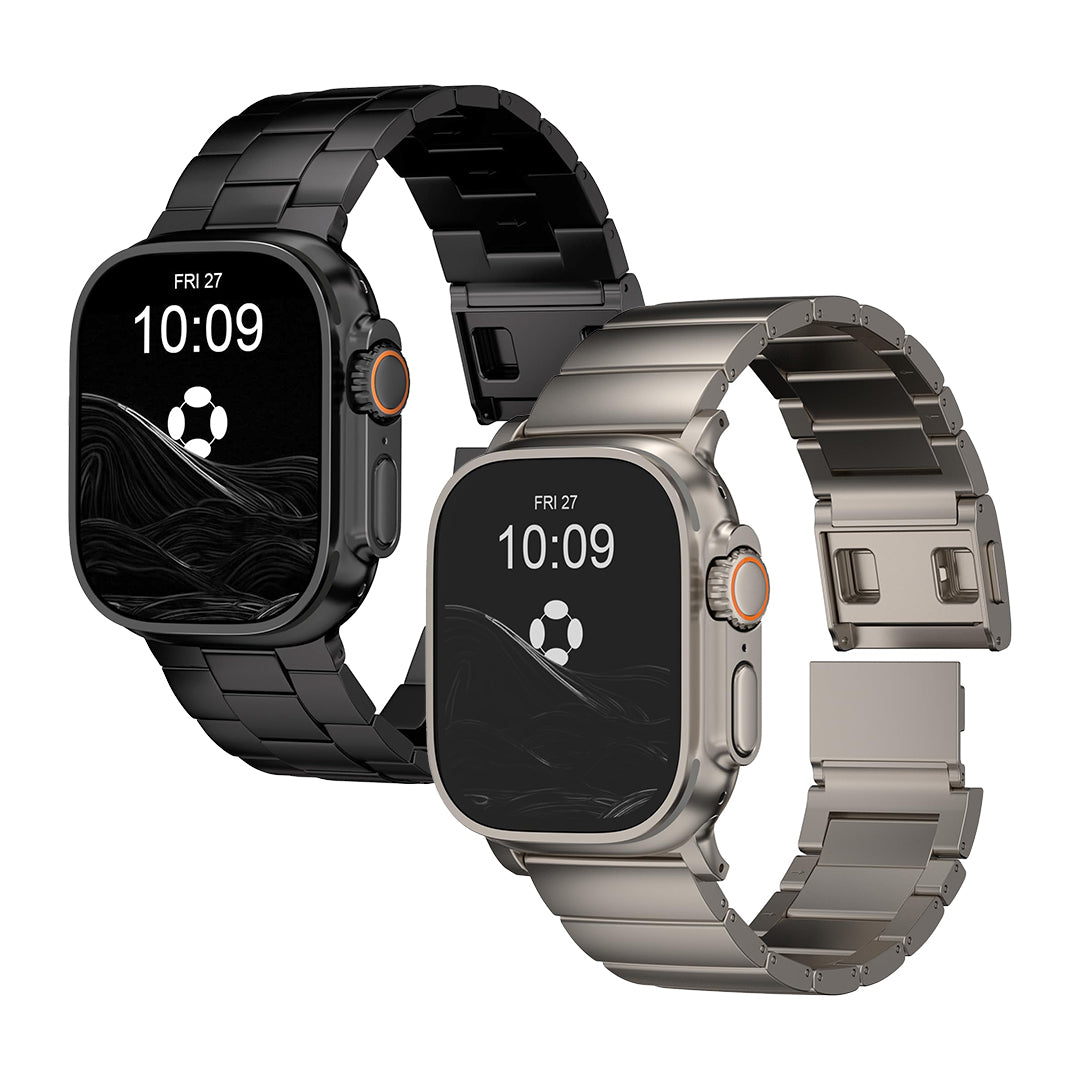
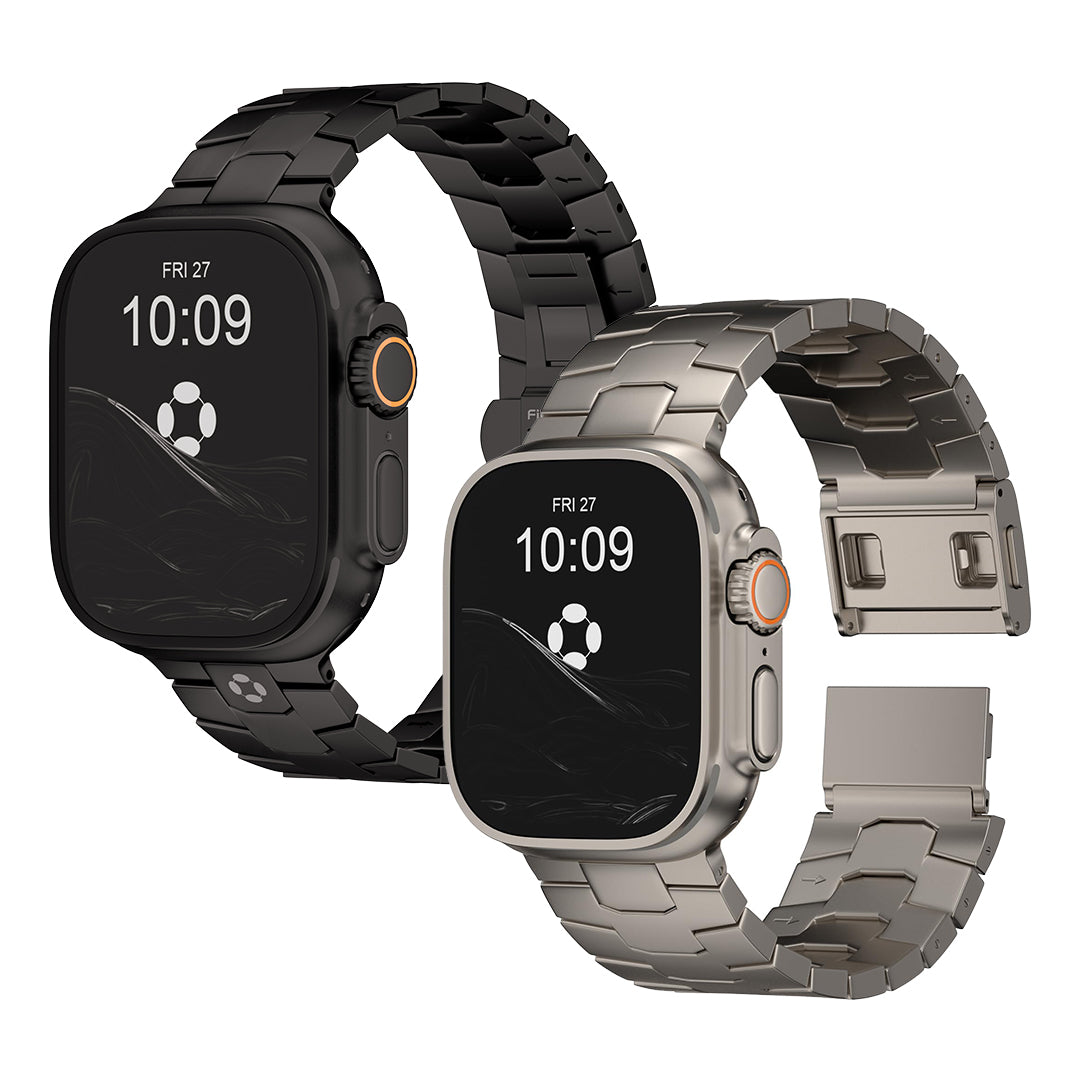
If you're looking for something that offers both style and comfort, titanium Apple Watch bands are an excellent choice. These bands are lightweight, durable, and hypoallergenic, making them perfect for both casual wear and professional settings.
Finestone’s titanium Apple Watch bands offer a sleek and modern aesthetic while providing durability and comfort. Whether you're heading to the office or hitting the gym, a titanium band ensures that your watch stays stylish, functional, and comfortable all day long.
2. Protective Cases and Screen Protectors
If you're worried about damaging your new Apple Watch, a protective case and screen protector are must-have accessories. These protectors guard your watch against scratches, dents, and accidental drops, especially for those who tend to be rough on their gadgets.
3. Charging Docks and Stands
A charging dock or stand makes it easy to keep your Apple Watch charged and accessible. Some docks even include extra features like a storage tray for small accessories or built-in speakers for an enhanced experience.
Tips for Using Your Apple Watch Like a Pro
Now that your Apple Watch is set up, here are some tips to get the most out of your device:
1. Track Your Fitness Goals
One of the best features of the Apple Watch is its fitness tracking capabilities. Whether you're training for a marathon or simply aiming for a more active lifestyle, the Apple Watch helps you stay motivated by tracking your steps, heart rate, and calories burned.
2. Use Apple Pay
With Apple Pay, you can securely make payments directly from your watch. Just double-click the side button and hold your watch near a contactless payment terminal for a fast and easy transaction.
3. Sync Your Music and Podcasts
Apple Watch can store and play music and podcasts directly from the watch, which is great if you're on a run or at the gym without your phone. You can sync your favorite tunes or podcasts using the Apple Watch app on your iPhone.
4. Set Up Fall Detection
For added safety, the Apple Watch includes a fall detection feature that can sense if you fall and automatically alert emergency contacts. This feature is particularly useful for seniors or anyone who participates in high-risk activities.