
As smartwatches become more common, many older adults—and their families—are asking an important question: Is the Apple Watch actually easy for seniors to use?
The short answer is yes, but with some important considerations. The Apple Watch offers powerful health, safety, and communication features that can be incredibly helpful for older adults—if it’s set up and used correctly.
This guide explores ease of use, accessibility features, health benefits, common challenges, and tips to make the Apple Watch a practical and comfortable device for older users.
Why Older Adults Are Choosing Apple Watch
The Apple Watch is increasingly popular among older adults for three main reasons:
-
Health monitoring
-
Safety and emergency support
-
Simple communication with family
Unlike many tech devices, the Apple Watch is designed to be worn all day, making it especially useful for passive health tracking and quick assistance.
Is the Apple Watch Easy to Use for Seniors?
Overall Usability: Yes—with the Right Setup
Out of the box, the Apple Watch can feel overwhelming. However, Apple has built in extensive accessibility features that make it much easier for older adults once configured properly.
Key factors that affect ease of use:
-
Screen size
-
Text readability
-
Touch sensitivity
-
Battery management
-
Comfort of the watch band
With thoughtful setup, most seniors adapt quickly—even those who are not tech-savvy.
Accessibility Features Designed for Older Adults
Apple includes several features specifically helpful for seniors:
1. Larger Text & Bold Fonts
Text size can be increased significantly, making notifications and menus easier to read.
2. Voice Control & Siri
Seniors can:
-
Ask Siri to make calls
-
Send messages
-
Set reminders
-
Check the weather or time
No typing required.
3. AssistiveTouch
For users with limited hand mobility, AssistiveTouch allows control of the watch using simple hand gestures.
4. Simplified Watch Faces
Minimal watch faces reduce clutter and make key information—like time and heart rate—easy to see at a glance.
Health & Safety Features That Matter Most
Fall Detection
If the watch detects a hard fall and no movement, it can automatically call emergency services.
Emergency SOS
A long press of the side button connects the user directly to emergency help.
Heart Health Monitoring
Tracks heart rate and can notify users of irregular rhythms.
Medication Reminders
Helps older adults remember daily medications—especially helpful for independent living.
These features provide peace of mind not just for the wearer, but for family members as well.
Comfort: An Often Overlooked Factor
Ease of use isn’t just about software—it’s also about comfort.
Older adults are more sensitive to:
-
Heavy watches
-
Rigid or irritating bands
-
Poor fit that causes pressure or skin irritation
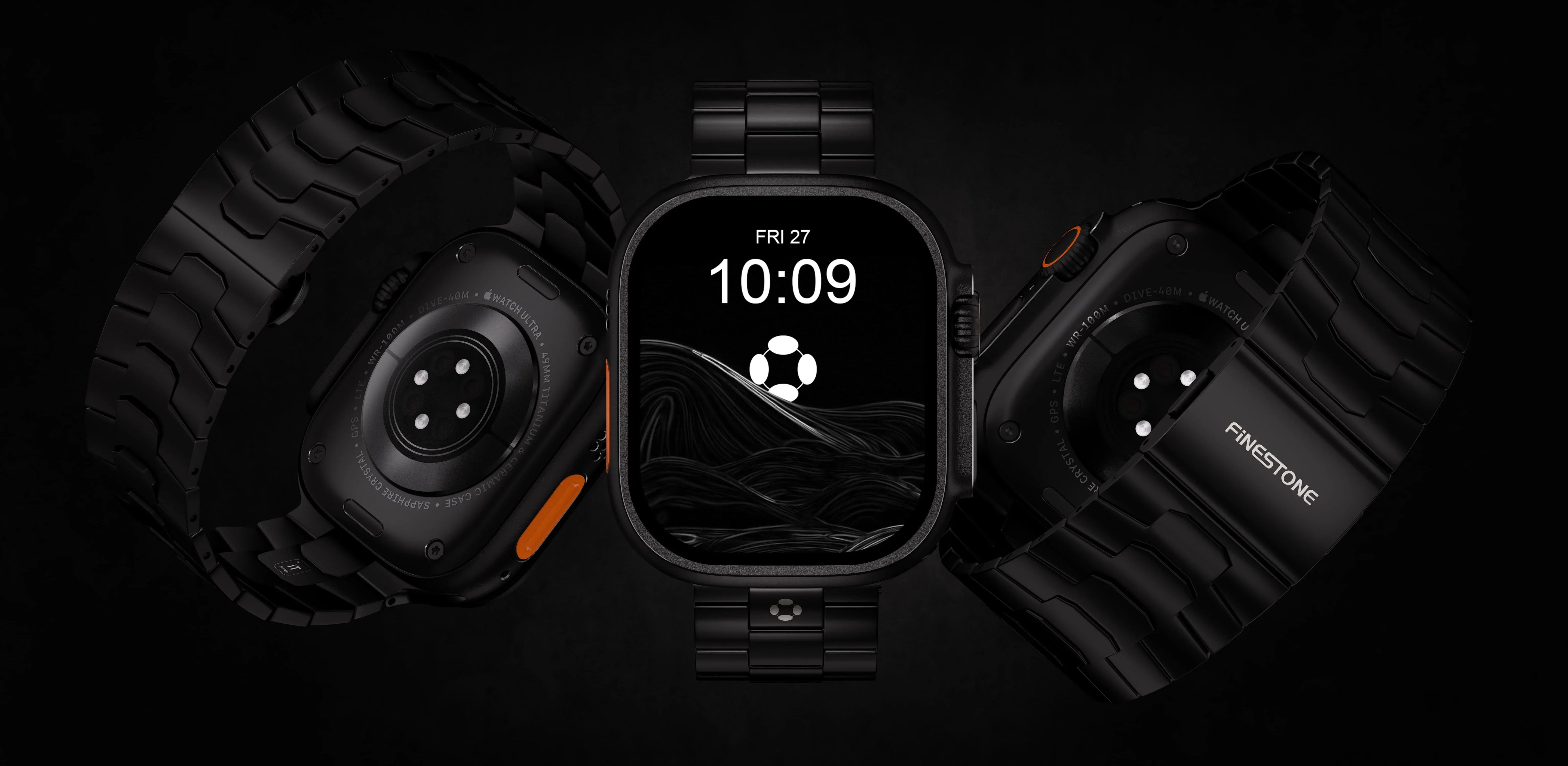
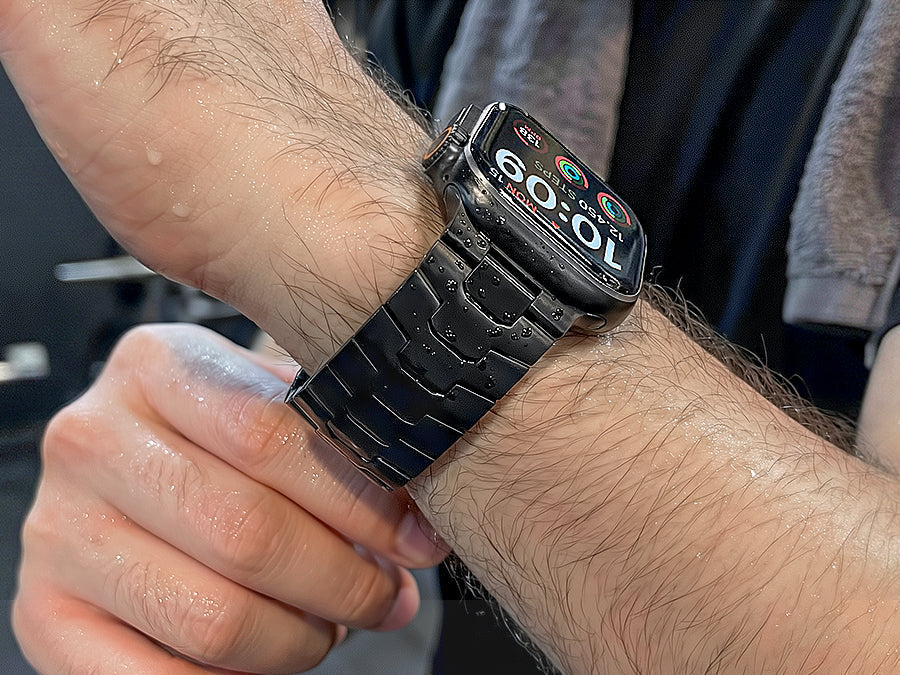
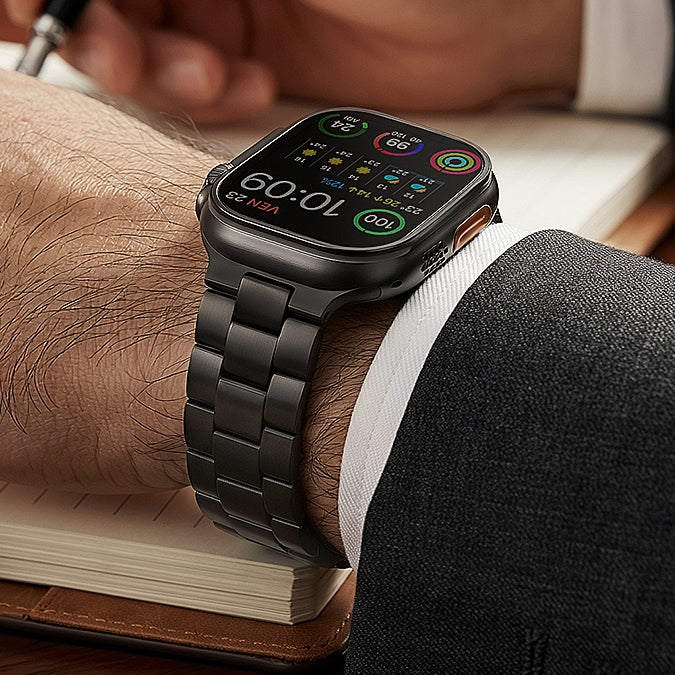
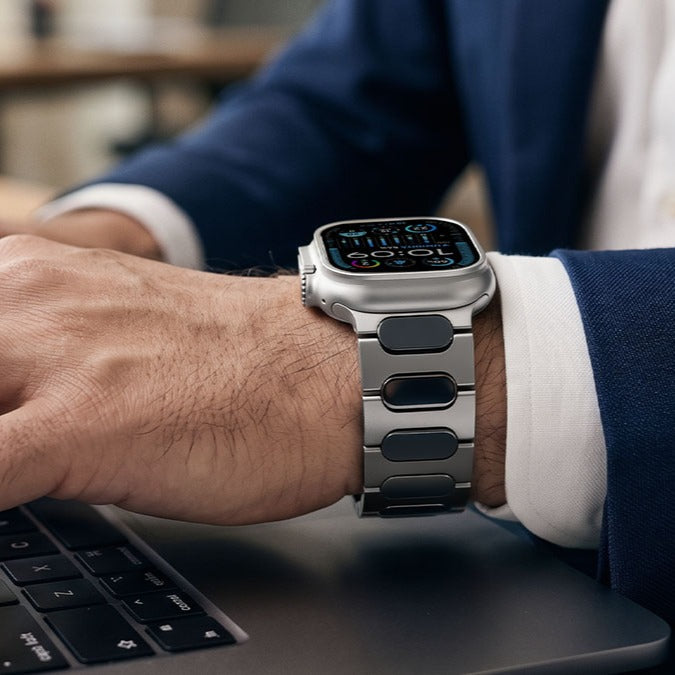
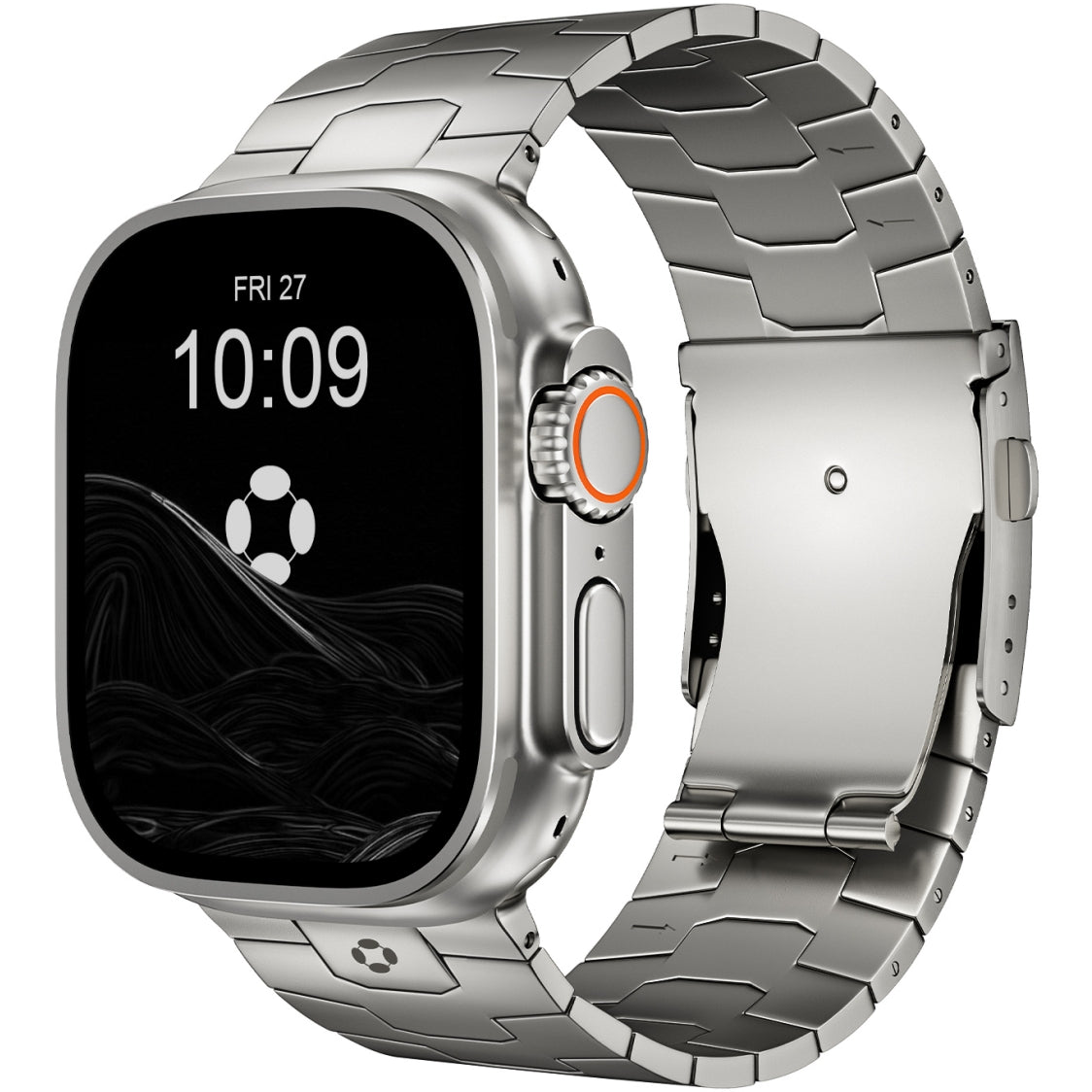
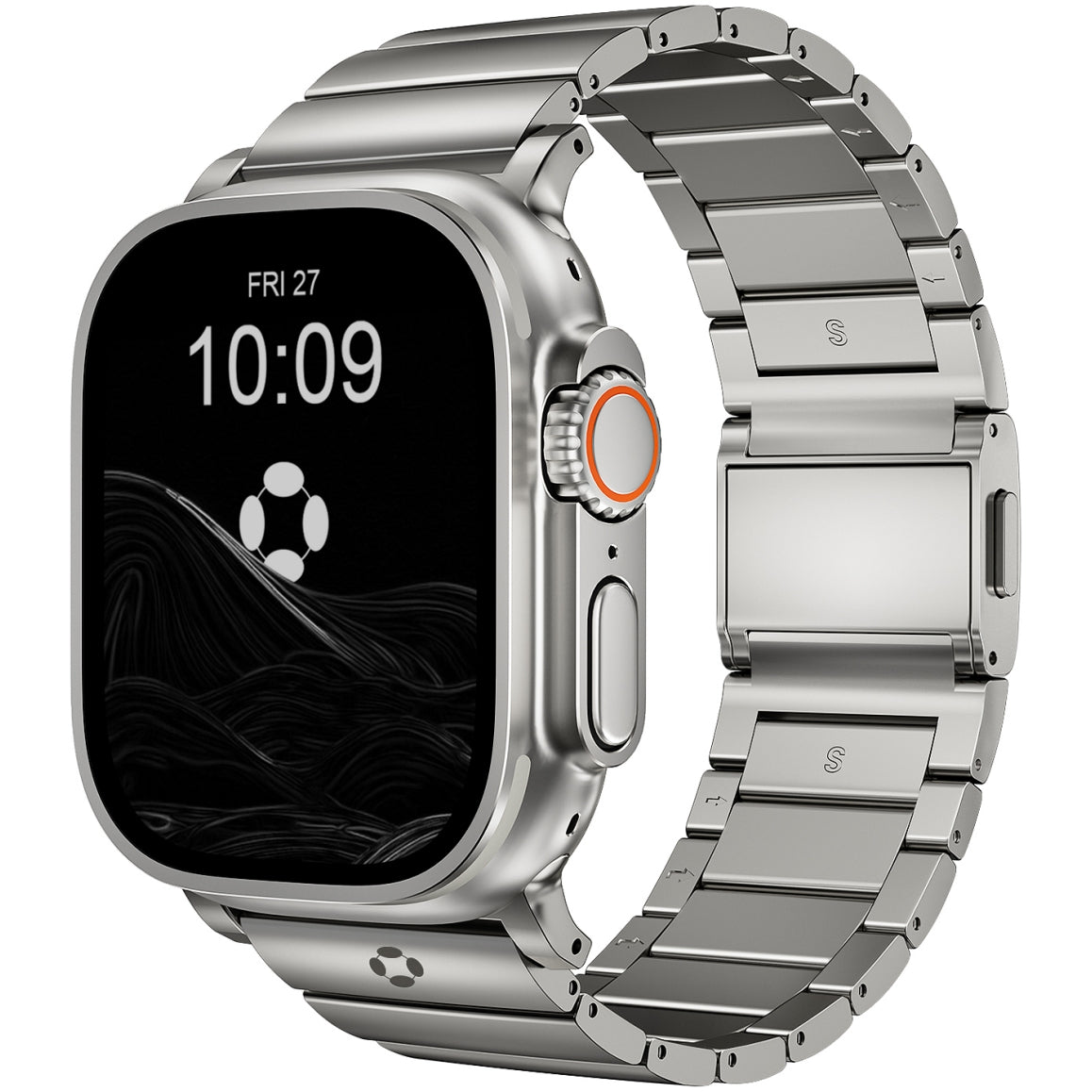
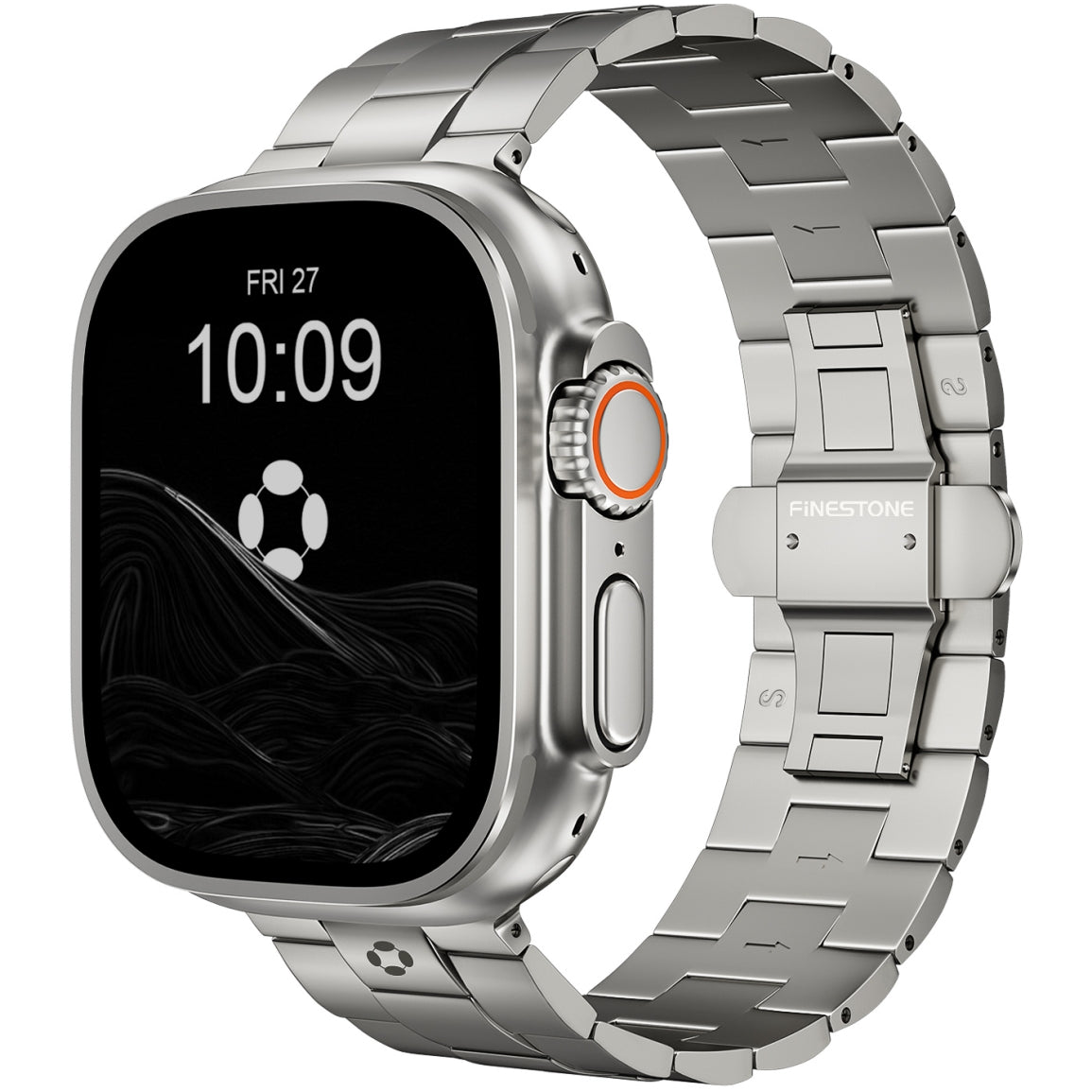
Lightweight, hypoallergenic bands—especially titanium—are often preferred. Some seniors and caregivers opt for Finestone titanium Apple Watch bands because they’re lighter than stainless steel, gentle on sensitive skin, and comfortable for all-day wear.

Battery Life & Charging Simplicity
Is Charging Difficult for Seniors?
Charging can be a challenge if:
-
The watch is removed daily
-
The charger cable is hard to align
Solutions:
-
Use a magnetic charging stand
-
Charge at the same time every day (e.g., during meals or sleep)
-
Enable low-power settings if needed
Most older adults adapt well with a consistent routine.
Cellular vs GPS: Which Is Better for Seniors?
For older adults, Apple Watch with cellular is often the better choice.
Benefits of Cellular Models:
-
Works without carrying an iPhone
-
Can make calls and send messages independently
-
Ideal for walks, errands, or emergencies
This independence is especially valuable for seniors who may forget their phone.
Common Challenges (and How to Solve Them)
| Challenge | Solution |
|---|---|
| Small icons | Increase text & icon size |
| Too many notifications | Disable non-essential alerts |
| Complex apps | Remove unnecessary apps |
| Uncomfortable band | Switch to lightweight, adjustable bands |
Many issues are easily resolved with initial setup and customization.
Is Apple Watch Worth It for Older Adults?
Yes—If:
-
Health and safety are priorities
-
The watch is properly configured
-
Comfort is addressed
-
Family members help with setup
Apple Watch is not just a gadget—it can be a daily health companion and safety tool for older adults.
Choosing the right size, simplifying the interface, and using a comfortable band—such as a lightweight titanium option from Finestone—can significantly improve the overall experience.