
Battery life is one of the most common concerns for Apple Watch users—both before buying and during daily use. Apple advertises "all-day battery," but what does that actually mean in real-world conditions?
Here's the honest breakdown of what to expect from each model, plus practical tips to make your battery last.
Battery Life by Model (Real-World)
Apple's official ratings are conservative. Here's what actual users experience:
| Model | Apple Rating | Real-World (Mixed Use) | GPS-Only Workout |
|---|---|---|---|
| SE 3 | Up to 36 hours | 40–46 hours | Up to 8 hours |
| Series 11 | Up to 36 hours | 38–43 hours | Up to 8 hours |
| Ultra 3 | Up to 72 hours | 60–63 hours | Up to 14 hours |
The SE 3 and Series 11 deliver about a day and a half of typical use. The Ultra 3 stretches to nearly three days—enough for weekend trips without a charger.
What Affects Battery Life
Your actual battery life depends heavily on how you use the watch:
Always-On Display
This is the biggest battery drain. With always-on display enabled, expect the lower end of the range. Disable it via Settings > Display & Brightness to gain 4–6 hours .
Cellular Connectivity
If you have a cellular model and spend time away from your iPhone, the watch uses more power maintaining its own connection. GPS-only models conserve battery by tethering to your phone via Bluetooth .
Workout Tracking
GPS workouts drain battery faster. A 1-hour outdoor run with GPS and heart rate tracking consumes about 10-12% on Series 11 . The Ultra handles GPS more efficiently, using about 8% per hour.
Background App Refresh
Apps constantly updating in the background add up. Disable refresh for non-essential apps in Settings > General > Background App Refresh .
Screen Brightness
Auto-brightness helps, but manually reducing brightness extends battery further—especially indoors.
Real-World Scenarios
Light User
-
Always-on display: Off
-
Cellular: GPS-only model
-
Workouts: 2-3 per week
-
Notifications: Moderate
Result: 46+ hours (nearly two full days) on SE 3 or Series 11
Average User
-
Always-on display: On
-
Cellular: GPS-only or cellular with phone nearby
-
Workouts: Daily 30-60 minutes
-
Notifications: Frequent
Result: 36-40 hours (charge every morning or night)
Heavy User
-
Always-on display: On
-
Cellular: Frequent standalone use
-
Workouts: Daily GPS tracking (1+ hours)
-
Music streaming from watch
Result: 24-30 hours (daily charging required)
Ultra 3 User (Any Usage)
The Ultra 3's larger battery consistently delivers 60+ hours regardless of usage patterns. It's the only Apple Watch that comfortably handles sleep tracking without daytime charging.
Extending Your Battery Life
Quick Tips
-
Enable Low Power Mode: Reduces background activity, extends battery by up to 50% . Access via Control Center > battery percentage button.
-
Reduce Notifications: Only essential apps should ping your wrist.
-
Manage Workout Settings: Disable "Precision Start" for workouts to avoid GPS running unnecessarily .
-
Turn Off Noise Monitoring: Constant decibel detection consumes battery. Disable via Watch app > Noise .
-
Keep Bluetooth On: The watch uses less power when connected to iPhone via Bluetooth than when searching for Wi-Fi or cellular.
Charging Habits
For SE 3 and Series 11
These models typically need daily charging. Most users choose one of two patterns:
-
Overnight charging: Wake up with 100%, wear all day, charge before bed
-
Sleep tracking: Charge during morning shower or evening wind-down (fast charging gives 80% in 45 minutes)
For Ultra 3
Charge every 2-3 days. Many users charge during low-activity moments—while working at a desk or watching TV—rather than disrupting sleep.
Fast Charging
All current models support fast charging:
-
Series 11: 0% to 80% in about 45 minutes
-
Ultra 3: 0% to 80% in about 60 minutes
Use the included magnetic fast charger for best results. Older third-party chargers may charge more slowly.
Battery Health Over Time
Like all lithium-ion batteries, Apple Watch batteries degrade with use. After 2-3 years, maximum capacity typically drops to 80-85% .
To preserve battery health:
-
Avoid letting the battery drain to 0% regularly
-
Avoid charging in extreme heat (direct sunlight, hot car)
-
Use optimized charging (enabled by default) which learns your routine and delays charging past 80% until needed
When battery health drops below 80%, Apple offers battery service for a fee ($99 for most models) .
What About Sleep Tracking?
Sleep tracking adds a layer of complexity to battery management:
With Series 11 or SE 3: You'll need to charge during the day. Fast charging makes this manageable—a 45-minute top-up while showering and dressing usually covers the night's usage .
With Ultra 3: Sleep tracking is effortless. The 63-hour battery easily covers two nights of sleep tracking between charges.
The Comfort Factor
If you're wearing your watch all day and night for sleep tracking, comfort becomes essential. A band that irritates your skin or feels heavy will make you want to take the watch off—disrupting both tracking and charging routines.
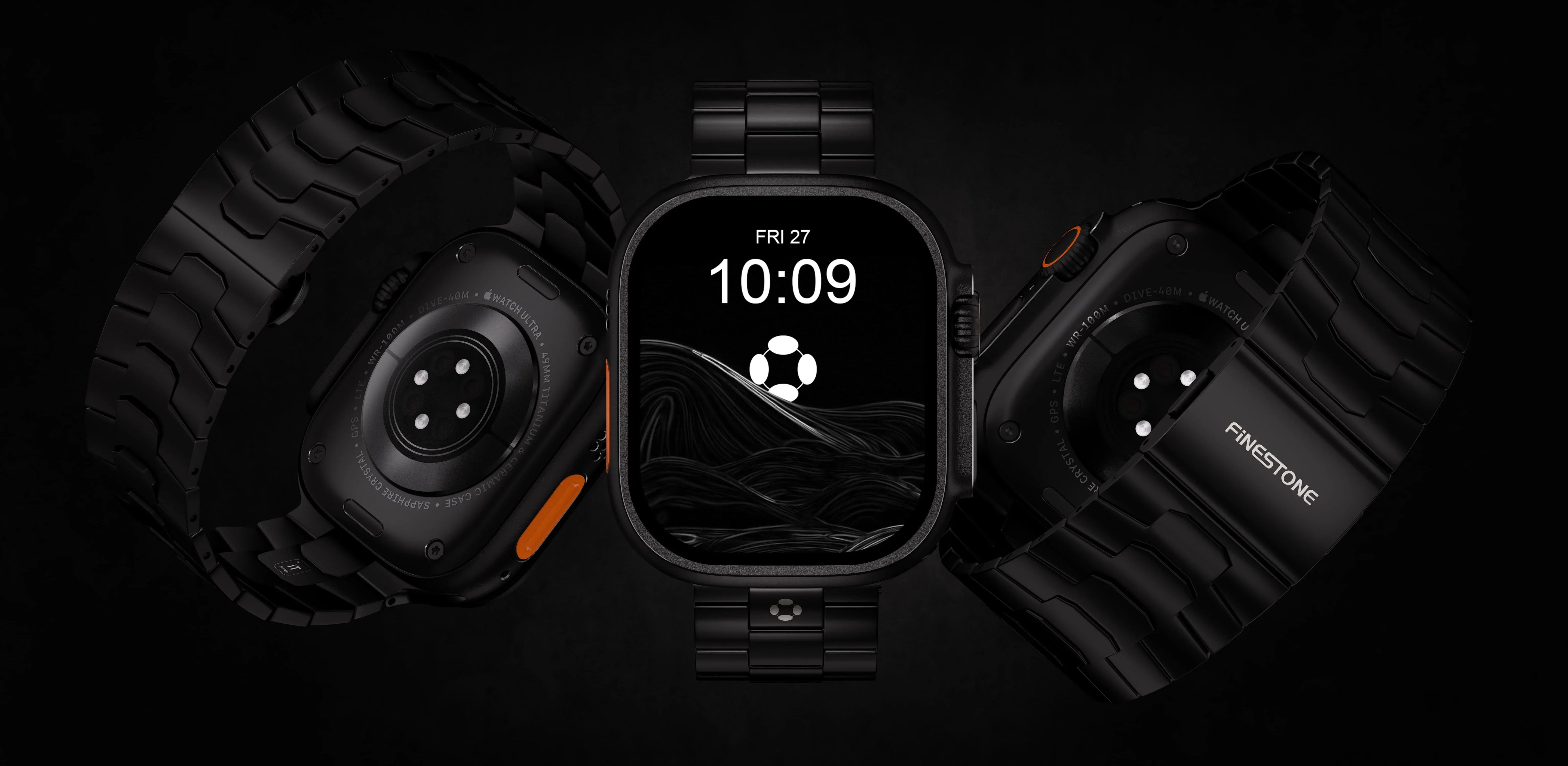
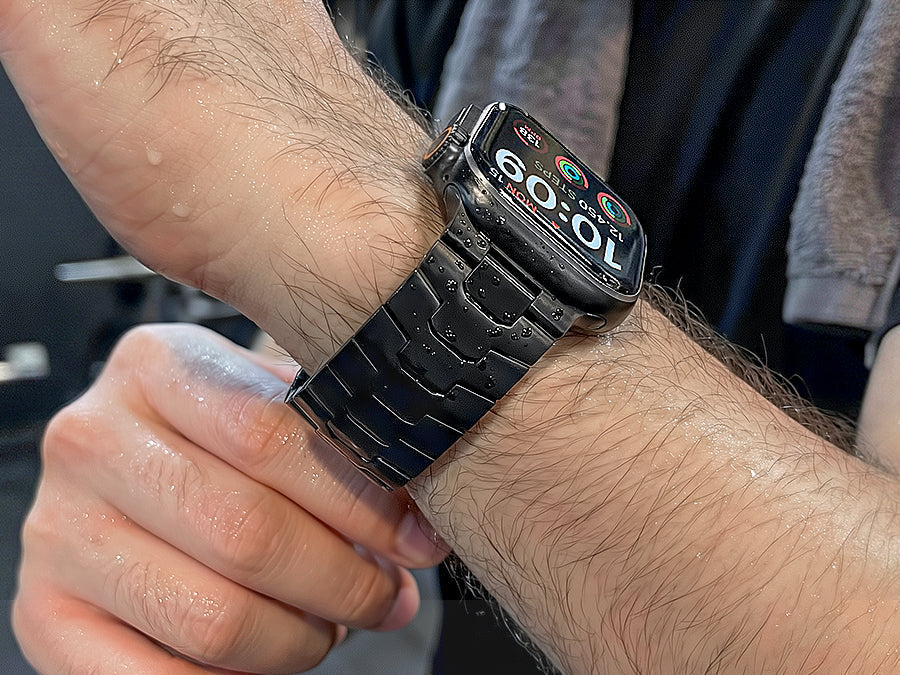
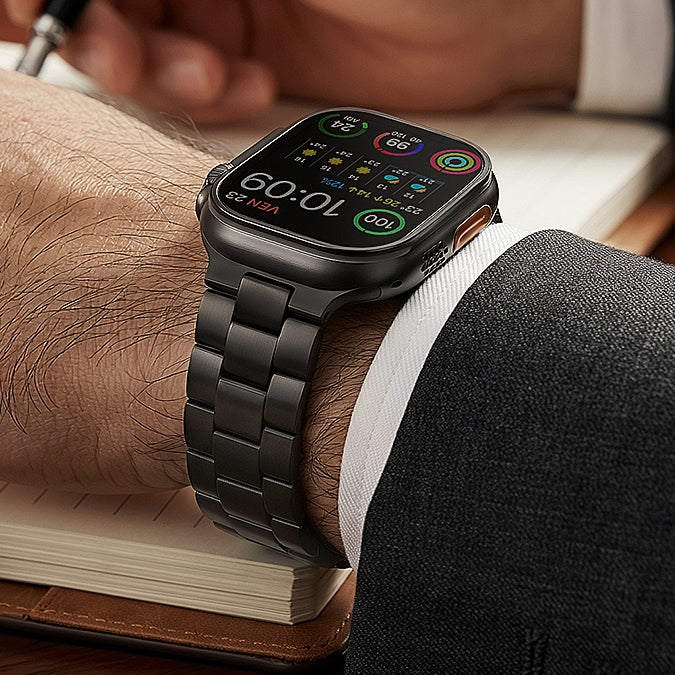
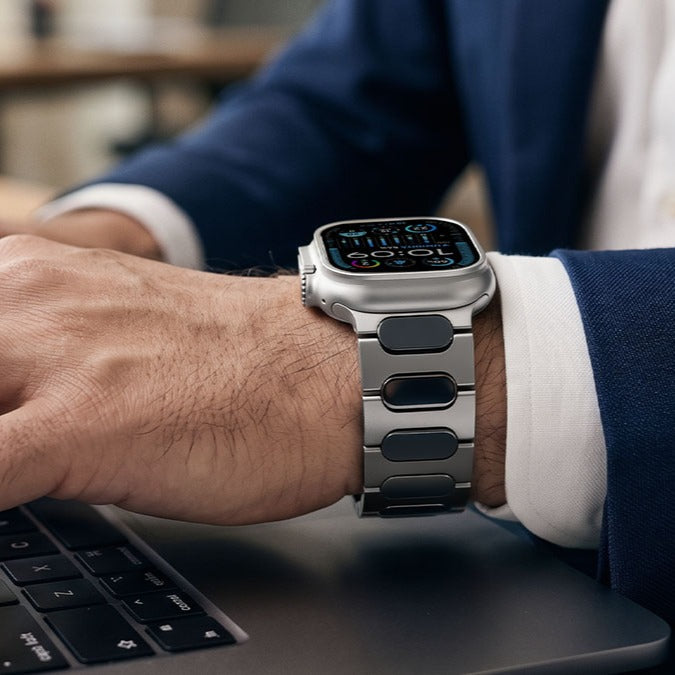
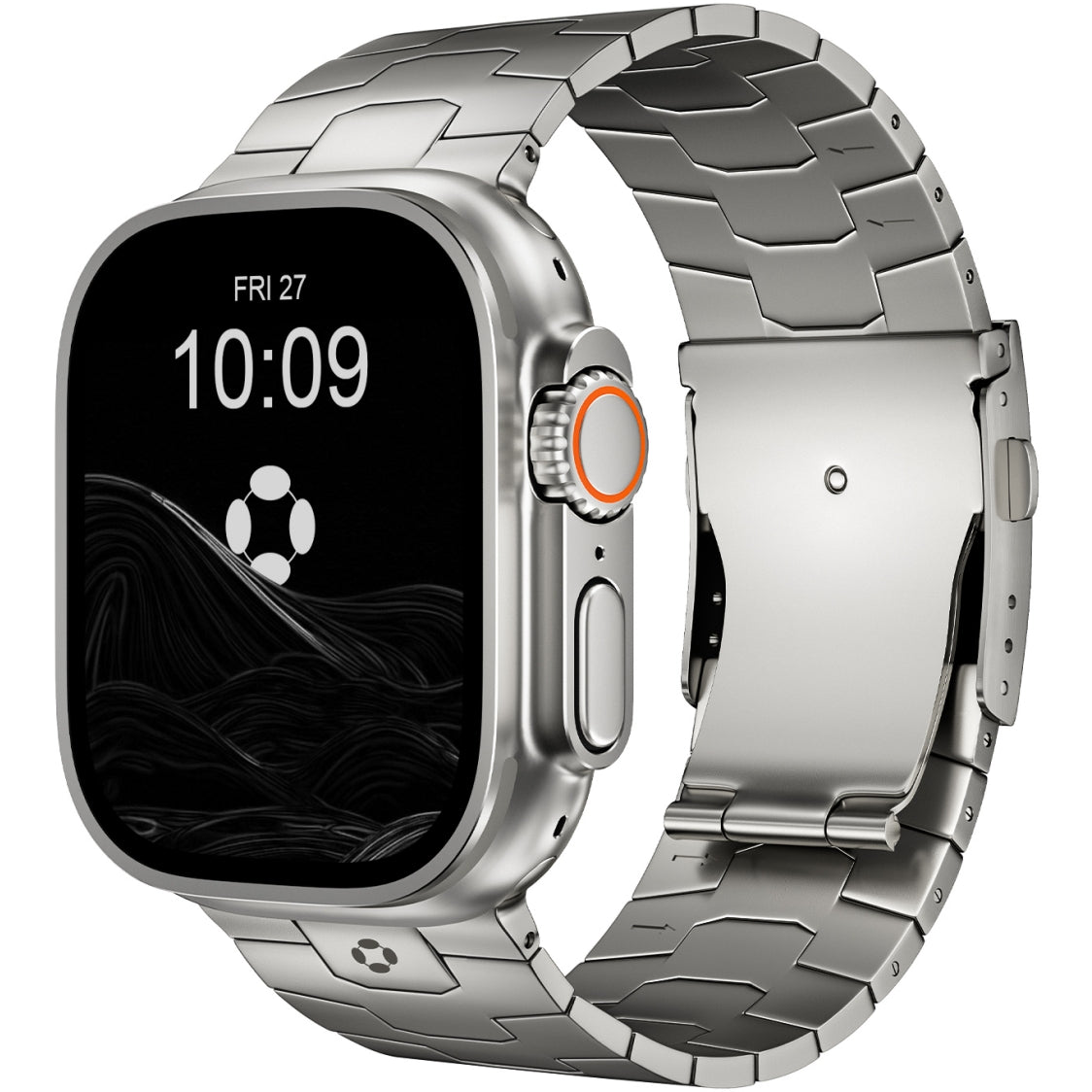
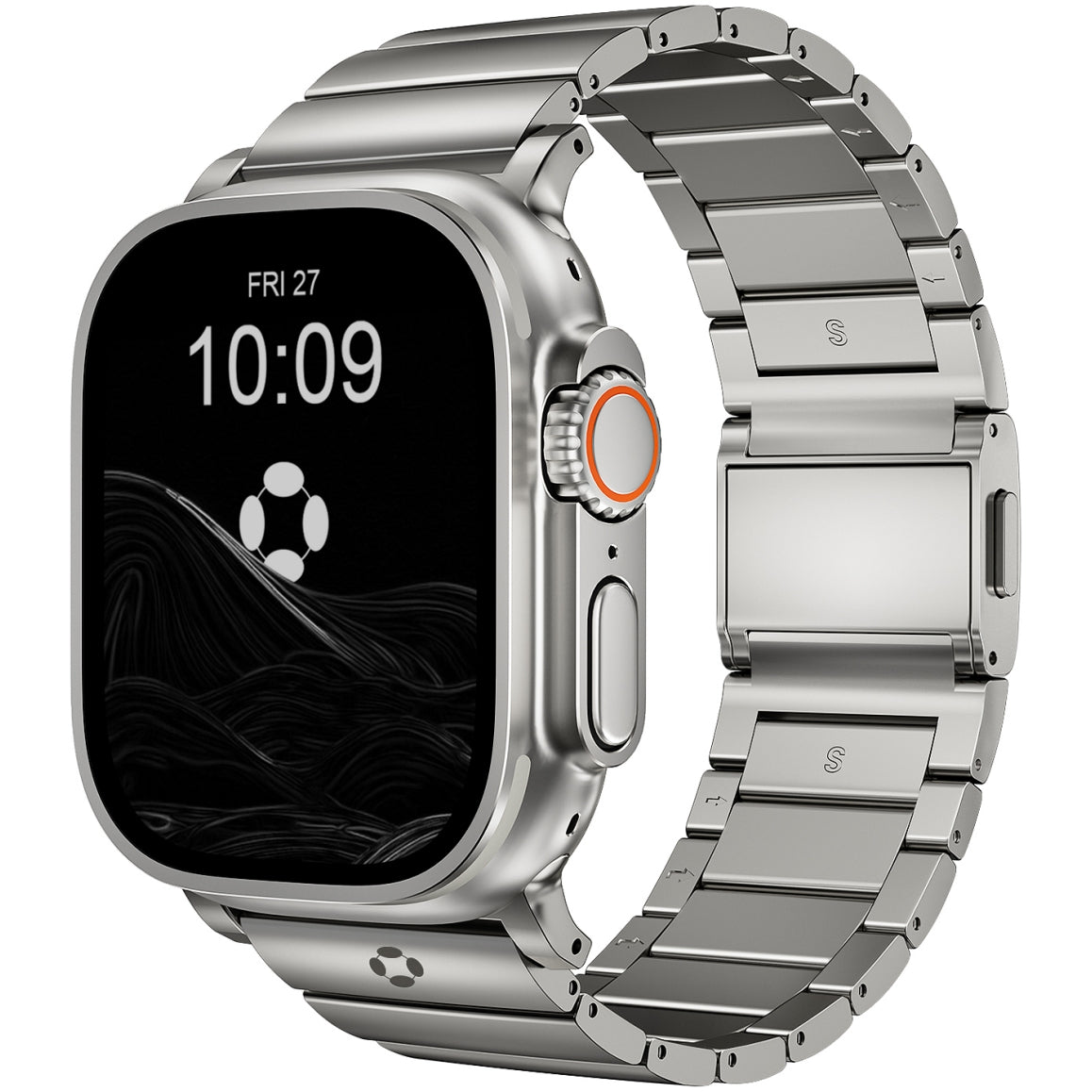
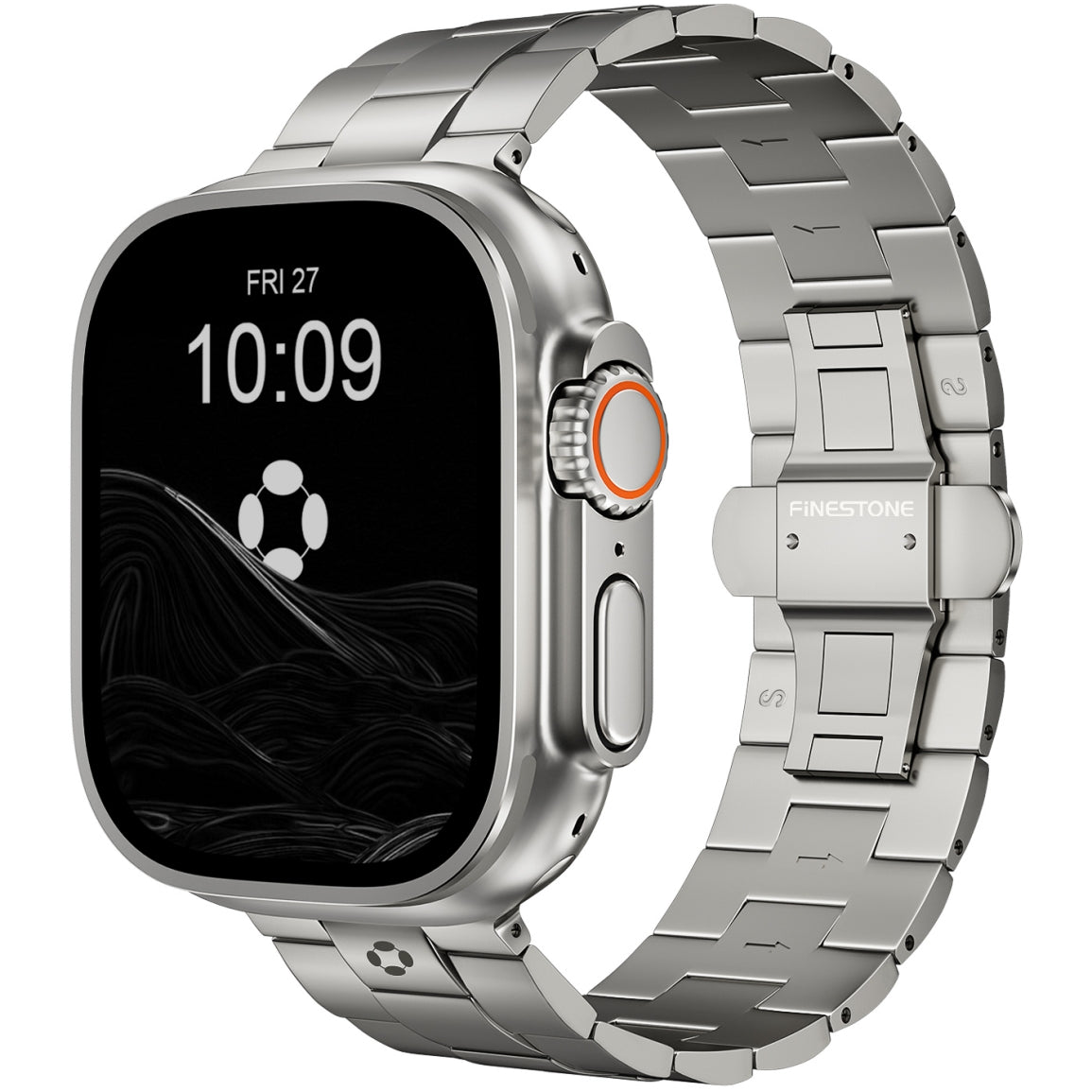
The FiNESTONE Titanium Band offers lightweight durability and a secure fit that stays comfortable through workouts, workdays, and sleep. Its DLC coating resists scratches from daily wear, and the folding clasp keeps the watch secure without overtightening—letting you focus on battery life, not discomfort.
The Bottom Line
Apple Watch battery life has improved significantly. The SE 3 and Series 11 deliver a solid day and a half of mixed use—enough for most users with daily charging. The Ultra 3 redefines expectations with nearly three days of endurance.
Your actual battery life depends on settings: always-on display, cellular usage, and GPS workouts are the main factors. With a few adjustments, even the standard models can stretch to two days.
Choose your model based on your tolerance for charging. If daily charging feels like a chore, the Ultra 3 is worth the extra cost. If you're comfortable with a nightly top-up, the Series 11 or SE 3 serve perfectly well—especially when paired with a comfortable band that makes you want to wear it all day.