
Apple Watch upgrades happen almost every year—but that doesn’t mean you should upgrade every year. With Apple releasing new models regularly, many users wonder: How often should you actually upgrade your Apple Watch?
The answer depends on how you use your watch, what features matter to you, and whether your current model still meets your needs. This guide breaks down upgrade timelines, real-world signs it’s time to upgrade, and smart ways to extend the life of your Apple Watch.
The Typical Apple Watch Upgrade Cycle
For most users, the ideal Apple Watch upgrade cycle is:
-
Every 3–4 years for average users
-
Every 4–5 years for light or casual users
-
Every 2–3 years for power users or athletes
Apple Watch hardware and software are designed to last, and many older models still perform well years later. Upgrading too frequently often delivers diminishing returns.
What Actually Improves With New Apple Watch Models?
Before upgrading, it’s important to understand what changes matter.
1. Performance & Chip Improvements
Newer models offer smoother animations and faster app loading, but the difference is most noticeable if you’re upgrading from a much older model (4+ years).
2. Health & Fitness Features
Major upgrade triggers often include:
-
New health sensors (e.g., ECG, blood oxygen)
-
Improved sleep tracking
-
More accurate heart-rate monitoring
-
Enhanced GPS and workout metrics
If health tracking is your top priority, upgrading makes sense when new sensors you’ll actually use are introduced.
3. Battery Efficiency
Apple Watch batteries degrade over time. After 2–3 years, many users notice:
-
Shorter daily battery life
-
Needing mid-day charging
-
Reduced reliability for sleep tracking
At this point, upgrading—or replacing the battery—becomes a practical decision.
Signs It’s Time to Upgrade Your Apple Watch
You should seriously consider upgrading if:
✔ Your watch no longer receives major watchOS updates
✔ Battery life doesn’t last a full day
✔ Apps feel slow or laggy
✔ You want health features your model doesn’t support
✔ Your lifestyle has changed (sports, outdoor use, work needs)
If none of these apply, your current Apple Watch is probably still doing its job.
When You Don’t Need to Upgrade
You may not need to upgrade if:
-
Your watch still gets watchOS updates
-
Battery lasts all day
-
Health features meet your needs
-
You mainly use it for notifications, steps, and basic workouts
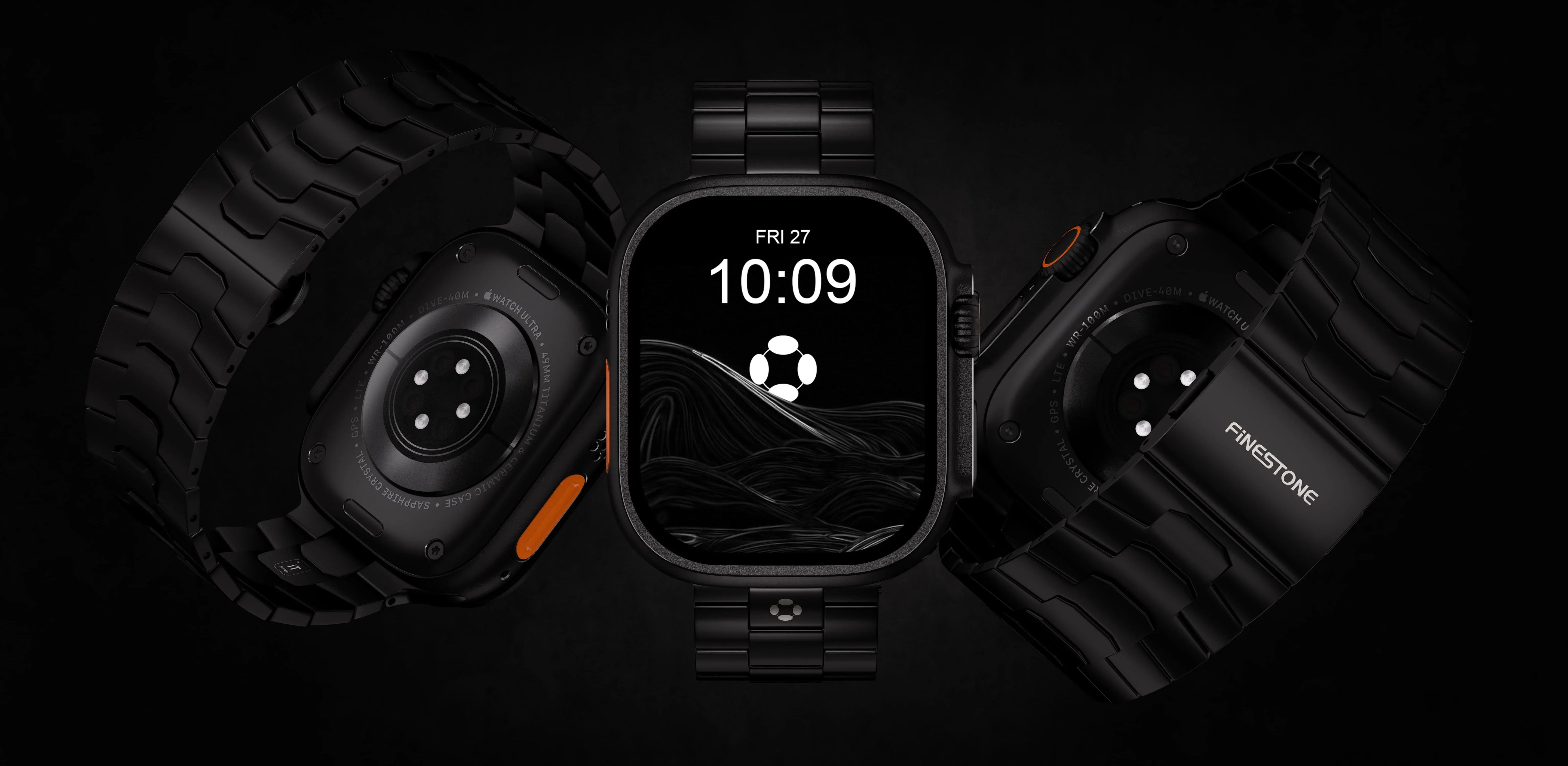
In these cases, upgrading your band instead of the watch itself can refresh the experience at a much lower cost.
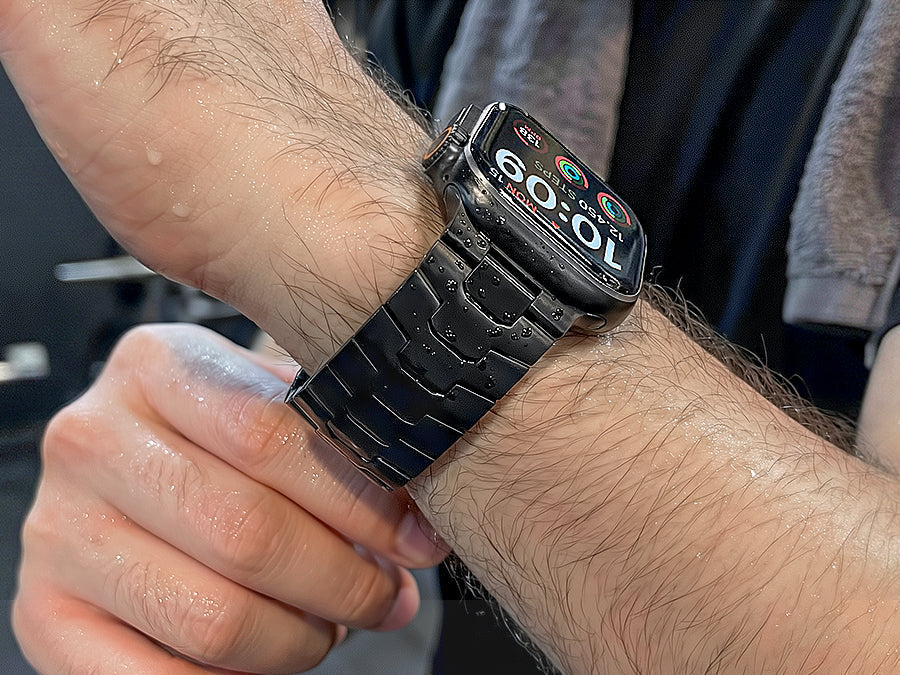
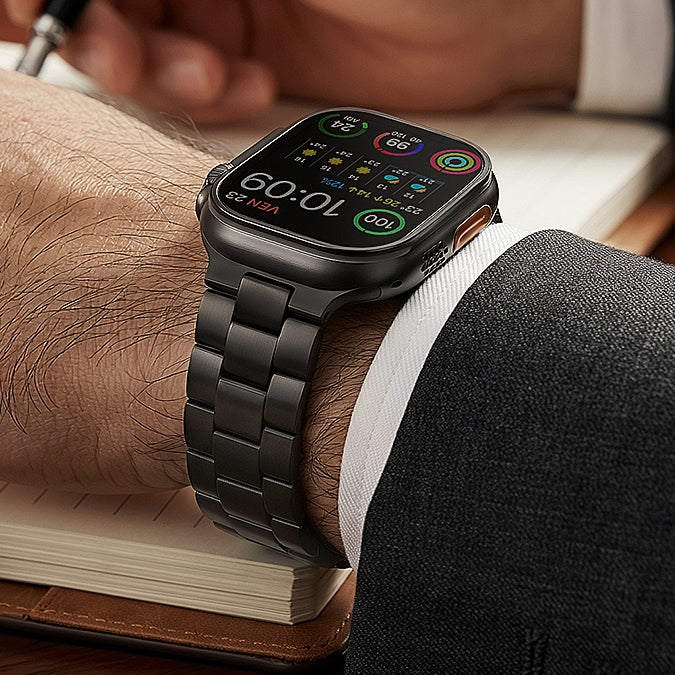
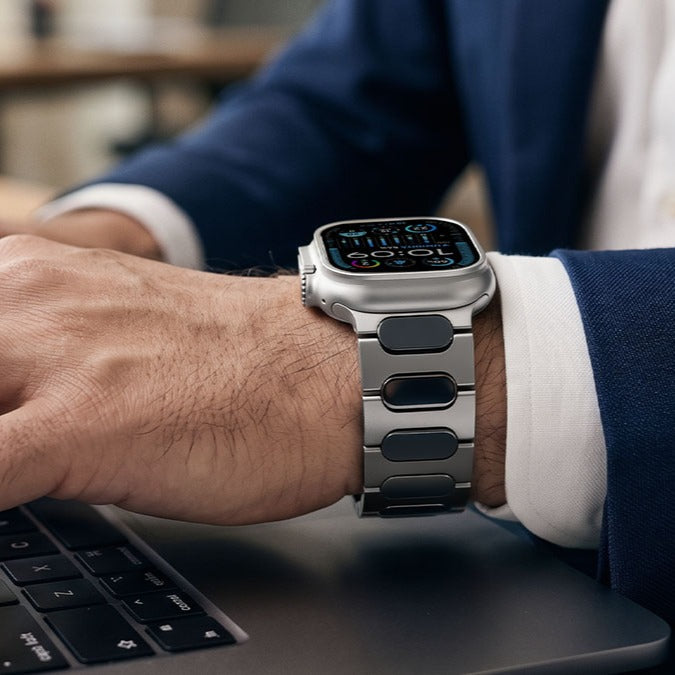
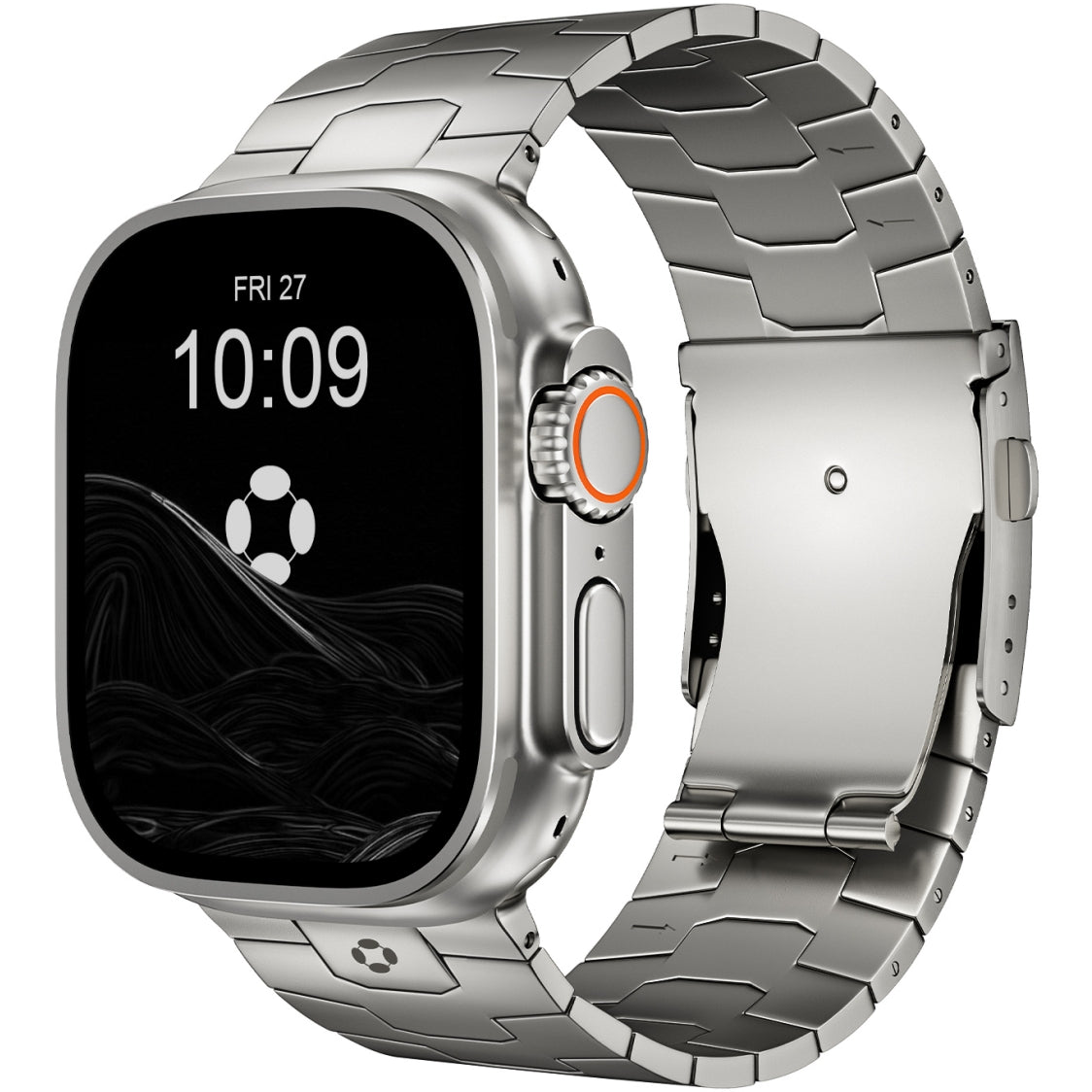
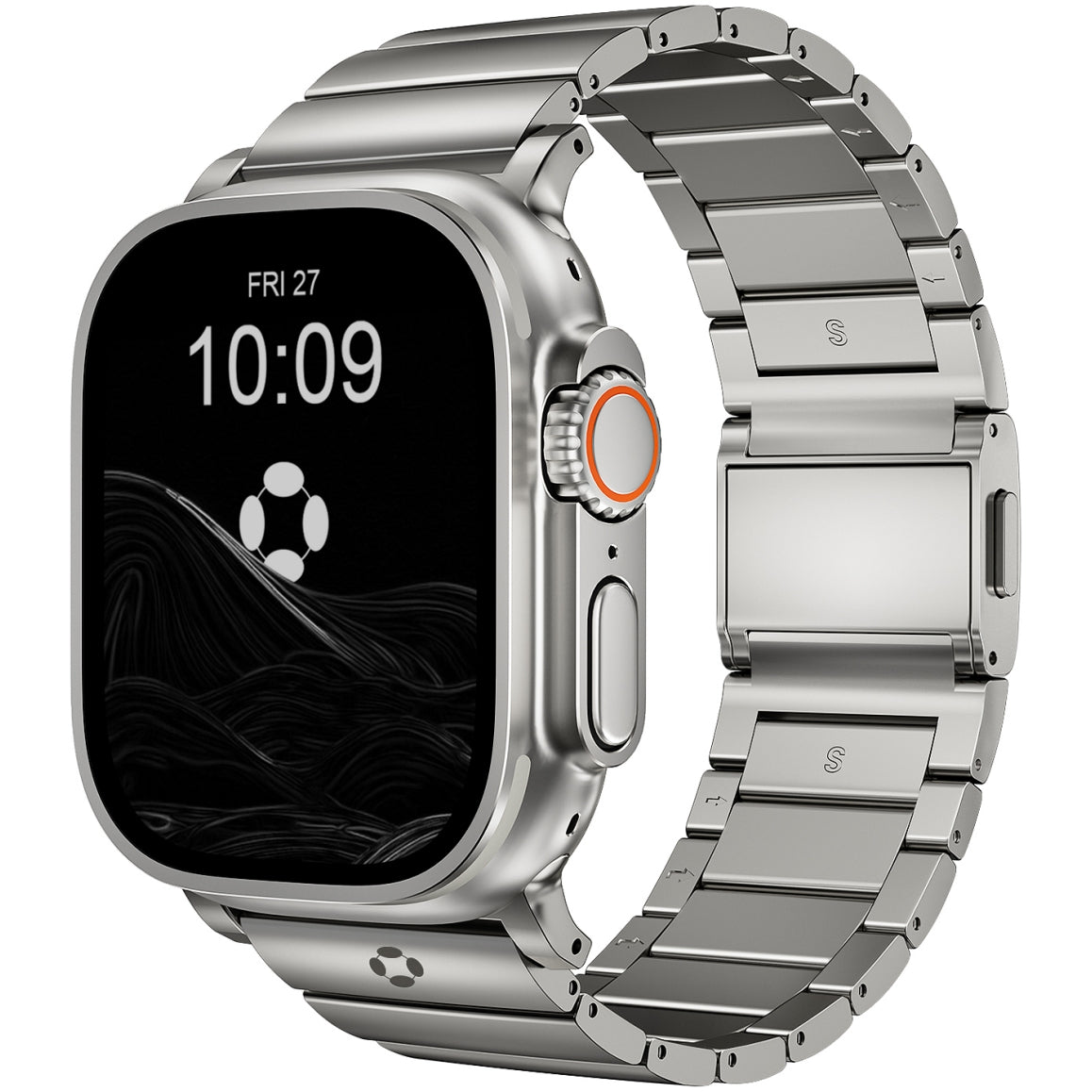
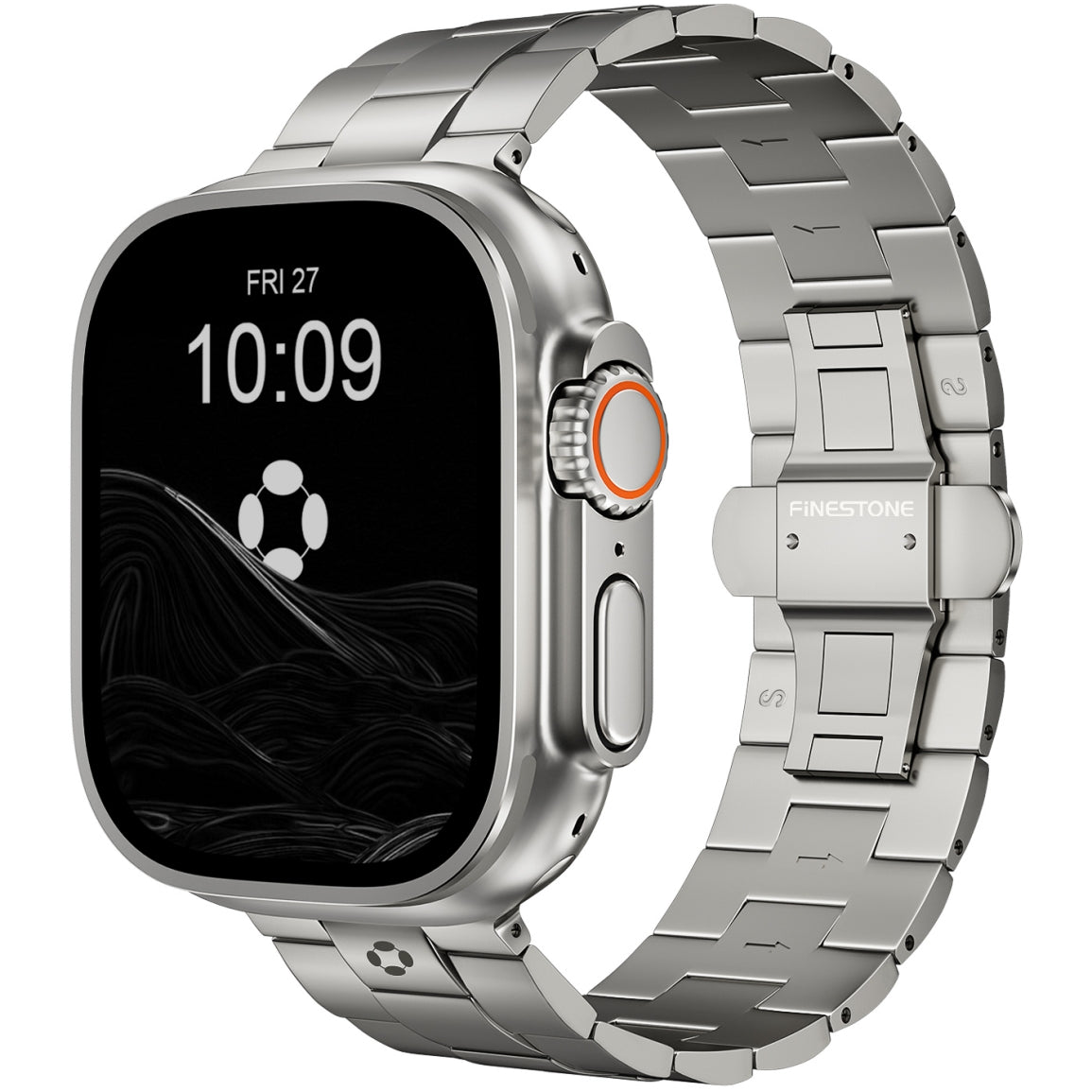
For example, switching to a lightweight titanium band—like those from Finestone—can dramatically improve comfort, durability, and overall feel without replacing the watch itself.
Apple Watch Ultra vs Series: Upgrade Considerations
Some users upgrade not because their watch is old, but because their needs change.
Upgrade to Apple Watch Ultra if:
-
You do outdoor sports, hiking, diving, or endurance training
-
You want longer battery life
-
You need rugged durability
Stick with or upgrade within the Series line if:
-
You want everyday health tracking
-
You wear your watch at work or socially
-
You prefer a lighter, more compact design
Many users find that upgrading within the same category every few years makes more sense than jumping models annually.
How to Extend the Life of Your Apple Watch
If you want to delay upgrading, these steps help:
1. Replace the Battery
A battery replacement can make a 3-year-old watch feel new again.
2. Update watchOS Regularly
Software updates improve performance, security, and battery optimization.
3. Rotate or Upgrade Your Band
Worn-out bands often make a watch feel old. A durable metal band—especially titanium—can improve comfort and aesthetics dramatically. High-quality options like Finestone titanium Apple Watch bands are designed for long-term wear and can outlast multiple watch generations.

Upgrade Timeline by User Type
| User Type | Recommended Upgrade |
|---|---|
| Casual user | Every 4–5 years |
| Daily fitness user | Every 3–4 years |
| Athlete / outdoor user | Every 2–3 years |
| Tech enthusiast | When major features change |