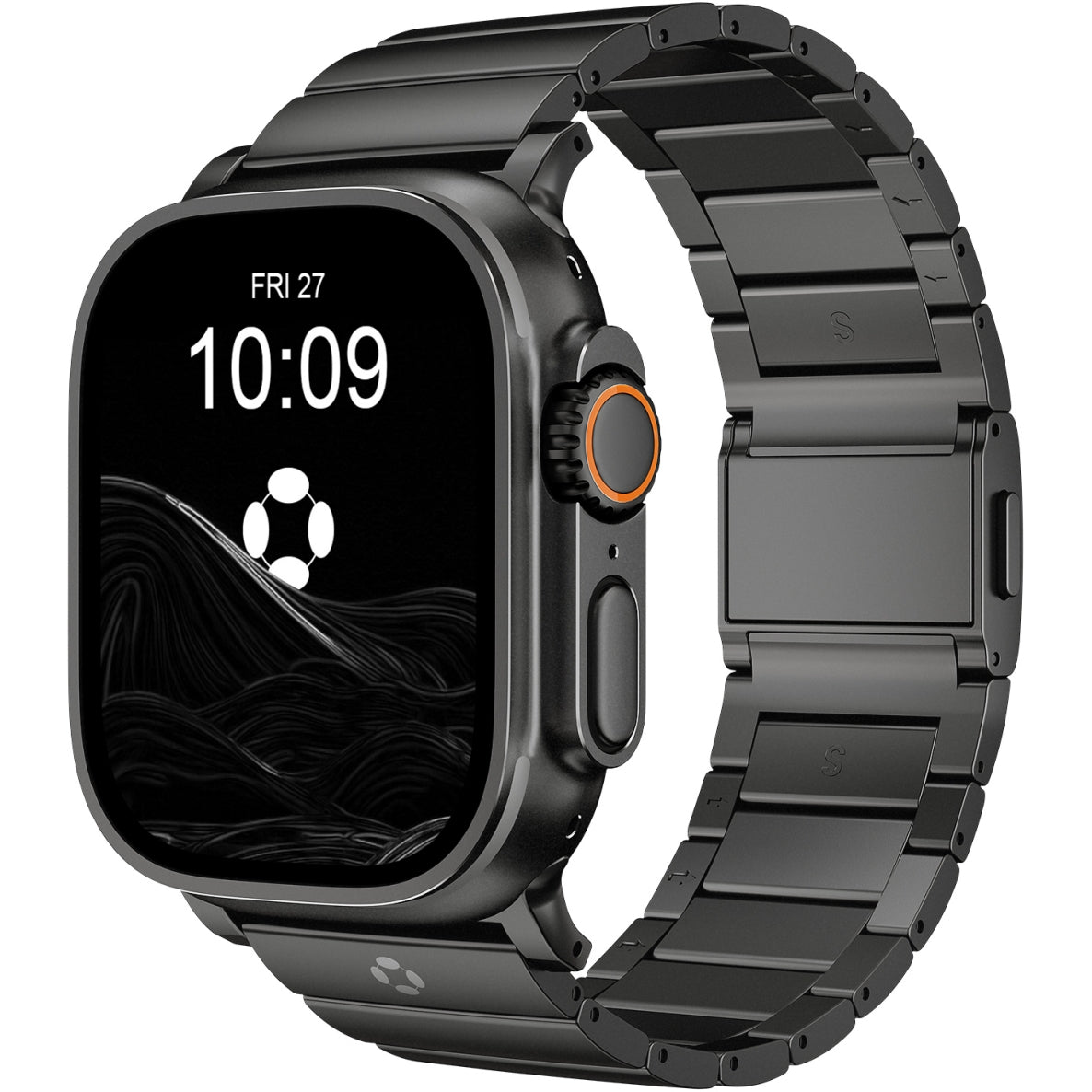

A Simple Step-by-Step Guide
Changing your Apple Watch band is one of the easiest ways to refresh the look and improve comfort. Apple designed the band system to be tool-free, so you can switch bands safely in just a few minutes.
Follow this guide to learn how to change your Apple Watch band correctly and avoid common mistakes.
Before You Start
Make sure to:
-
Turn off your Apple Watch (recommended, not required)
-
Place the watch face-down on a soft cloth to avoid scratches
-
Work on a flat, well-lit surface
No tools are needed.
Step 1: Locate the Band Release Buttons
Flip your Apple Watch over.
On the back of the watch case, you’ll see:
-
Two oval-shaped band release buttons
-
One button for each side of the band
These buttons unlock the band from the watch case.
Step 2: Press and Hold the Release Button
Press and hold one of the release buttons.
While holding the button:
-
Slide the band sideways (left or right)
-
Do not pull the band outward
If it doesn’t move, keep the button pressed and try sliding again.
Step 3: Remove the Band
Once the band slides freely:
-
Pull it completely out of the slot
-
Repeat the same steps for the other side
Your Apple Watch is now ready for a new band.
Step 4: Insert the New Band
Take your new band and check the orientation:
-
Text or markings usually face you when worn
-
The band should slide in smoothly
Slide the band into the slot until you hear or feel a click.
🔔 The click confirms the band is securely locked.
Step 5: Check the Fit
Gently tug on the band:
-
It should not slide out
-
It should feel secure and flush with the watch case
Repeat for the other side if needed.
Common Mistakes to Avoid
-
❌ Pulling the band without pressing the release button
-
❌ Forcing the band at an angle
-
❌ Using bands that don’t match your watch size (e.g., 49mm vs 45mm)
-
❌ Wearing the watch before confirming the band is locked
Apple Watch Band Size Compatibility
Apple Watch bands are size-specific:
-
38mm / 40mm / 41mm bands are interchangeable
-
42mm / 44mm / 45mm / 49mm (Ultra) bands are interchangeable
Always match the band size to your watch case size group.
Final Thoughts
Changing an Apple Watch band is quick, safe, and requires no tools. Whether you’re switching for comfort, style, or activity, the process is the same across all Apple Watch models—including Apple Watch Ultra.
Taking a few seconds to confirm the band is securely attached helps ensure a comfortable and worry-free wearing experience.