
So you just got your first Apple Watch—or you're thinking about getting one. Either way, you probably have questions. What does it actually do? How do you set it up? Which model is right for you?
This guide walks you through everything a beginner needs to know about the Apple Watch in 2026. No tech jargon, just clear, practical information.
Which Apple Watch Should You Buy?
Apple currently sells three models: SE 3, Series 11, and Ultra 3.
Apple Watch SE 3 – Best for Beginners
The SE 3 starts at $249. It shares the same S10 processor as more expensive models, so performance is excellent. The SE 3 includes an always-on display, sleep tracking, temperature sensing, and core safety features like fall detection and Emergency SOS. It comes only in aluminum and lacks ECG and blood oxygen monitoring. For most first-time buyers, the SE 3 delivers everything you actually need.
Apple Watch Series 11 – Best All-Around
The Series 11 starts at $399 and adds ECG, blood oxygen monitoring, a brighter display (2,000 nits), and titanium case options. Battery life is rated at 24 hours. The screen is larger with thinner bezels, making it easier to read at a glance.
Apple Watch Ultra 3 – For Adventurers
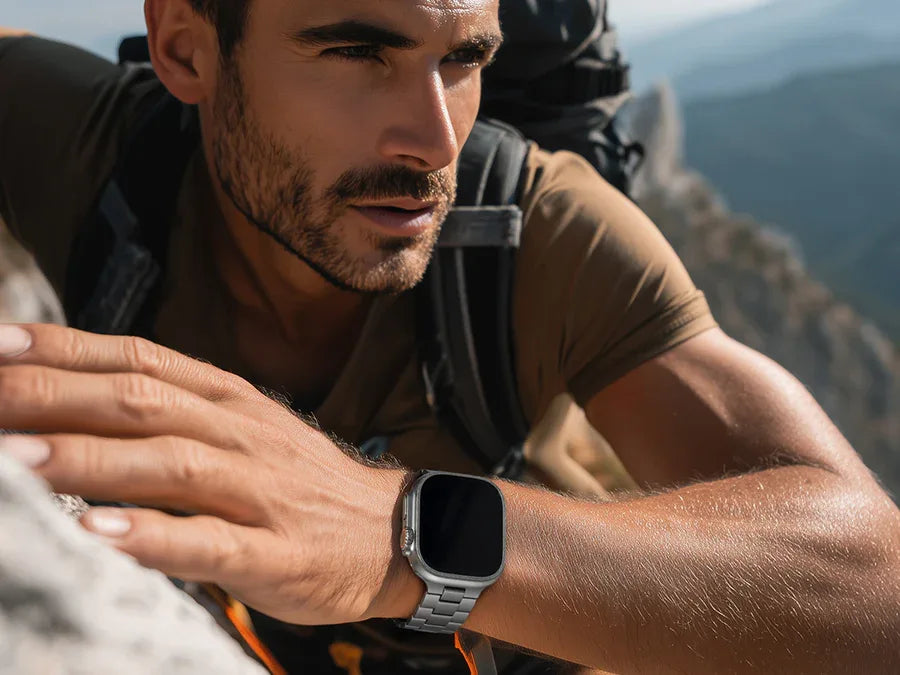
The Ultra 3 is $799 with a 49mm titanium case, dual-frequency GPS, 3,000‑nit display, 100m water resistance (dive‑rated), Action Button, satellite SOS, and 42‑hour battery life. This is overkill for most beginners—only consider it if you're a serious athlete or outdoor adventurer.
Which One Is Right for You?
-
Buy the SE 3 if: You want essential features at the best price.
-
Buy the Series 11 if: You want comprehensive health tracking and don't mind paying more.
-
Buy the Ultra 3 if: You're an athlete, adventurer, or need satellite SOS and extreme battery.
Setting Up Your Apple Watch
You'll need an iPhone (iPhone 11 or newer) with Bluetooth and Wi-Fi.
Step-by-Step Setup
-
Power on your watch by pressing and holding the side button.
-
Bring your iPhone near the watch—a pairing screen appears. Tap "Continue".
-
Select "Set Up for Myself".
-
Hold the iPhone camera over the watch to scan the pairing pattern.
-
Choose your settings: wrist preference, passcode, Apple ID sign‑in.
-
Grant health and fitness permissions.
-
Wait for syncing.
Setting Up for a Family Member
Select "Set Up for a Family Member" to set up a watch for a child or older adult who doesn't have their own iPhone.
Essential Features You'll Use Every Day
-
Notifications: Swipe down from the top to view and reply.
-
Activity Rings: Close your red (move), green (exercise), and blue (stand) rings daily.
-
Workout Tracking: Track running, walking, cycling, swimming, strength training, and more.
-
Apple Pay: Double‑press the side button to pay without your phone.
-
Siri: Press and hold the Digital Crown or say "Hey Siri".
-
Phone Calls & Messages: Answer calls and dictate replies from your wrist.
Understanding the Buttons
-
Digital Crown: Rotate to scroll; press once for Home screen; press and hold for Siri.
-
Side Button: Press once for Dock (recent apps); press and hold for power options (shutdown, Emergency SOS, Medical ID).
Double‑tap gestures (pinch thumb and index finger twice) let you answer calls or dismiss notifications without touching the screen.
Customizing Your Watch Face
-
Press and hold the current watch face.
-
Swipe left/right to browse styles.
-
Tap "Customize" to adjust colors, fonts, and complications.
-
Complications are small widgets showing weather, battery, calendar, heart rate, etc.
Installing and Managing Apps
Install apps directly from the watch’s App Store or via the Watch app on your iPhone. Many popular iPhone apps have watch versions.
Battery Life and Charging
-
SE 3: ~18 hours (up to 32 in Low Power Mode)
-
Series 11: ~24 hours
-
Ultra 3: ~42 hours (up to 72 in Low Power Mode)
Charge overnight if not sleep tracking. For sleep tracking, charge during your morning routine—fast charging gives 80% in about 45 minutes.
The Apple Watch Band Guide
Bands are grouped into two sizes: small (38‑41mm cases) and large (42‑49mm cases). Your watch model (SE 3, Series 11, Ultra 3) determines which bands fit.
The stock Sport Band is durable and waterproof—great for workouts. The Sport Loop breathes better for all‑day comfort.
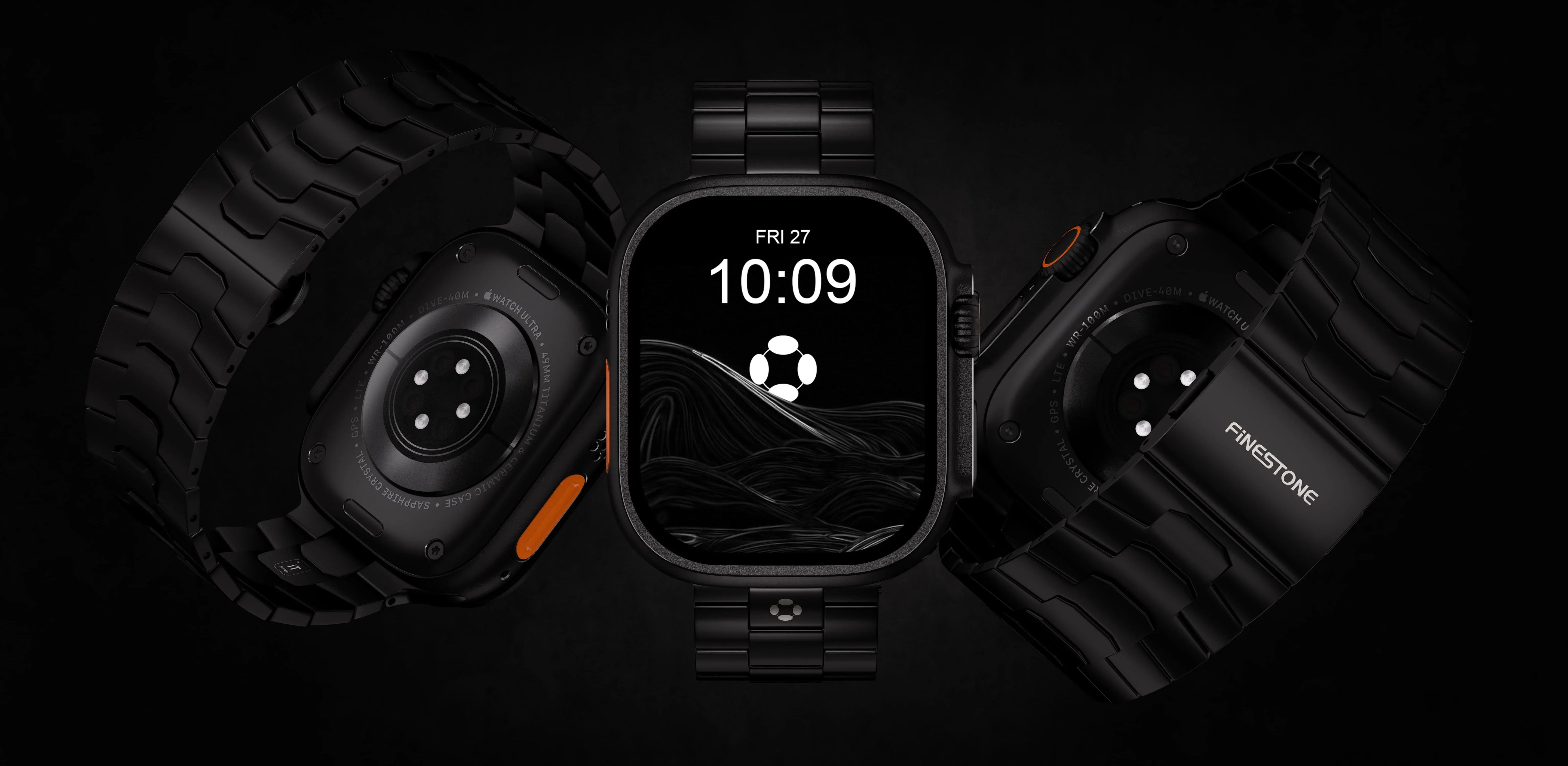
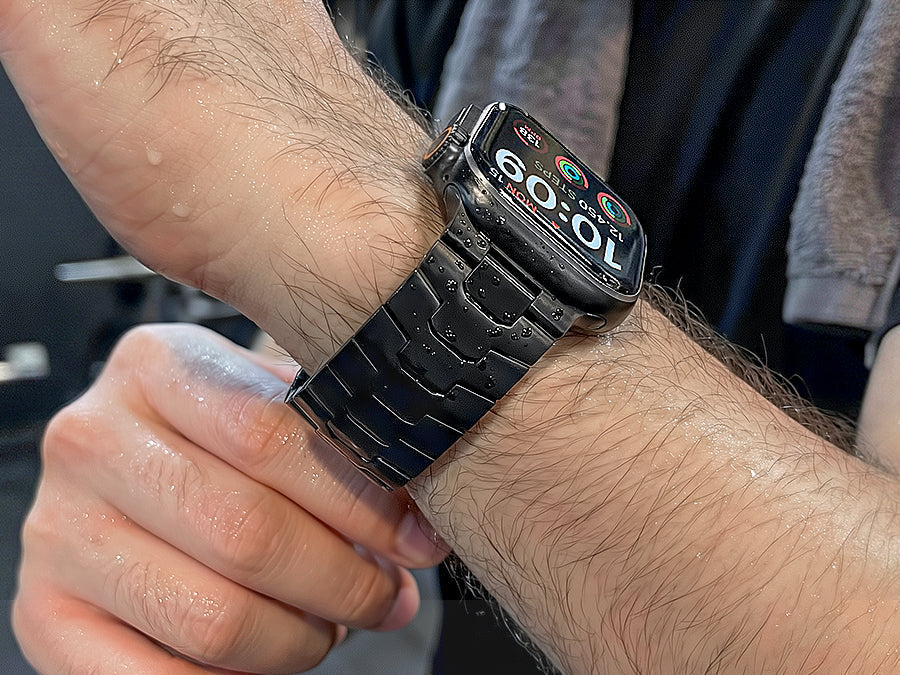
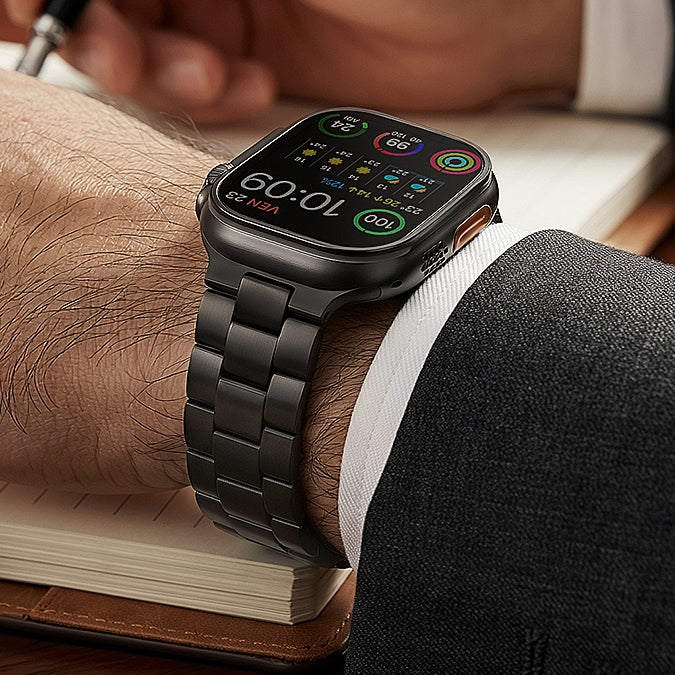
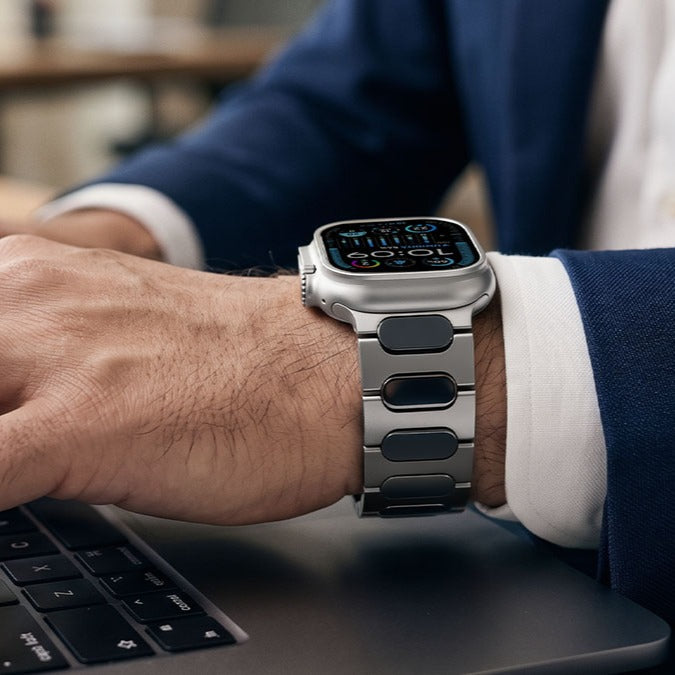
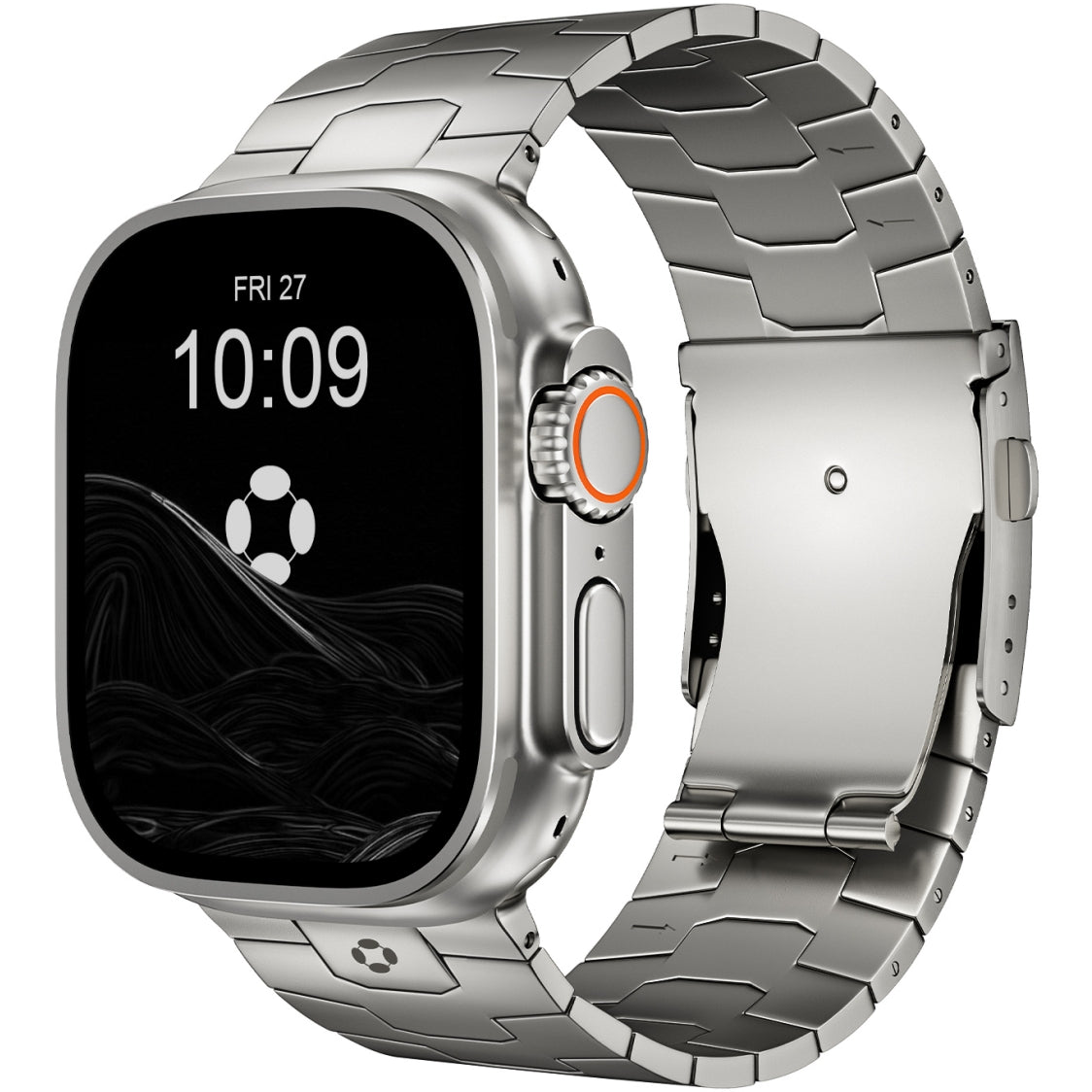
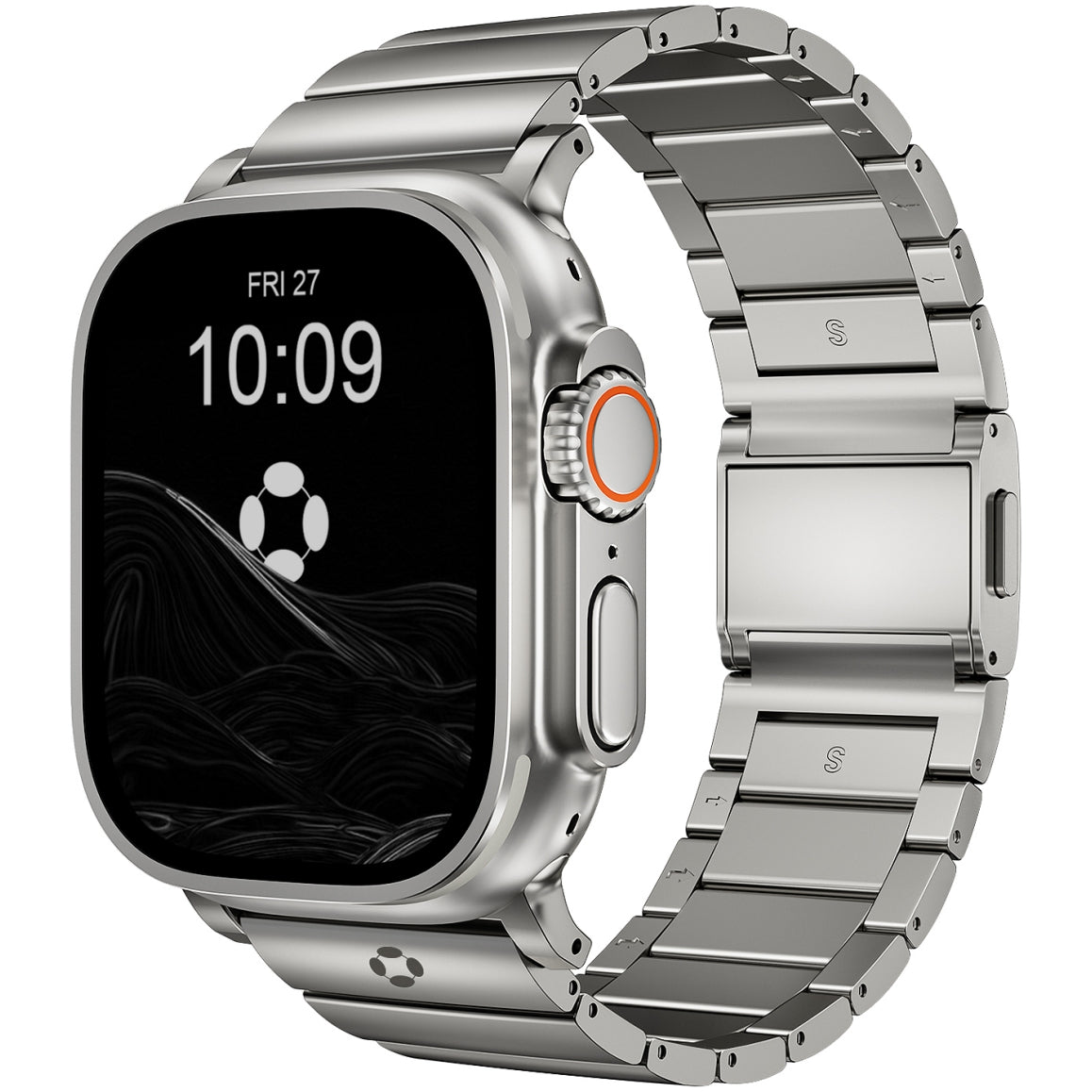
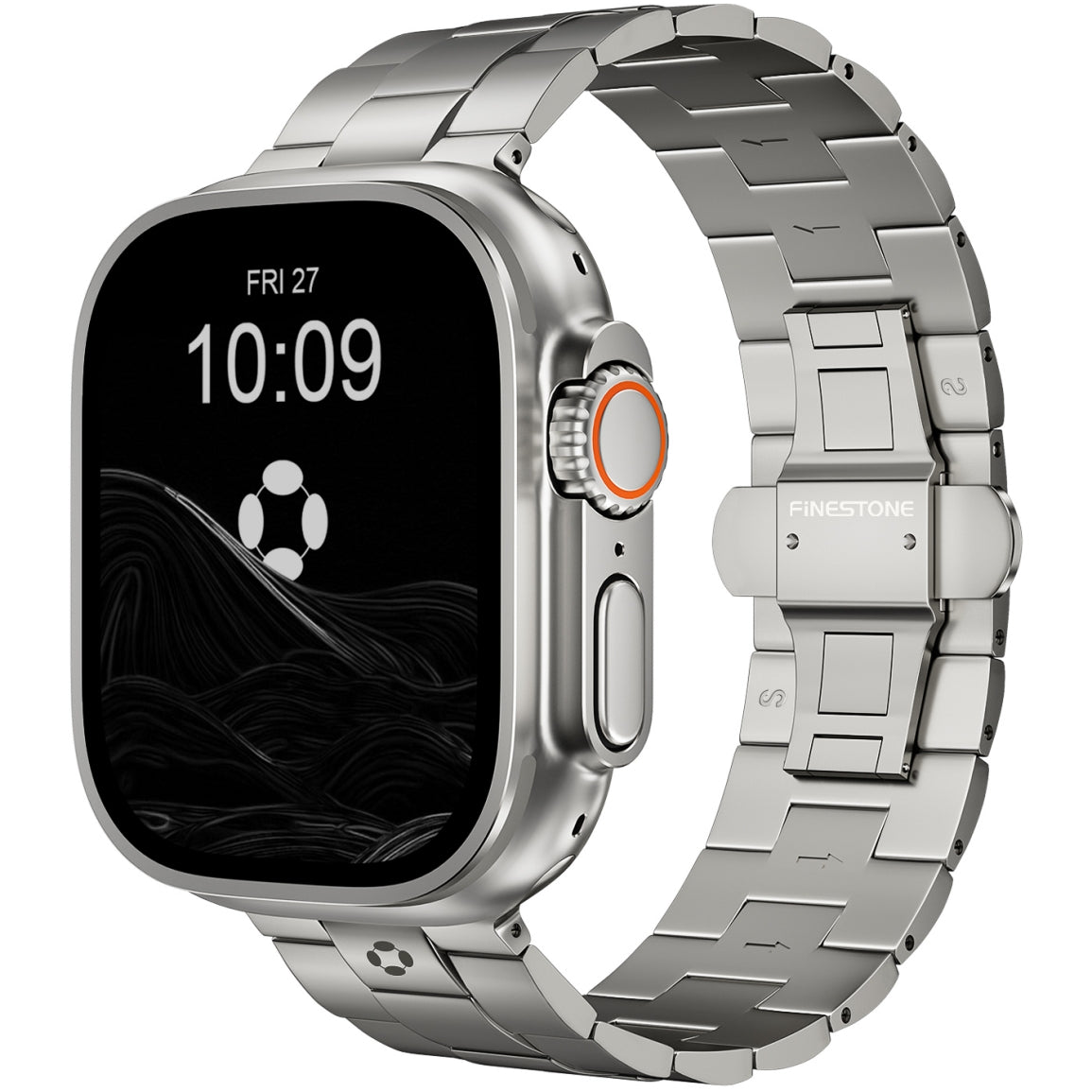
For a band that transitions seamlessly from gym to office, consider a premium titanium option. The FiNESTONE Titanium Band offers lightweight, hypoallergenic comfort with a secure folding clasp and scratch‑resistant DLC coating—ideal for daily wear.
Health and Safety Features
-
Fall Detection: Automatically calls emergency services if you take a hard fall and don't respond.
-
Emergency SOS: Press and hold the side button to call for help.
-
Heart Rate Notifications: Alerts for unusually high or low heart rates.
-
Sleep Tracking: Wear overnight to track sleep duration and quality.
-
Cycle Tracking: For menstrual cycle tracking and retrospective ovulation estimates.
SE 3 includes all above except ECG and blood oxygen (Series 11/Ultra 3 add those). Ultra 3 adds satellite SOS.
Common Questions from Beginners
Do I need cellular? Only if you regularly want to use your watch without your phone nearby.
Can I wear it in the shower? Yes, all current models are water‑resistant to at least 50 meters.
How often do I need to update? Install watchOS updates when your iPhone notifies you.
Can I use it with Android? No. Apple Watch requires an iPhone.
Final Tips for New Users
-
Start simple—focus on notifications, rings, and basic tracking.
-
Set up Medical ID in the Health app (could save your life).
-
Adjust notification settings so only important apps buzz your wrist.
-
Find a consistent charging routine.
-
Don't compare your rings to others—it's about your progress.
The Apple Watch takes a few days to feel natural. But once you get used to the taps, the glanceable info, and the gentle motivation to move, you'll wonder how you managed without it.
Enjoy your new watch.