
For many older adults, technology can feel overwhelming. But when a device is designed to support independence, safety, and wellness, it stops being just another gadget—it becomes a trusted companion.
The Apple Watch has evolved significantly, and with the 2026 lineup featuring the Series 11 and SE 3, the question is no longer just about features. It's about usability. Can an older user put it on, navigate it comfortably, and actually benefit from it without frustration?
The answer, with the right setup and accessories, is a resounding yes.
Safety First: Features That Provide Peace of Mind
For seniors living alone or with limited mobility, safety features are often the primary reason to consider an Apple Watch.
Fall Detection and Emergency SOS
If the watch detects a hard fall and the user remains motionless for about one minute, it will automatically initiate a call to emergency services and send a message with location to designated emergency contacts . This feature is enabled by default for users aged 55 and older, though it can be manually activated for anyone .
Real-world impact is significant. In one documented case, a 74-year-old woman in Portland tripped at home, hit her head, and was unconscious. Her Apple Watch SE detected the fall, called 911, and shared her precise location. Paramedics arrived within minutes . For families with aging parents living independently, this kind of automatic response system offers invaluable reassurance .
Medical ID and Health Sharing
The watch can store critical medical information—allergies, conditions, medications—accessible directly from the lock screen for first responders . Additionally, users can share health data with family members, allowing adult children to monitor heart rate trends and activity levels remotely .
Health Monitoring: Beyond Basic Tracking
Modern Apple Watches include clinically relevant health sensors that can alert users to potential issues before they become emergencies.
Heart Health
The ECG app can check for signs of atrial fibrillation (AFib) in just 30 seconds . The watch also monitors for unusually high or low heart rates and can send notifications when irregularities are detected . For seniors managing heart conditions, this continuous background monitoring adds a layer of security that traditional checkups cannot provide.
Hypertension Notifications
New to the Series 11, hypertension notifications analyze optical heart sensor data over 30-day periods to identify patterns consistent with high blood pressure . While not a replacement for a medical cuff, this feature can prompt earlier intervention .
Medication Reminders
The Medications app helps manage complex prescription schedules . Users can input medications and dosages, and the watch provides gentle reminders with haptic taps—no more wondering "Did I take my pills today?" .
Accessibility: Designed for Ease of Use
Apple has consistently prioritized inclusive design, and the accessibility features built into watchOS make the Apple Watch genuinely senior-friendly.
Display and Text
The "Numerals" watch face displays time in massive, bold digits that are readable at a glance . Users can enable "Larger Text" and "Bold Text" in Accessibility settings to significantly improve readability . For those with more significant vision challenges, VoiceOver reads interface elements aloud .
AssistiveTouch
For users with limited hand mobility or dexterity issues, AssistiveTouch enables control through gestures like clenching or pinching—no precise taps required . This can make the difference between a frustrating experience and an accessible one.
Hearing Aid Compatibility
The watch works seamlessly with Made for iPhone hearing aids, streaming calls and notifications directly . This means seniors don't miss important alerts due to auditory limitations.
Which Model Is Best for Seniors?
Not all Apple Watches are equally suited for older users. The choice depends on priorities.
For most seniors, the Apple Watch SE 3 delivers the ideal balance. It includes critical safety features like fall detection and emergency SOS without the premium cost of the Series 11 . The extra battery life—46 hours in testing—means less frequent charging and more consistent usage .
Setting Up for Success
A well-configured Apple Watch dramatically improves usability. Here are key steps:
-
Enable larger text: Go to Settings > Accessibility > Display & Text Size
-
Simplify the watch face: Choose a face like "Numerals" with large digits and add only essential complications
-
Set up Medical ID: Input health conditions, allergies, and emergency contacts
-
Confirm Fall Detection: Check that it's enabled in Settings > SOS
The Comfort Factor: Why the Right Band Matters
Even the most accessible technology won't be used if it's uncomfortable to wear. For older users, especially those with sensitive skin or arthritis, the band is just as important as the watch itself.
The stock Sport Band works well for many, but some seniors find silicone straps trap heat or feel restrictive. Fabric options like the Sport Loop offer breathability and infinite adjustability—useful when wrists swell during warm weather.
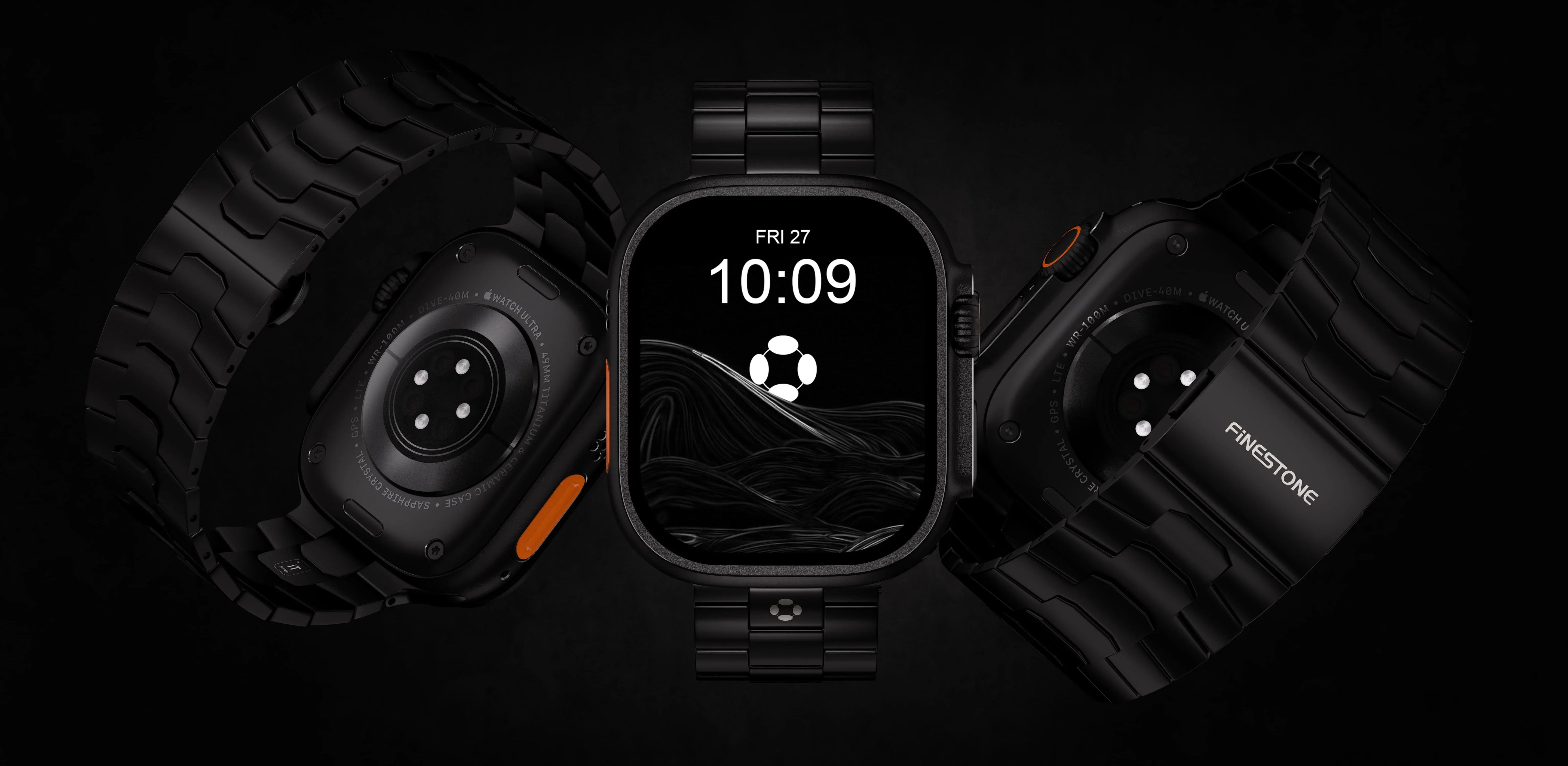
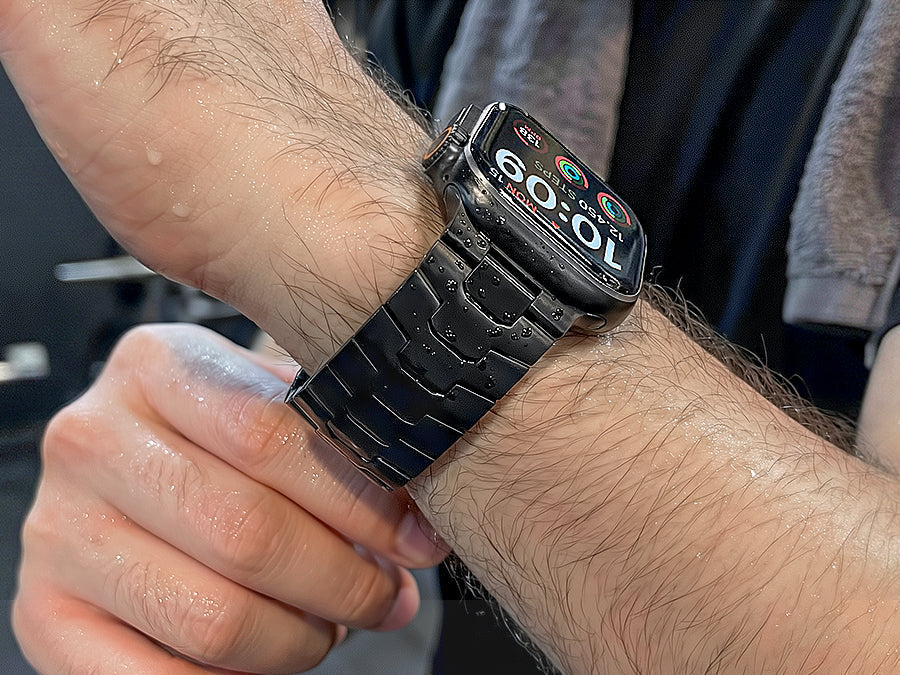
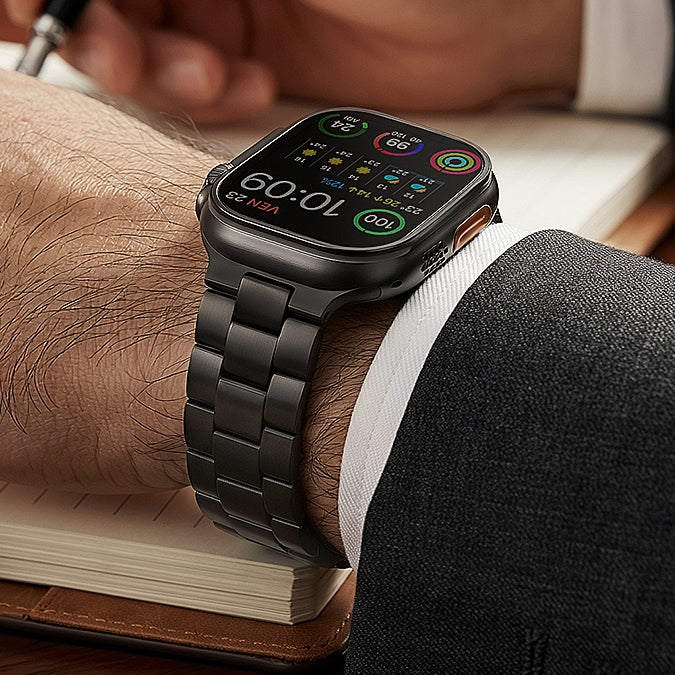
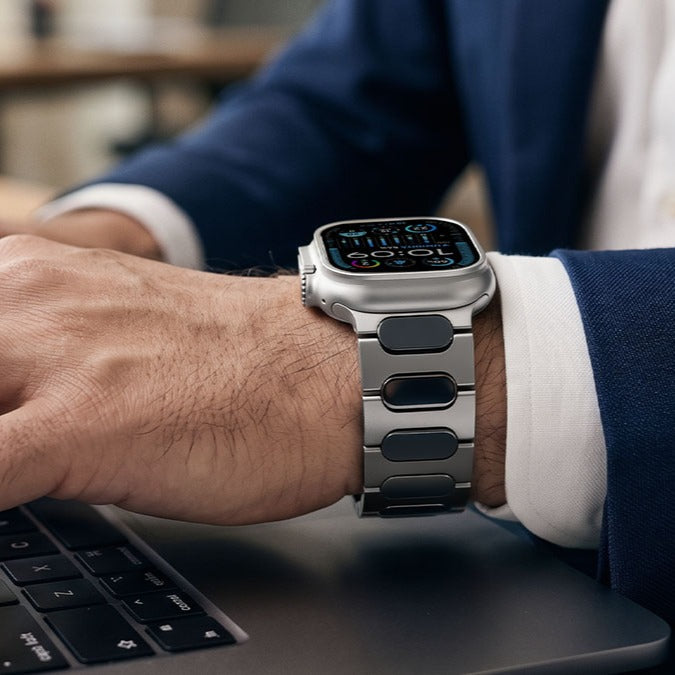
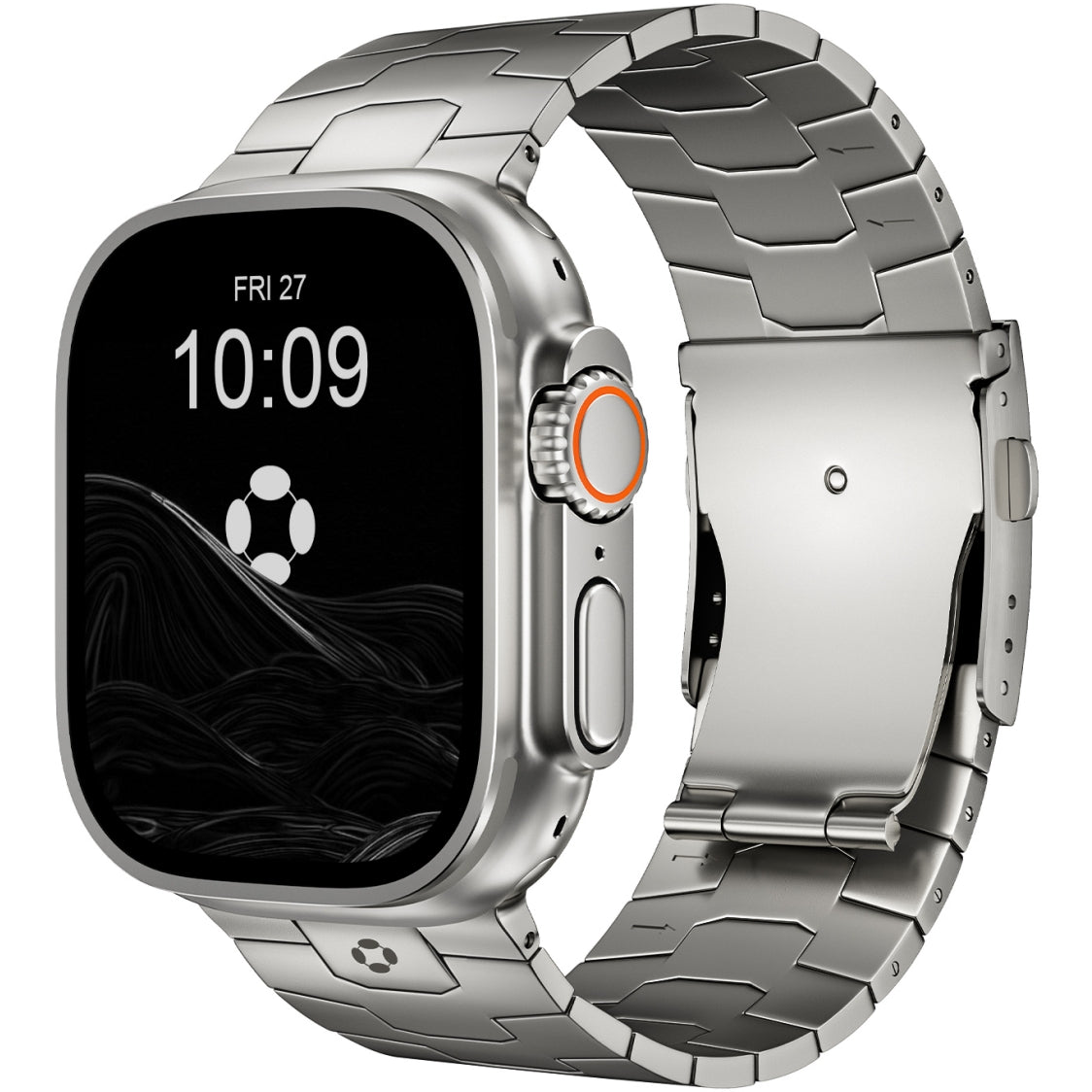
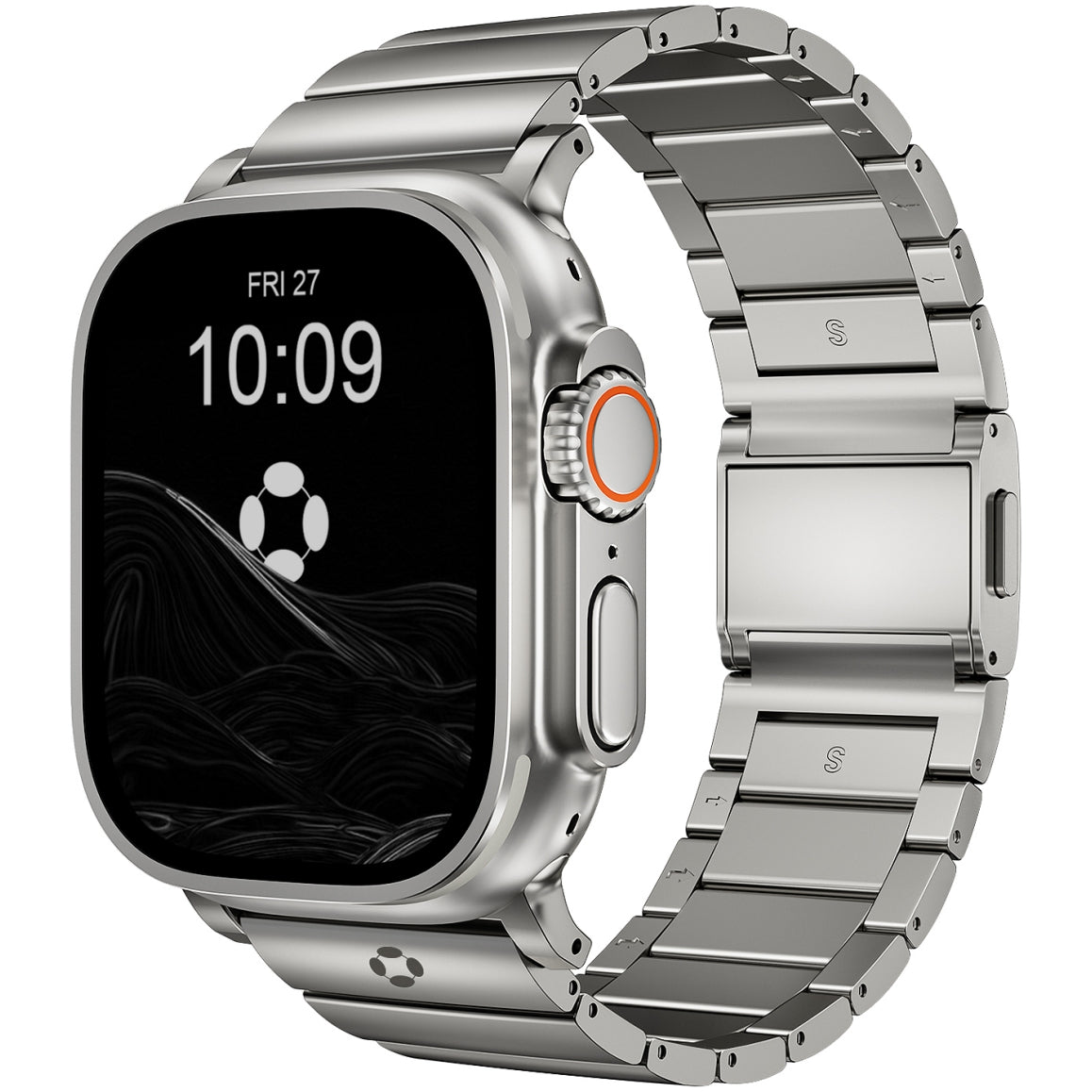
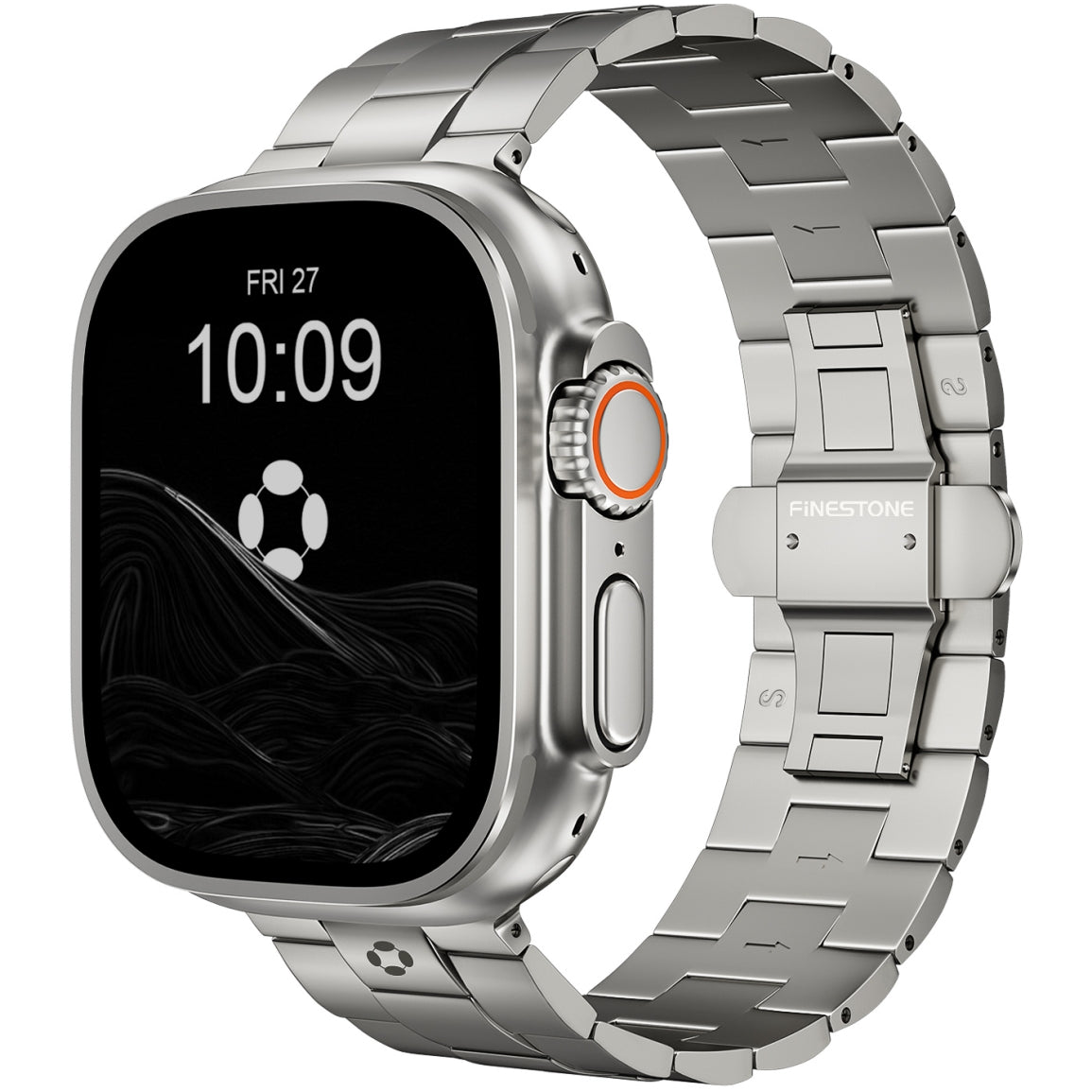
For those seeking a more premium feel that's still gentle on the skin, titanium bands offer an excellent solution. The FiNESTONE Titanium Band features a smooth DLC coating that resists irritation and a double-locking clasp that stays secure without overtightening. The lightweight titanium construction ensures all-day comfort, while the premium appearance transitions seamlessly from morning walks to family dinners.
Real-World Example
Consider Mary, a 74-year-old widow living alone in Ohio. After a minor kitchen slip made her realize how quickly things could go wrong, she upgraded to an Apple Watch SE. Within weeks, she grew comfortable checking her heart rate after walks and appreciating gentle stand reminders.
One evening, she tripped on uneven pavement while walking her dog. The watch detected the fall, counted her unresponsiveness, and automatically called emergency services. Paramedics arrived within nine minutes .
Mary now uses medication reminders, tracks her walks, and shares weekly wellness summaries with her physician. Her daughter appreciates the automatic updates and feels more at ease knowing her mother has a reliable safety net .
Conclusion
Is the Apple Watch easy to use for older adults?
Yes—when properly set up and paired with the right accessories.
The safety features alone—fall detection, emergency SOS, heart health monitoring—provide benefits that far outweigh the initial learning curve . Combined with robust accessibility options like larger text and AssistiveTouch, the watch becomes genuinely usable for seniors of varying abilities .
Wearables like the Apple Watch are becoming essential tools for aging in place, giving families peace of mind while empowering older adults to maintain independence . With thoughtful setup and a comfortable band—whether the breathable Sport Loop or a premium option like FiNESTONE—the Apple Watch transforms from intimidating technology to trusted daily companion.