
The Apple Watch has evolved far beyond a simple companion device for the iPhone. With thousands of apps available, it can function as a fitness tracker, productivity tool, communication hub, and health monitor—all from your wrist.
However, not every Apple Watch app is worth installing. Many users download dozens of apps only to realize they regularly use just a handful. The key is choosing apps that genuinely improve daily life rather than cluttering your watch interface.
In this pillar guide, we’ll explore the best Apple Watch apps you’ll actually use, covering fitness, productivity, navigation, health, and everyday convenience.
1. Strava – Best for Running and Cycling
Strava is one of the most popular fitness apps among runners and cyclists. The Apple Watch version allows you to track workouts directly from your wrist without needing your phone.
Key features include:
-
GPS workout tracking
-
Performance analysis
-
Route recording
-
Community challenges and leaderboards
Strava is especially useful for people who enjoy social fitness motivation, since you can share activities and compete with friends.
For outdoor athletes, it’s one of the most practical workout apps available on the Apple Watch.
2. Nike Run Club – Best Free Running Coach
Nike Run Club offers guided runs, training plans, and motivation from professional coaches. It’s a great option for beginners who want structure in their running routine.
Popular features include:
-
Guided audio runs
-
Personalized training plans
-
Pace tracking
-
Goal setting
The Apple Watch integration makes it easy to start a run quickly and track progress without carrying a phone.
3. Spotify – Best Music Streaming App
Music is essential for workouts, commuting, or daily routines, and Spotify brings your favorite playlists directly to the Apple Watch.
With Spotify on Apple Watch you can:
-
Control music playback
-
Download playlists for offline listening
-
Stream music on cellular models
-
Use the watch as a remote for your phone
For many users, Spotify becomes one of the most frequently used Apple Watch apps.
4. Apple Maps – Best for Quick Navigation
Apple Maps on the Apple Watch offers convenient turn-by-turn navigation directly on your wrist.
Features include:
-
Haptic vibration alerts for turns
-
Walking, cycling, and driving directions
-
Public transit information in many cities
Instead of constantly checking your phone, the watch gently taps your wrist when it’s time to turn.
This makes navigation much more convenient while walking in unfamiliar places.
5. Things 3 – Best Productivity App
Things 3 is a powerful task management app that helps users stay organized throughout the day.
On Apple Watch, you can:
-
View your daily tasks
-
Check off completed items
-
Review upcoming reminders
Having quick access to tasks on your wrist makes it easier to stay productive without opening your phone.
For professionals and busy individuals, this app is extremely useful.
6. WaterMinder – Best Hydration Tracker
Staying hydrated is essential for health, but it’s easy to forget to drink enough water throughout the day.
WaterMinder solves this problem by sending reminders directly to your Apple Watch.
Features include:
-
Hydration reminders
-
Personalized daily goals
-
Quick logging from the watch
-
Visual progress tracking
The convenience of logging water intake with just a tap makes this app surprisingly effective.
7. AutoSleep – Best Sleep Tracking App
Although Apple Watch has built-in sleep tracking, AutoSleep provides more detailed insights and advanced analysis.
It tracks:
-
Sleep duration
-
Sleep quality
-
Heart rate during sleep
-
Sleep consistency
The app automatically detects sleep without needing to press any buttons, making it very convenient for nightly use.
8. Citymapper – Best App for Public Transportation
Citymapper is one of the most useful navigation apps for urban travel.
It provides:
-
Real-time public transit routes
-
Bus and train arrival times
-
Step-by-step directions
-
Service disruption alerts
The Apple Watch version makes commuting easier by showing essential information at a glance.
For people living in large cities, this app can be incredibly helpful.
9. CARROT Weather – Best Weather App
CARROT Weather combines accurate forecasts with a fun personality and highly customizable widgets.
On the Apple Watch, it offers:
-
Detailed weather forecasts
-
Radar maps
-
Severe weather alerts
-
Custom complications for watch faces
Many users prefer CARROT Weather because it provides more detailed data than standard weather apps.
10. Apple Pay – The Most Convenient Everyday Feature
While technically built into the system rather than a third-party app, Apple Pay is one of the most useful features available on the Apple Watch.
With Apple Pay, you can:
-
Make contactless payments
-
Pay for public transportation
-
Complete purchases quickly without your phone
A simple double-click of the side button allows you to pay instantly.
For many users, this feature alone makes the Apple Watch incredibly convenient.
Make Your Apple Watch More Comfortable for Daily Use
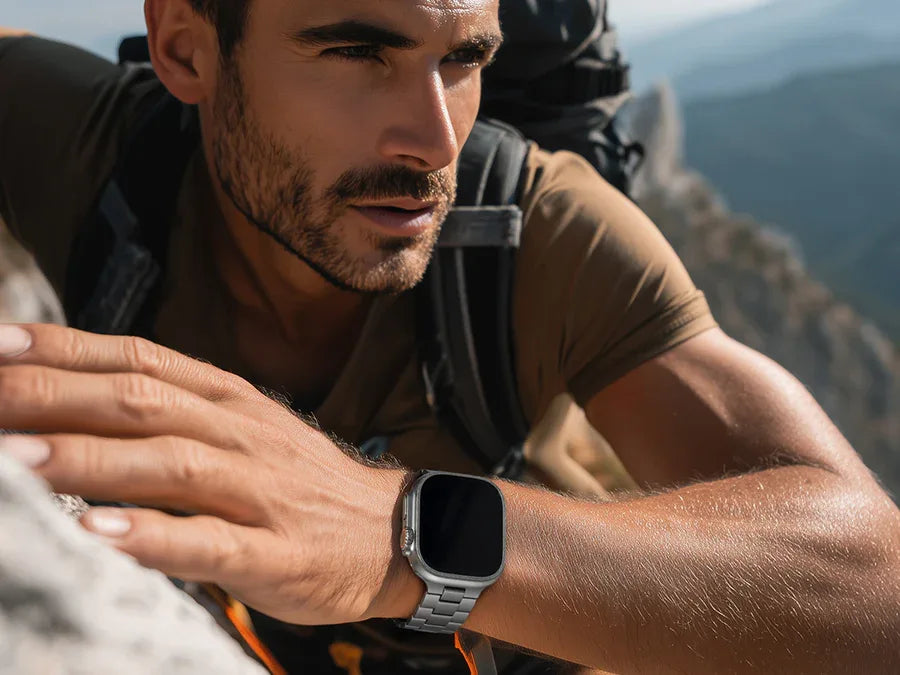
If you plan to use Apple Watch apps frequently throughout the day—especially for workouts, commuting, and productivity—comfort becomes important.
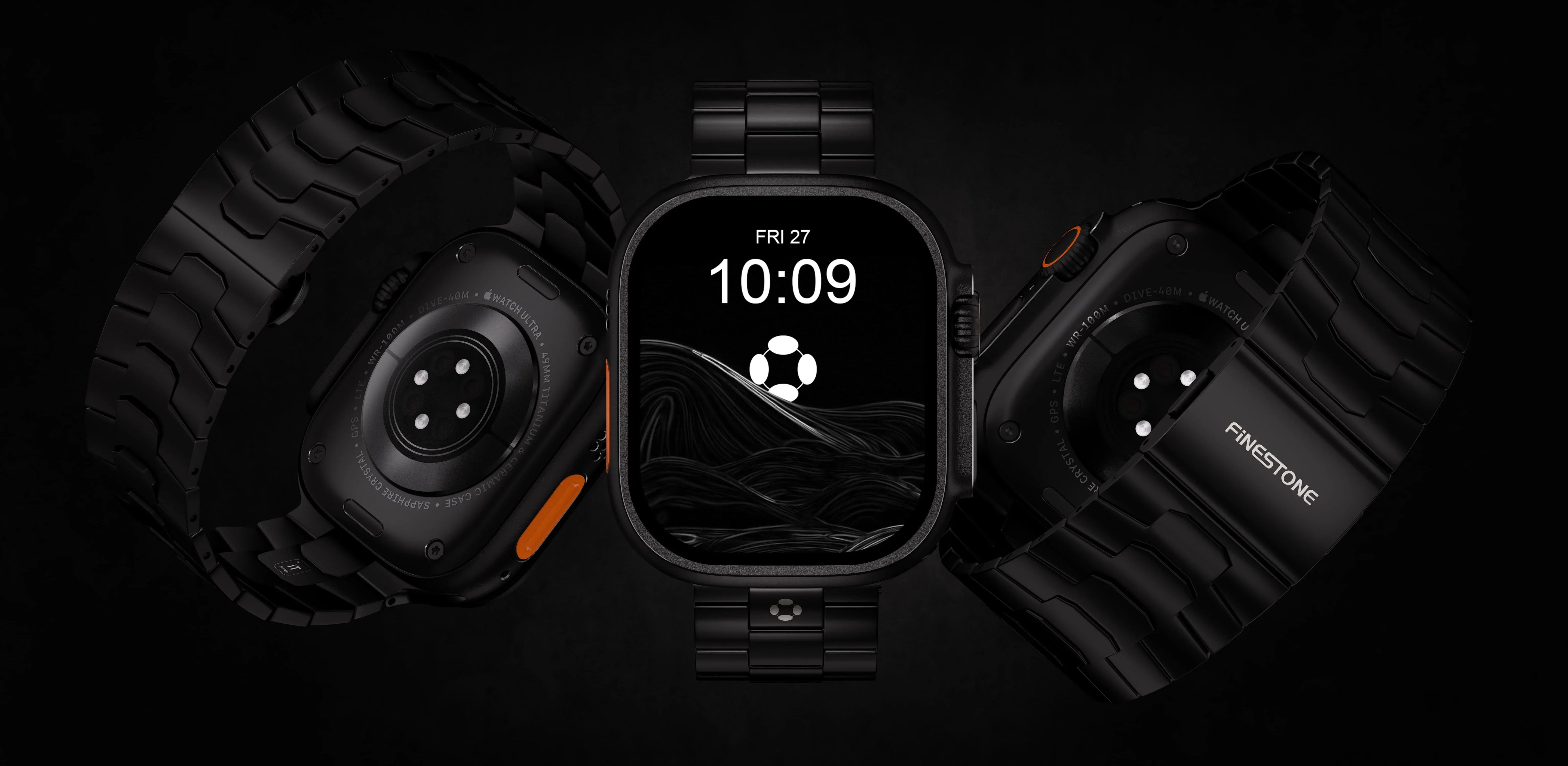
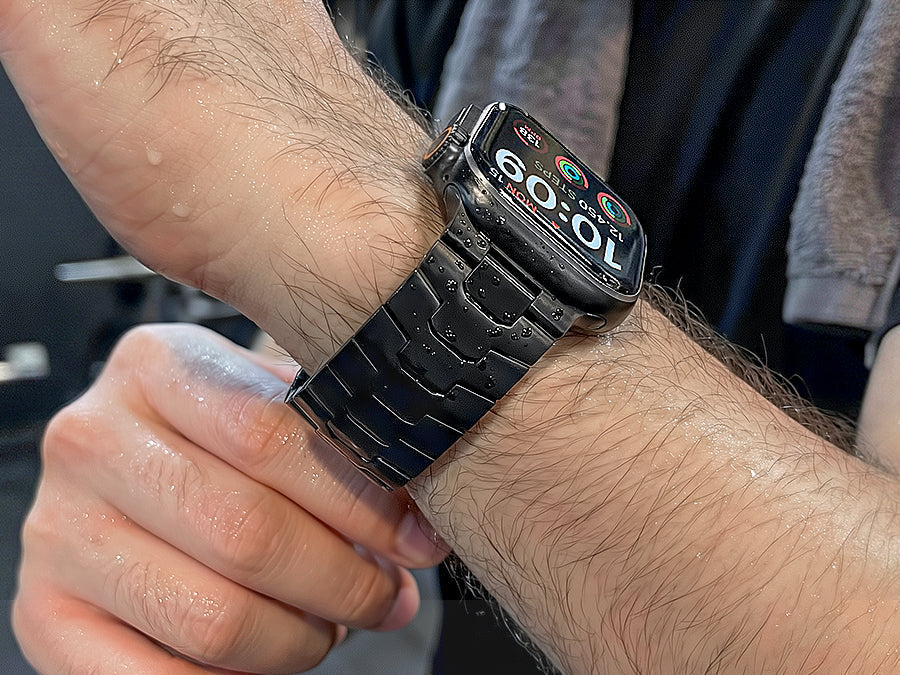
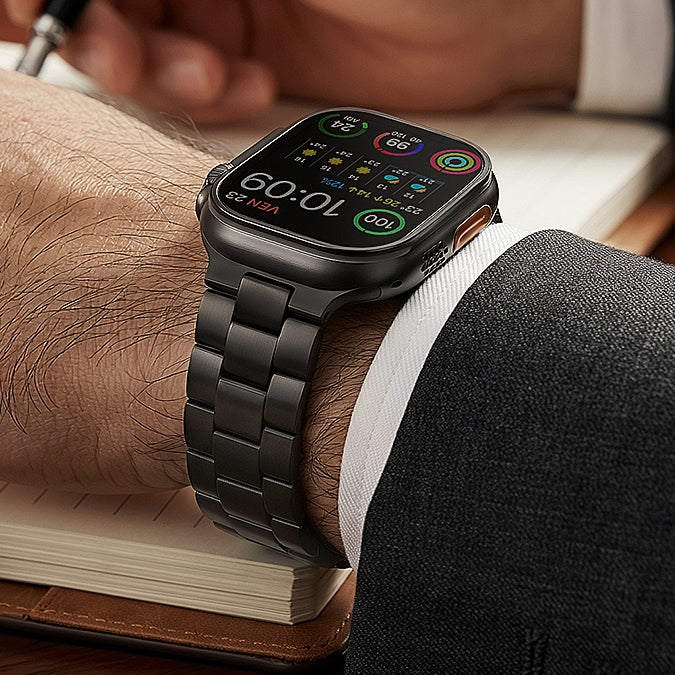
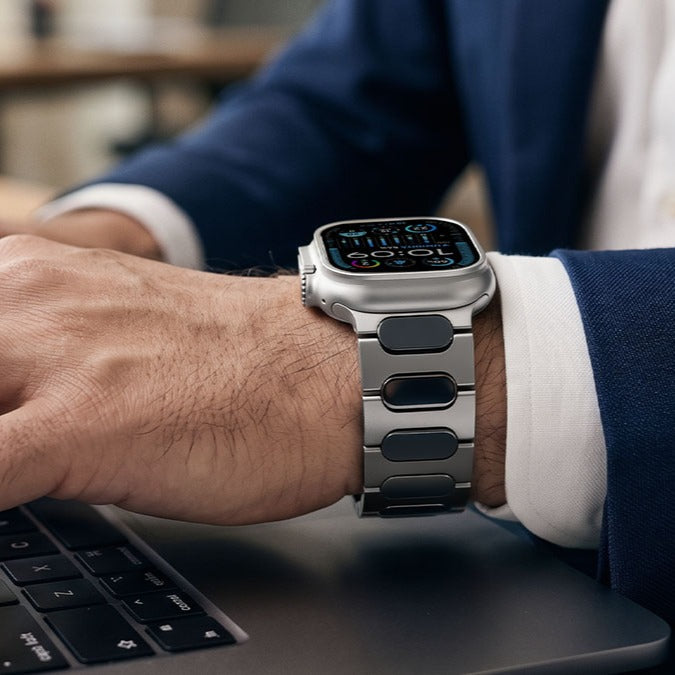
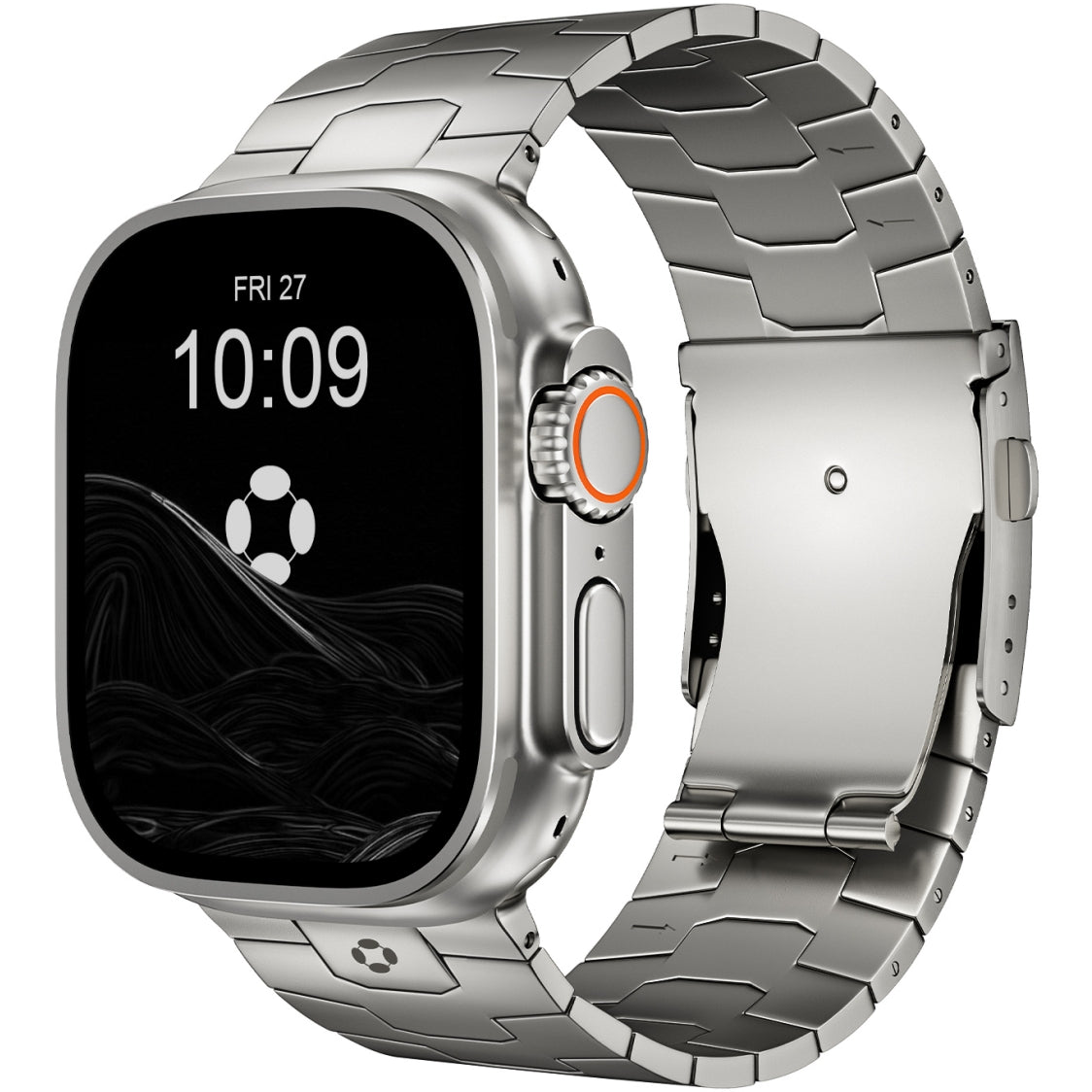
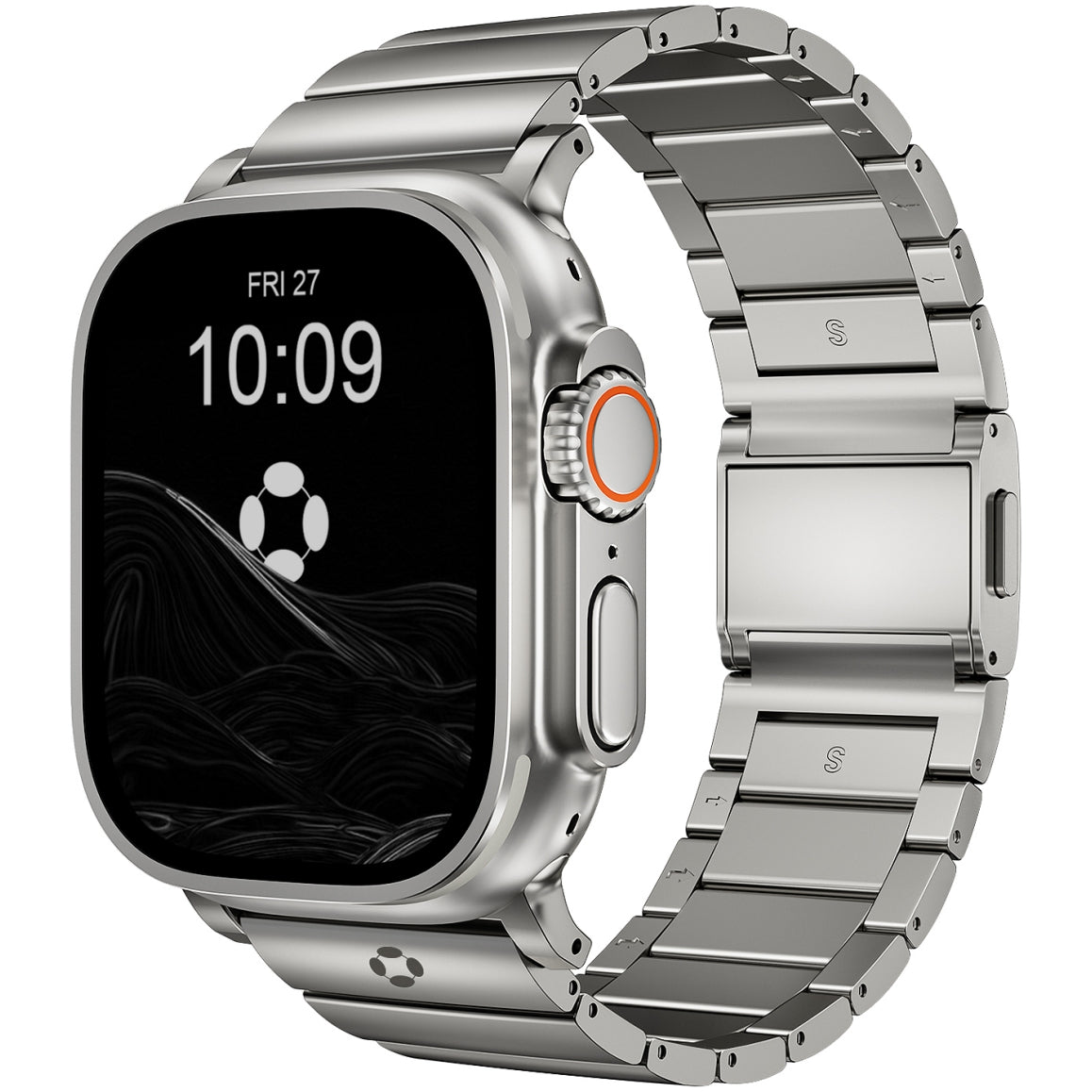
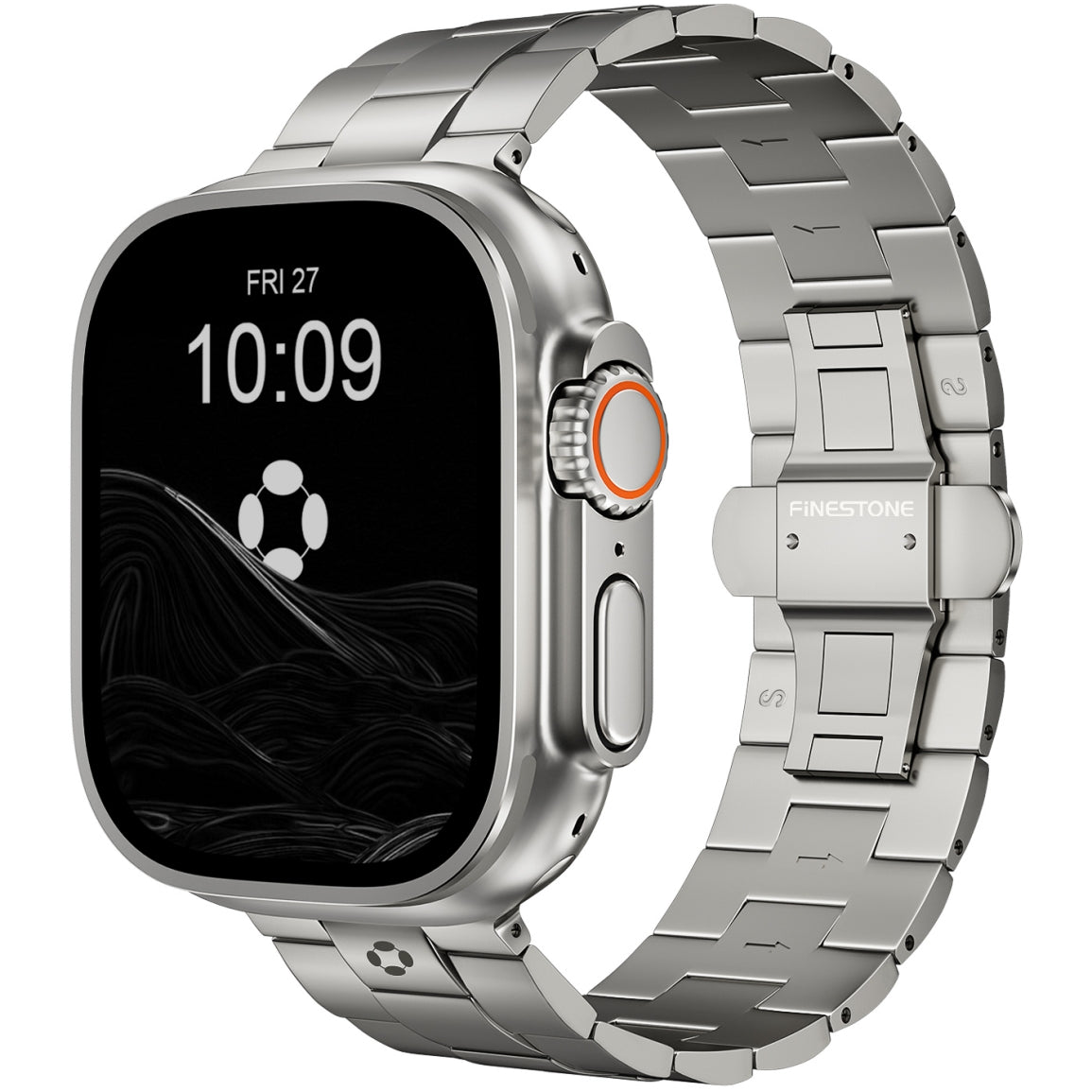
Many users eventually upgrade their watch bands to improve durability and style. Titanium bands are particularly popular because they combine strength, lightweight comfort, and a premium appearance.
High-quality titanium bands such as those offered by Finestone provide a refined look while remaining comfortable for extended wear, making them a great option for users who rely heavily on their Apple Watch throughout the day.
How Many Apps Should You Install?
One common mistake new Apple Watch users make is installing too many apps.
In reality, most people consistently use only 5–10 apps on their watch.
A good setup typically includes:
-
One fitness tracking app
-
One music app
-
One productivity or task app
-
Navigation and weather apps
-
A health or hydration tracker
Keeping your app list minimal improves performance and makes navigation easier.
Final Thoughts
The Apple Watch becomes far more useful when paired with the right apps. Instead of installing dozens of options, focus on apps that genuinely improve everyday life, such as fitness trackers, navigation tools, productivity apps, and health monitors.
Once you build a streamlined app setup, the Apple Watch transforms from a simple smartwatch into a powerful personal assistant on your wrist.
By choosing apps that match your lifestyle, you can unlock the full potential of one of the most versatile wearable devices available today.