
Buying an Apple Watch seems straightforward—pick a model, pick a size, pay. But after helping countless friends and readers navigate the purchase, I've seen the same mistakes repeated. These missteps often lead to returns, regret, or watches that end up in drawers.
Here are the most common Apple Watch buying mistakes and how to avoid them.
1. Choosing the Wrong Model for Your Needs
The biggest mistake is assuming all Apple Watches are basically the same. They're not.
The Mistake: Buying an Ultra 3 for basic fitness or an SE 3 for serious health monitoring.
The Fix:
| Model | Buy If... | Avoid If... |
|---|---|---|
| SE 3 | First-time buyer, budget-conscious, safety features only | You need ECG or blood oxygen |
| Series 11 | Most users, comprehensive health tracking, all-day wear | You're on a tight budget |
| Ultra 3 | Athletes, adventurers, multi-day battery needed | You have small wrists or only need basic tracking |
Rule of thumb: The Series 11 is the right choice for most people. Only upgrade to Ultra if you specifically need its unique features. Only downgrade to SE if ECG and blood oxygen truly don't matter to you.
2. Ignoring Your Wrist Size
Watches look different in photos than they feel on your wrist. Buying based on screen size alone leads to discomfort.
The Mistake: Ordering the 49mm Ultra 3 without trying it on, only to find it overhangs your wrist and catches on sleeves.
The Fix: Measure your wrist circumference. For wrists under 165mm (about 6.5 inches), the Ultra 3 will likely feel bulky. The 46mm Series 11 fits most wrists comfortably. The 42mm Series 11 or 40mm SE 3 are better for smaller wrists.
Try before you buy at an Apple Store or retailer. Wear the watch for 5-10 minutes, not just a quick glance.
3. Overpaying for Cellular You Won't Use
Cellular adds $100 to the purchase price plus a monthly carrier fee ($10-15). For many buyers, it's wasted money.
The Mistake: Buying cellular "just in case" but never actually leaving your phone behind.
The Fix: Be honest about your habits. If you always carry your phone—during runs, walks, errands—GPS-only is sufficient. Buy cellular only if you regularly exercise without your phone or frequently forget your device at home.
4. Forgetting About the Band
The watch is the brains; the band is the comfort. Stock bands work for many but not everyone.
The Mistake: Spending $400-800 on a watch but tolerating an uncomfortable band until you stop wearing it altogether.
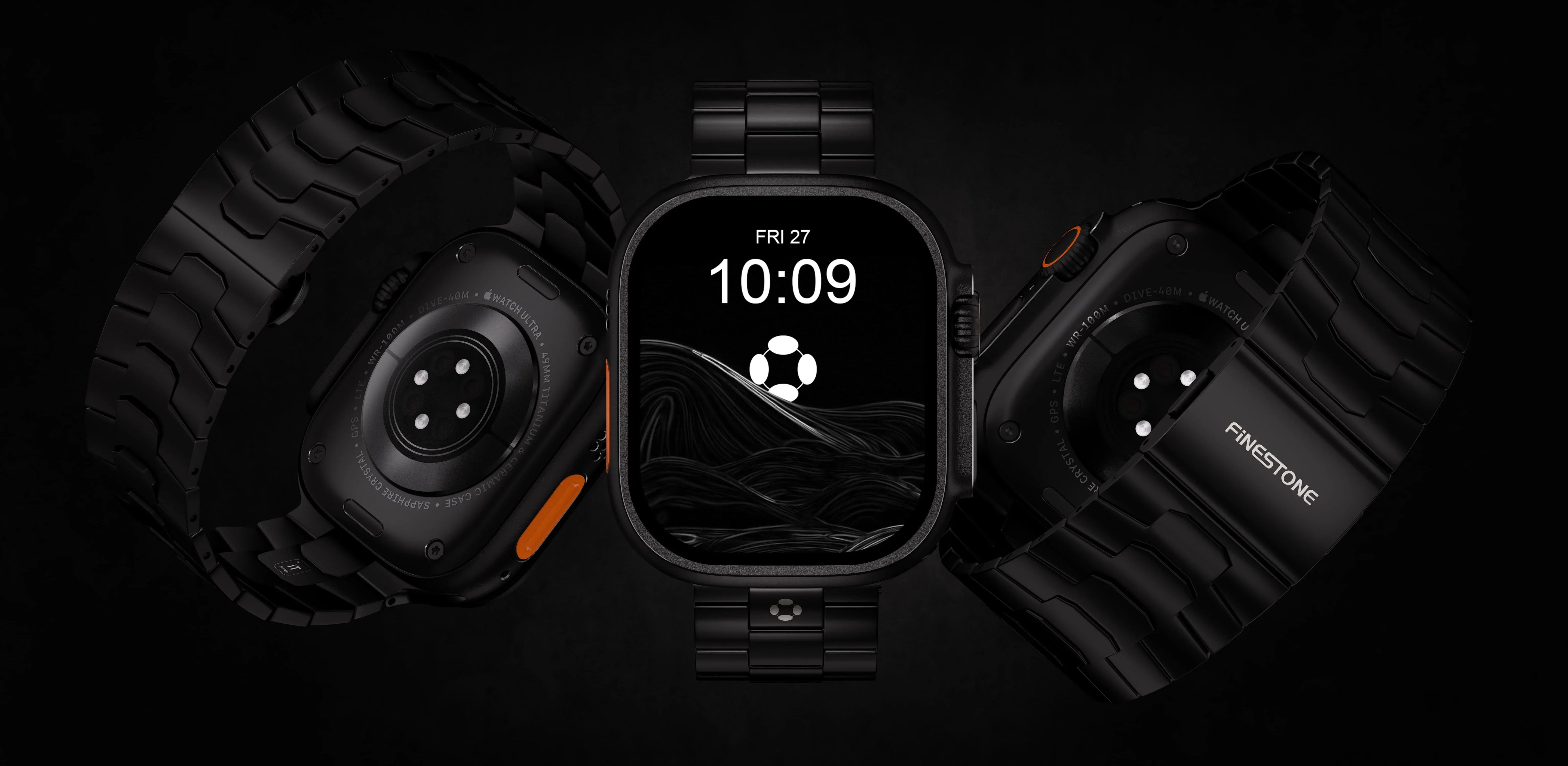
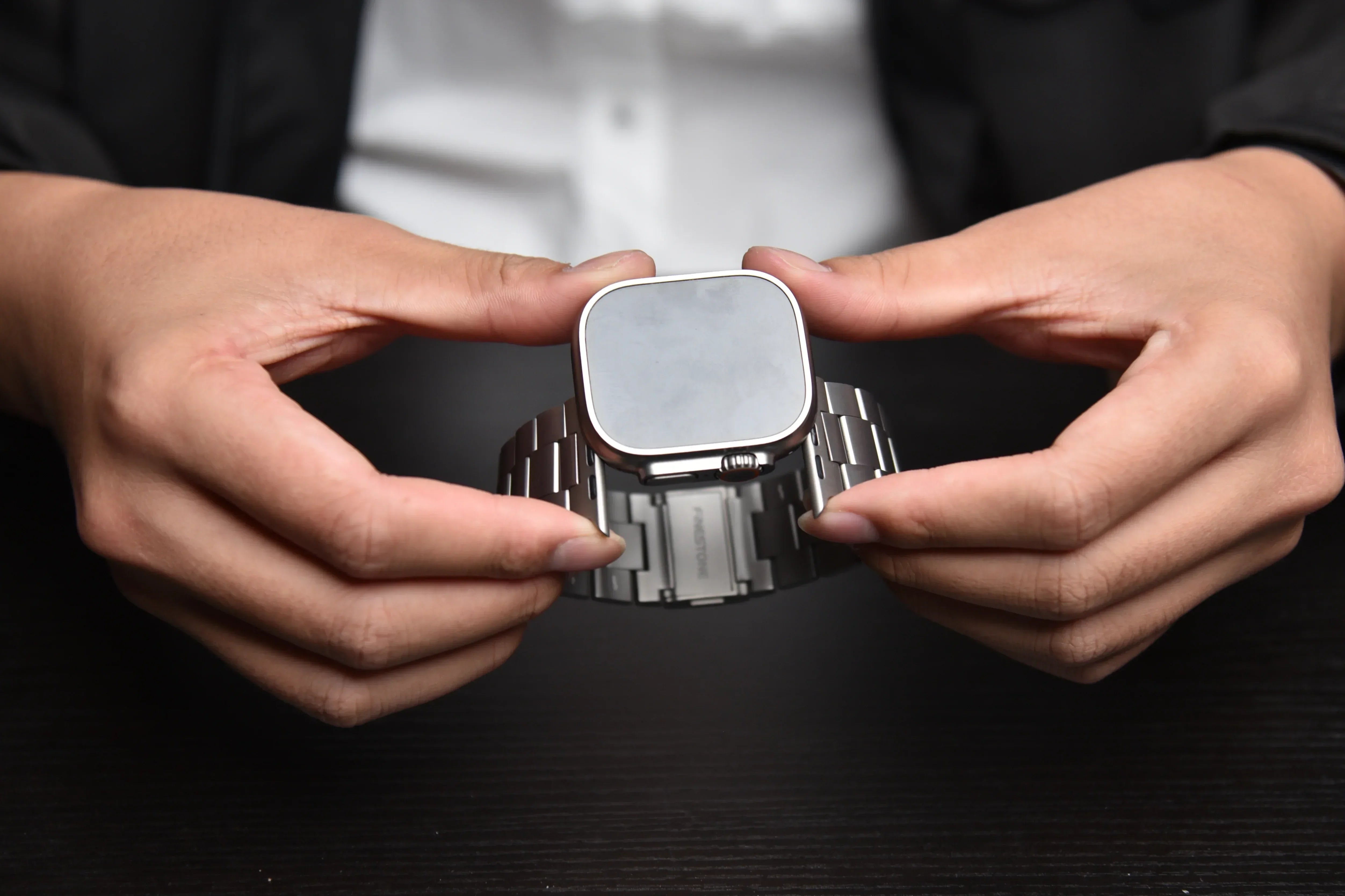
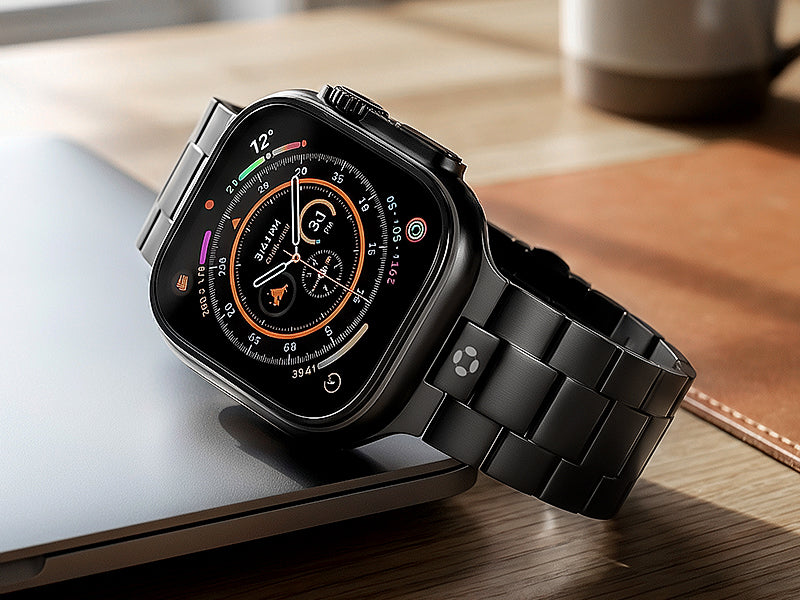
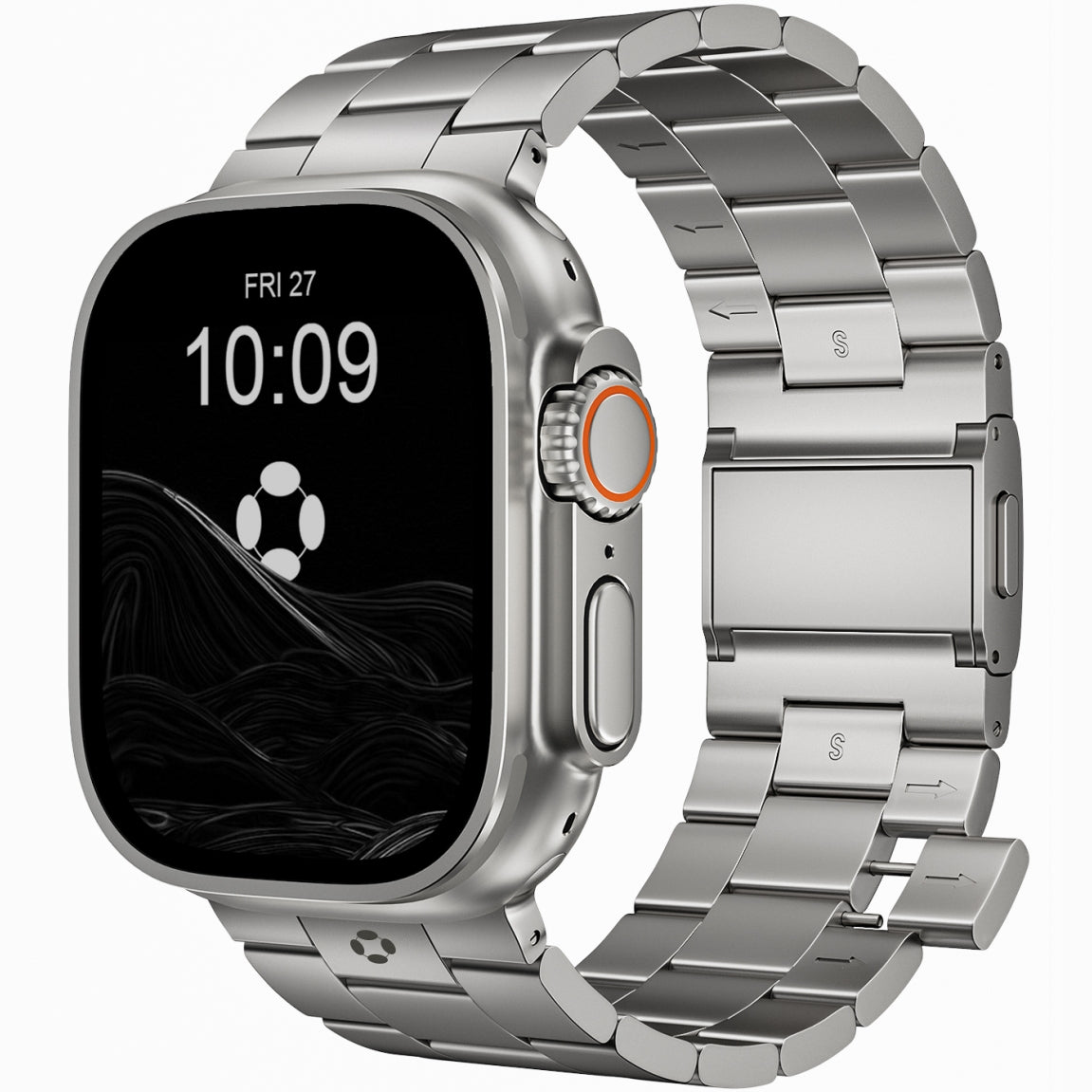
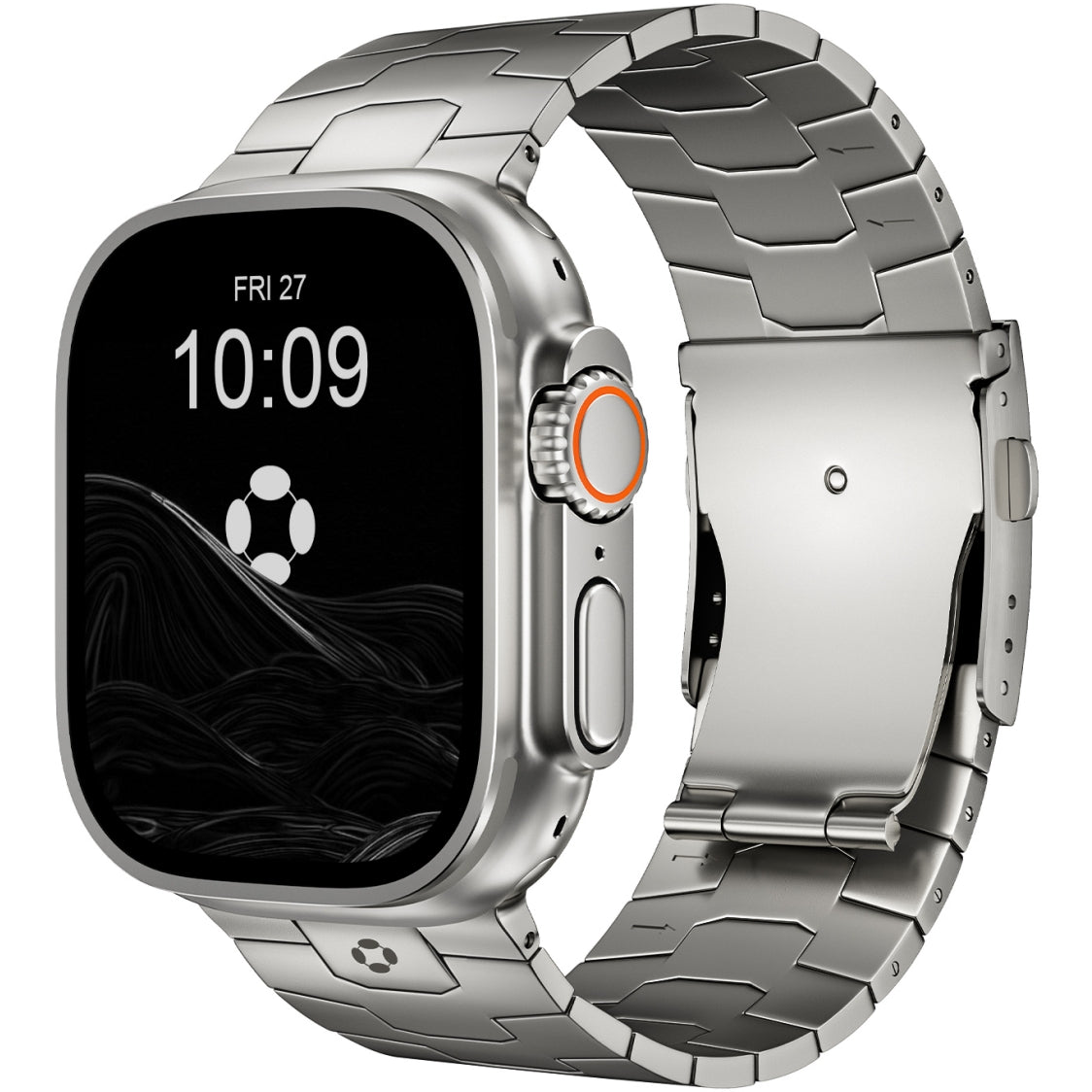
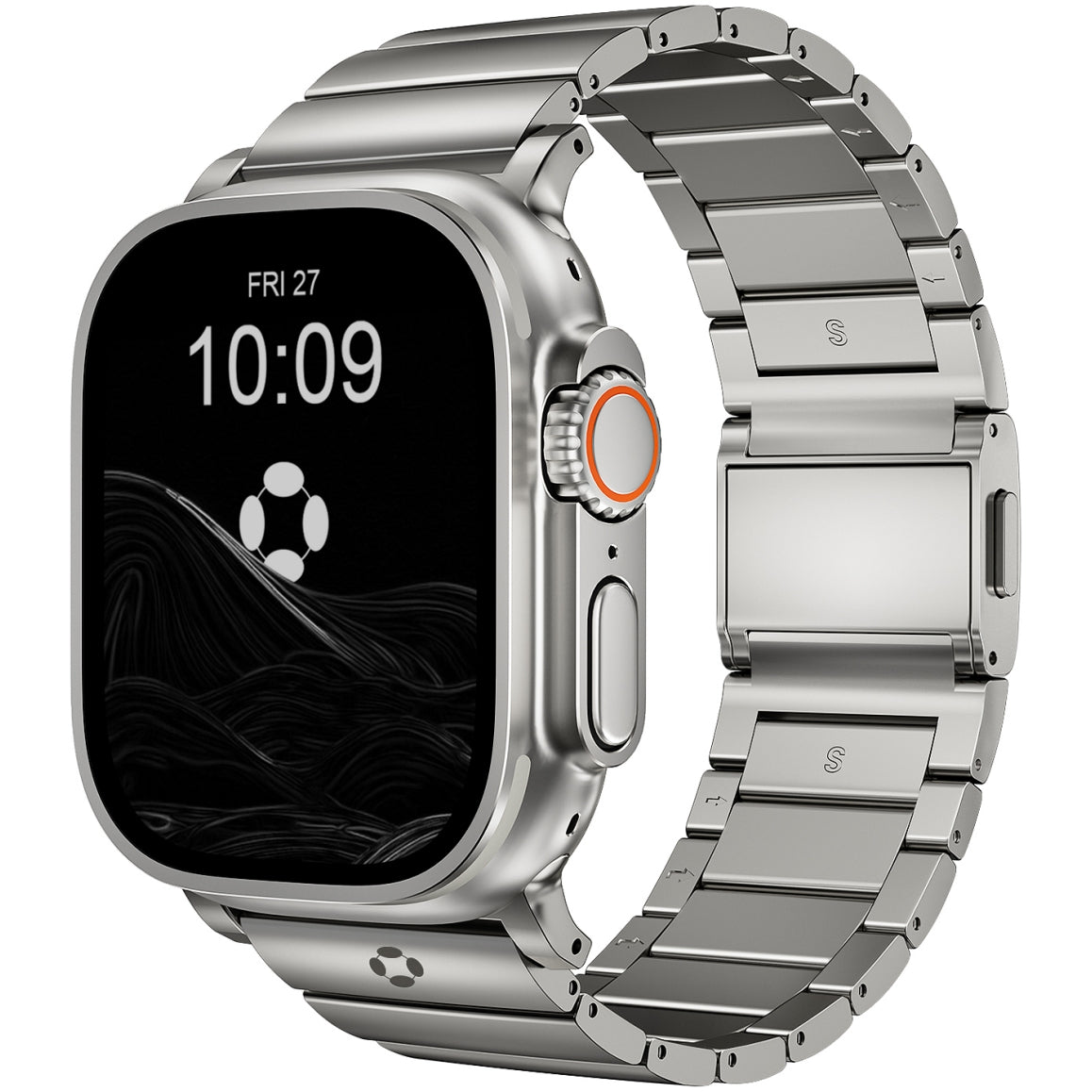
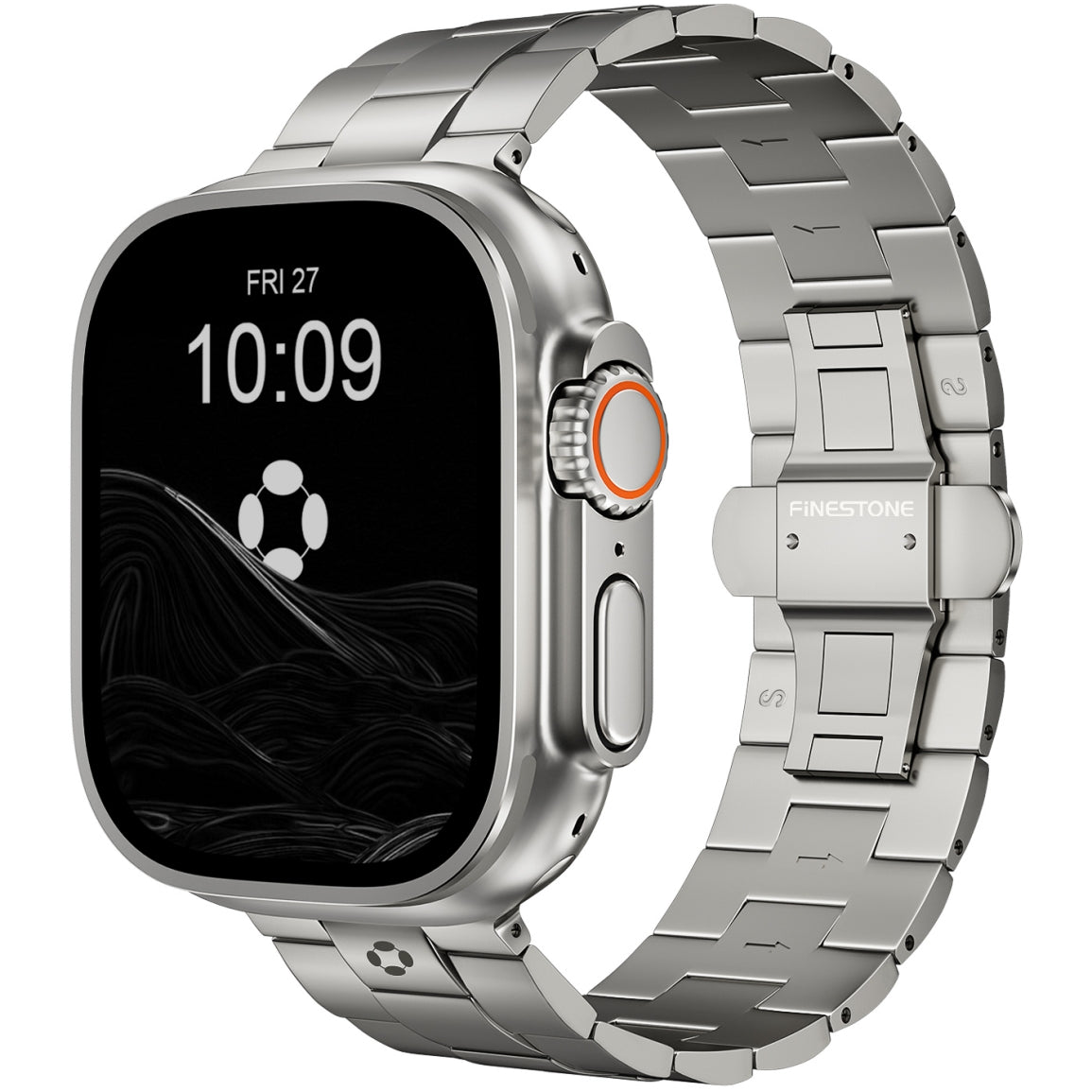
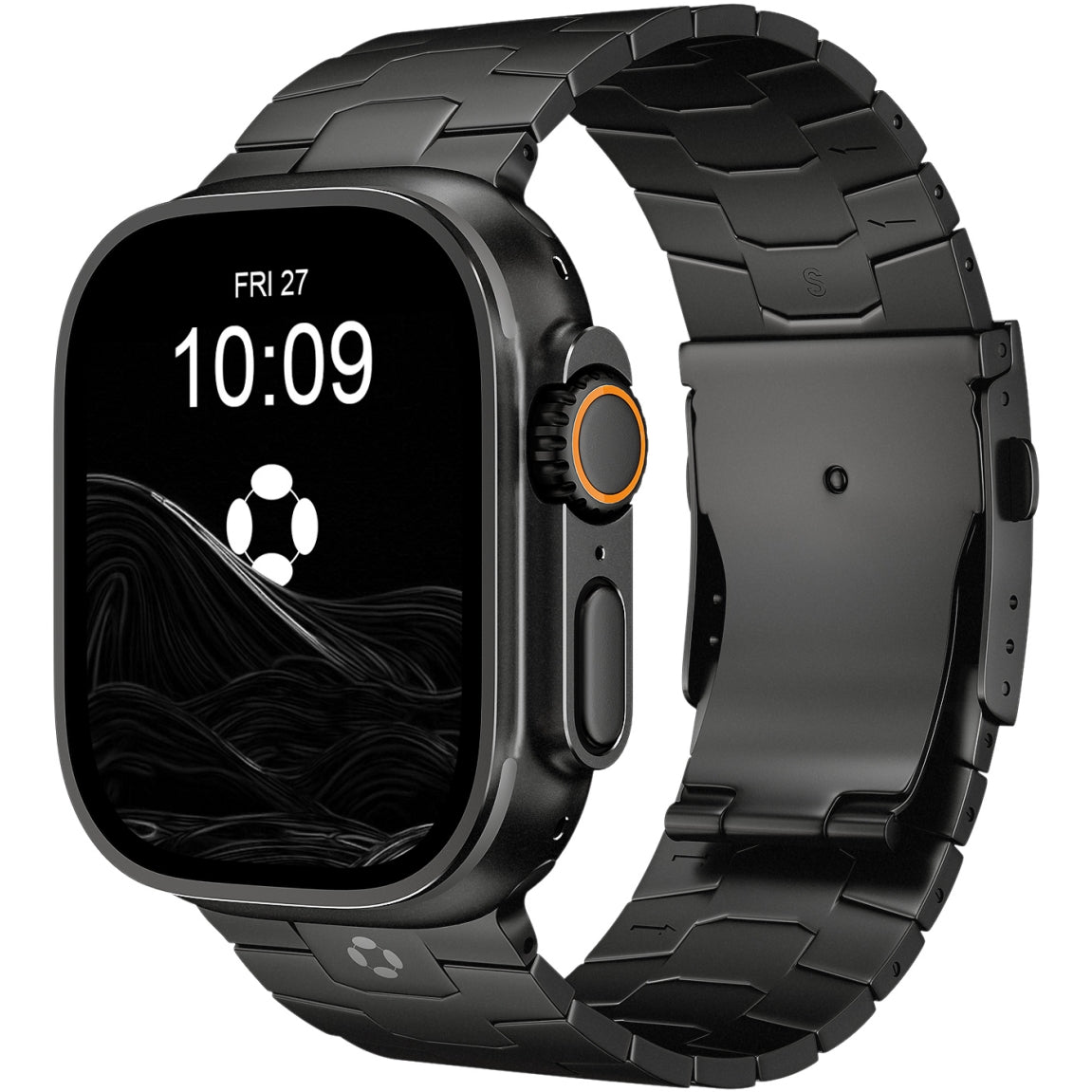
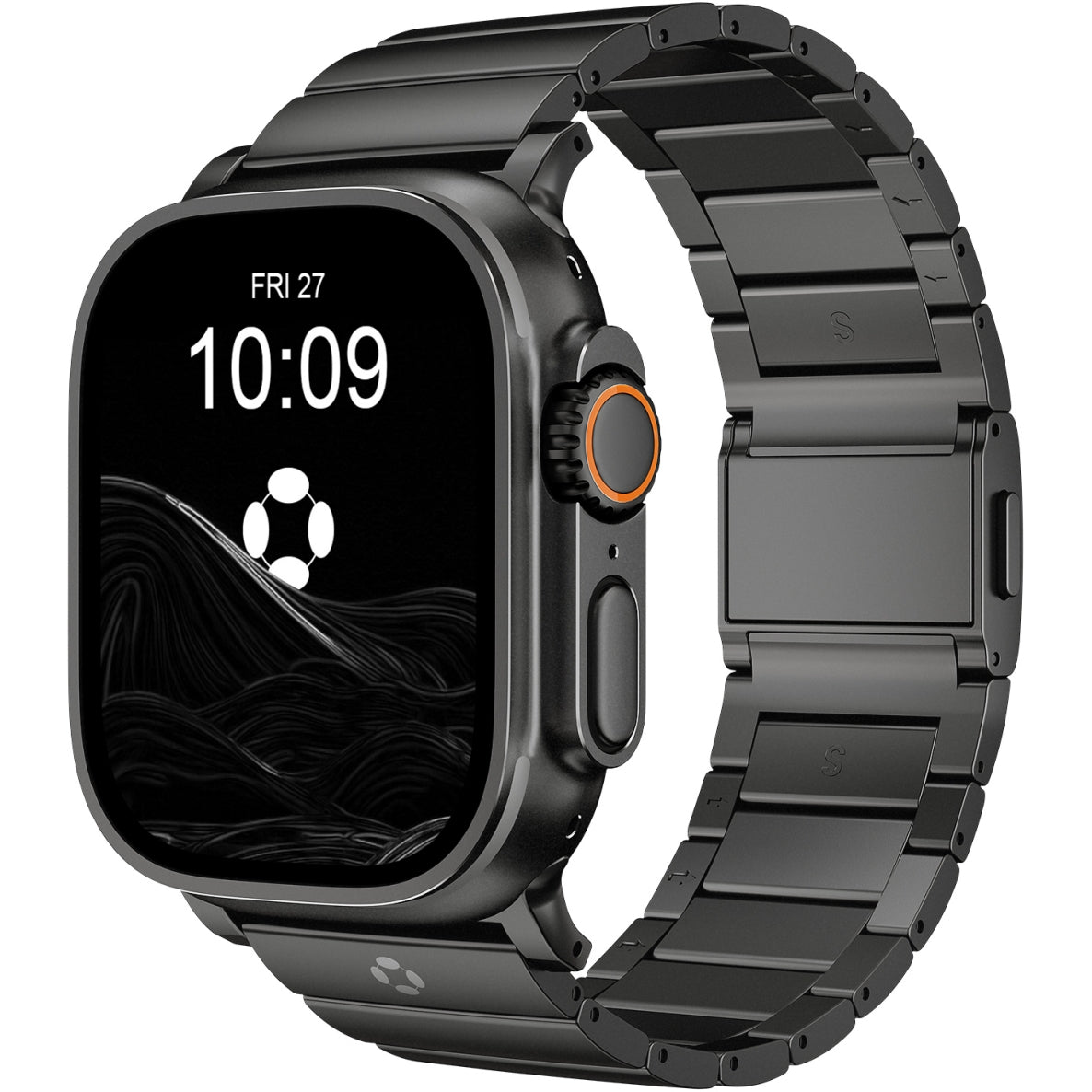
The Fix: Factor a quality band into your budget. The Sport Loop breathes better than the Sport Band. For all-day wear that transitions from gym to office, consider premium options. The FiNESTONE Titanium Band offers lightweight comfort, scratch-resistant DLC coating, and a secure fit that makes daily wear effortless—well worth the investment.
Try different bands if the stock option causes irritation or discomfort. A band swap is cheaper than replacing the watch.
5. Buying the Wrong Size Case
Apple offers two sizes for SE and Series models. Choosing the wrong one affects both comfort and usability.
The Mistake: Choosing the larger size purely for screen real estate without considering wrist fit.
The Fix:
| Wrist Circumference | Recommended Size |
|---|---|
| 130-165mm (small) | 40mm SE, 42mm Series 11 |
| 165-200mm (medium) | 44mm SE, 46mm Series 11 |
| 200-245mm (large) | 46mm Series 11, 49mm Ultra 3 |
Larger screens are easier to read, but a watch that slides around or feels heavy won't get worn.
6. Skipping AppleCare+
Apple Watch repairs are expensive. A cracked screen can cost nearly as much as a new watch.
The Mistake: Saving $3-5 per month on AppleCare+, then facing a $300+ repair bill for accidental damage.
The Fix: AppleCare+ costs $3-5 per month or about $79 for two years upfront. For a device worn on your wrist—constantly exposed to bumps, scrapes, and water—it's worthwhile peace of mind.
7. Not Considering Battery Life Realities
Battery life varies significantly between models. Misunderstanding this leads to frustration.
The Mistake: Buying a Series 11 expecting multi-day battery, then being annoyed at daily charging.
The Fix:
-
SE 3 / Series 11: Expect 24-43 hours. You'll charge daily. If you sleep track, you'll need daytime charging.
-
Ultra 3: Expect 60-63 hours. You'll charge every 2-3 days. Sleep tracking is effortless.
If daily charging feels like a chore, the Ultra 3 is worth the extra cost and bulk. If you're fine with nightly charging, the Series 11 serves perfectly.
8. Buying Based on Features You'll Never Use
Marketing highlights advanced features like ECG, blood oxygen, and temperature sensing. Most users check these once and forget them.
The Mistake: Paying for the Ultra 3 or titanium Series 11 for "advanced health features" when your daily use is notifications and activity rings.
The Fix: Focus on what you'll actually use daily:
-
Notifications
-
Activity tracking
-
Apple Pay
-
Alarms and timers
-
Safety features (fall detection, SOS)
If that's your list, the SE 3 or standard aluminum Series 11 is sufficient.
9. Buying Without a Clear Purpose
The Apple Watch is a tool, not just a gadget. Without a clear use case, it becomes an expensive notification machine.
The Mistake: Buying because it looks cool, then wondering why you're not using it after a month.
The Fix: Identify your primary use case before buying:
-
Fitness: GPS tracking, workout metrics
-
Health: ECG, heart monitoring, fall detection
-
Productivity: Notifications, calendar, timers
-
Safety: Emergency SOS, fall detection for aging parents
Choose the model that aligns with your purpose, not the one with the longest feature list.
10. Ignoring Refurbished or Previous Generations
The latest model is often unnecessary. Previous generations offer nearly identical experiences at significant savings.
The Mistake: Paying full price for the Series 11 when a refurbished Series 9 or 10 meets your needs.
The Fix: Consider Apple Certified Refurbished units—they come with new batteries, new outer shells, and full warranties. Also consider whether you truly need the newest sensors. For many users, a Series 8 or 9 remains perfectly capable.
The Bottom Line
The Apple Watch is a fantastic device, but buying the wrong one leads to regret. Avoid these common mistakes:
-
Match the model to your actual needs, not marketing hype
-
Measure your wrist before choosing a size
-
Factor a comfortable band into your budget
-
Be realistic about cellular and battery needs
-
Consider AppleCare+ for peace of mind
Buy with intention, not impulse. The right Apple Watch—paired with a comfortable band like FiNESTONE—will serve you well for years. The wrong one will collect dust in a drawer.