
For years, the Apple Watch has been marketed as the ultimate companion to your iPhone—a second screen for your wrist that catches notifications so you don't have to pull your phone out of your pocket. But as the hardware has evolved into the Series 11 and the rugged Ultra 3, a new question has emerged: Can the Apple Watch actually replace your phone for daily tasks?
The idea of leaving the house with just a watch and a pair of AirPods is tantalizing. It promises a lighter pocket, a clearer mind, and a digital life stripped down to the essentials. After testing the latest models extensively, the answer is nuanced: for some people, in some situations, absolutely yes. For others, it's still a work in progress.
Here is our comprehensive guide to using the Apple Watch as a phone replacement in 2026.
The Core Question: Independence vs. Dependency
Before diving into specific tasks, it's important to understand the landscape. The Apple Watch is not designed to be a completely standalone device. You cannot set one up without an iPhone, and you cannot install new apps directly on the watch without pulling out the phone . However, once configured, the gap between what the watch can do alone versus what requires the iPhone is narrowing rapidly.
The key differentiator is connectivity. If you own a GPS-only model, your independence is limited to areas with known Wi-Fi networks. But if you opt for a GPS + Cellular model, the game changes entirely. With 5G now standard on the Series 11 and Ultra 3, the watch can stream data, send messages, and make calls without ever needing to tether to your phone .
Communication: Calls, Texts, and Staying Connected
The most fundamental test of phone replacement is communication: can you stay reachable?
The Verdict: For 80% of daily communication, yes.
With a cellular Apple Watch, you can make and receive phone calls directly from your wrist. The speakerphone is surprisingly clear, though holding your wrist to your mouth for long conversations can feel awkward. This is where Bluetooth earbuds like AirPods become essential—they turn the watch into a true remote communications device.
For messaging, the watch handles iMessages and SMS seamlessly. You can reply via dictation, scribble, or preset quick replies. The dictation accuracy has improved dramatically, handling everything from "Pick up milk" to longer paragraphs with relative ease . However, there is one major limitation mentioned by experts: you cannot browse or download new apps directly from the watch's App Store without your iPhone . This means if you suddenly decide you need a specific messaging app you don't have installed, you're out of luck until you're back near your phone.
Health and Fitness: Where the Watch Excels
This is arguably the area where the Apple Watch doesn't just match the iPhone—it surpasses it entirely. While the iPhone can run health apps, it lacks the sensors for real-time physiological tracking .
The watch offers capabilities the phone simply cannot replicate:
-
ECG (Electrocardiogram): FDA-cleared readings for irregular heart rhythms .
-
Blood Oxygen Monitoring: Continuous SpO2 tracking, particularly useful during sleep or at high altitudes .
-
Temperature Sensing: Enables advanced cycle tracking and health insights .
-
Fall Detection and Crash Detection: Passive safety features that work whether your phone is with you or not .
For fitness enthusiasts, the watch is a superior tool. It provides real-time metrics during exercise that would require looking down at a phone screen—less accessible and more dangerous mid-run . The Ultra 3's satellite connectivity also offers peace of mind for off-grid adventurers, allowing emergency messaging without cellular coverage .
Daily Tasks: Navigation, Payments, and Music
For the micro-interactions that make up modern life, the Apple Watch shines.
Navigation
Walking or driving directions tap your wrist with haptic feedback, so you never miss a turn even if you can't look at the screen. For city exploration, this is genuinely liberating.
Apple Pay and Wallet
Contactless payments are faster and more secure on the watch. You can also store boarding passes, transit cards, and even hotel keys in the Wallet app. Double-click the side button, tap the reader, and you're done—no fishing for a phone or wallet .
Music and Podcasts
This is where preparation matters. You can download playlists, albums, and podcasts directly to the watch for offline listening via Bluetooth headphones. Streaming over cellular is possible, but it's a significant battery drain . As one user noted, a runner can leave their phone at home entirely, tracking GPS routes while listening to music streamed directly from the watch .
The Ultra 3 vs. Series 11: Which One for Phone-Free Living?
Choosing the right model is critical if you intend to leave your phone behind.
The Apple Watch Ultra 3 is the clear winner for independence. Its 42-hour battery life means it can survive a full day and night away from a charger . The satellite connectivity is a game-changer for remote areas, and the flat sapphire screen with the physical Action Button makes starting tasks easier without looking . As Gentleman's Journal noted, it introduces satellite support and a case "so rugged it could repel criticism from the Daily Mail" .
The Apple Watch Series 11 is no slouch. It offers nearly two days of battery life in testing and 5G cellular support at a lower price point . For most people living in urban environments, the Series 11 is sufficient for phone-free errands, gym sessions, and short outings. However, if you plan to be away from your phone (and charger) for extended periods, the Ultra 3's battery advantage is compelling.
The Real-World Test: A Day Without the Phone
Consider the case of Jamie, a runner from Portland who used her Apple Watch during a weekend hiking trip while leaving her iPhone at the cabin . She tracked trail runs with GPS, listened to downloaded music, and stayed reachable for emergencies. When she twisted her ankle, Fall Detection triggered. Later, she received a critical text from family and responded immediately via voice dictation. For Jamie, the watch wasn't just useful—it was indispensable.
This scenario represents the ideal use case: short-term, activity-focused independence where the phone is intentionally left behind for convenience or safety.
The Missing Piece: Comfort for All-Day Wear
If you're going to rely on your Apple Watch as your primary device for a day out, comfort becomes non-negotiable. The watch needs to feel like part of you—not something you're eager to take off after a few hours.
The stock bands Apple provides are functional, but they aren't always optimized for extended, all-day wear. Silicone bands can trap sweat and cause irritation. Nylon can stretch and feel damp. This is where upgrading to a premium band transforms the experience.
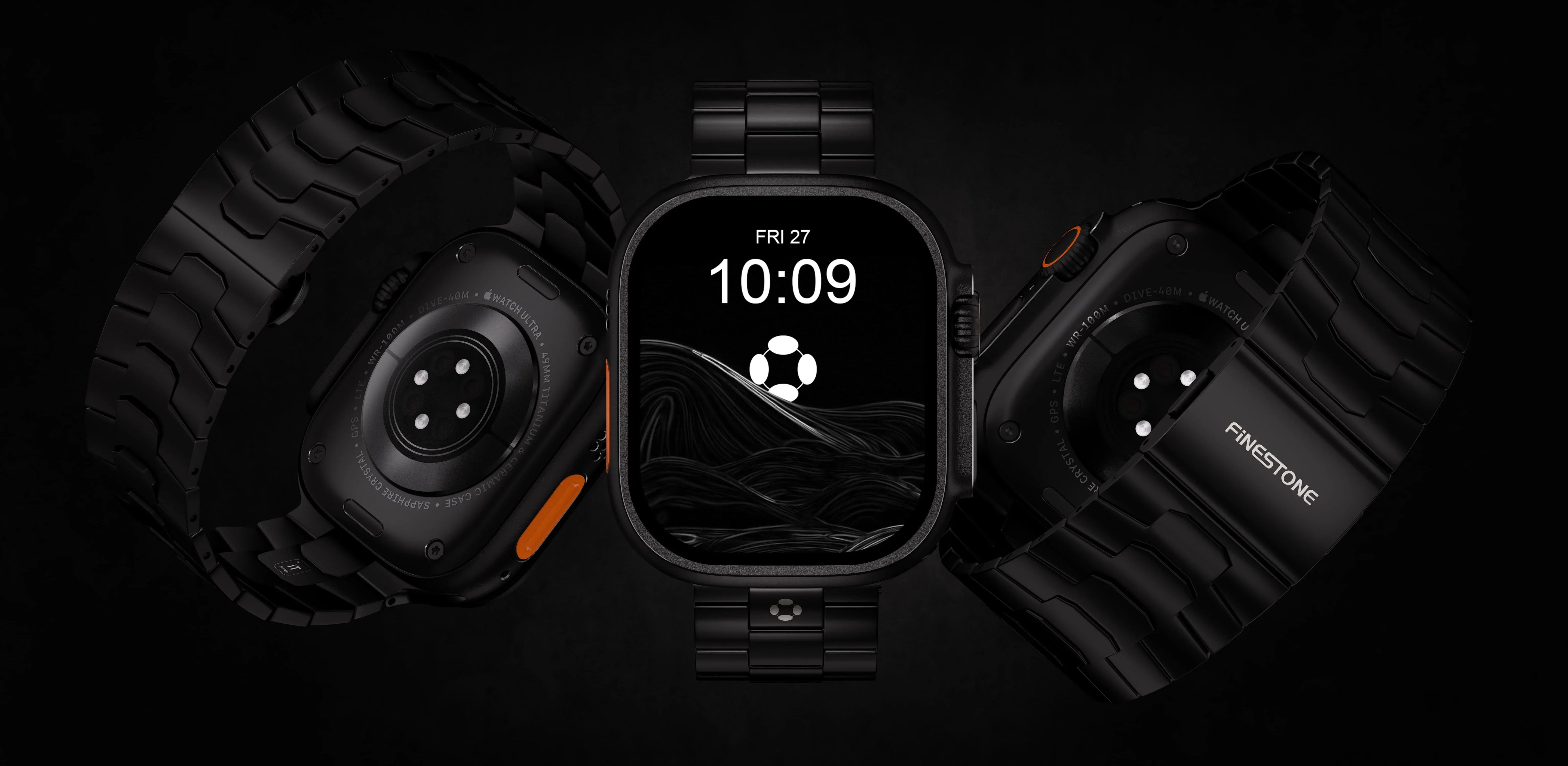
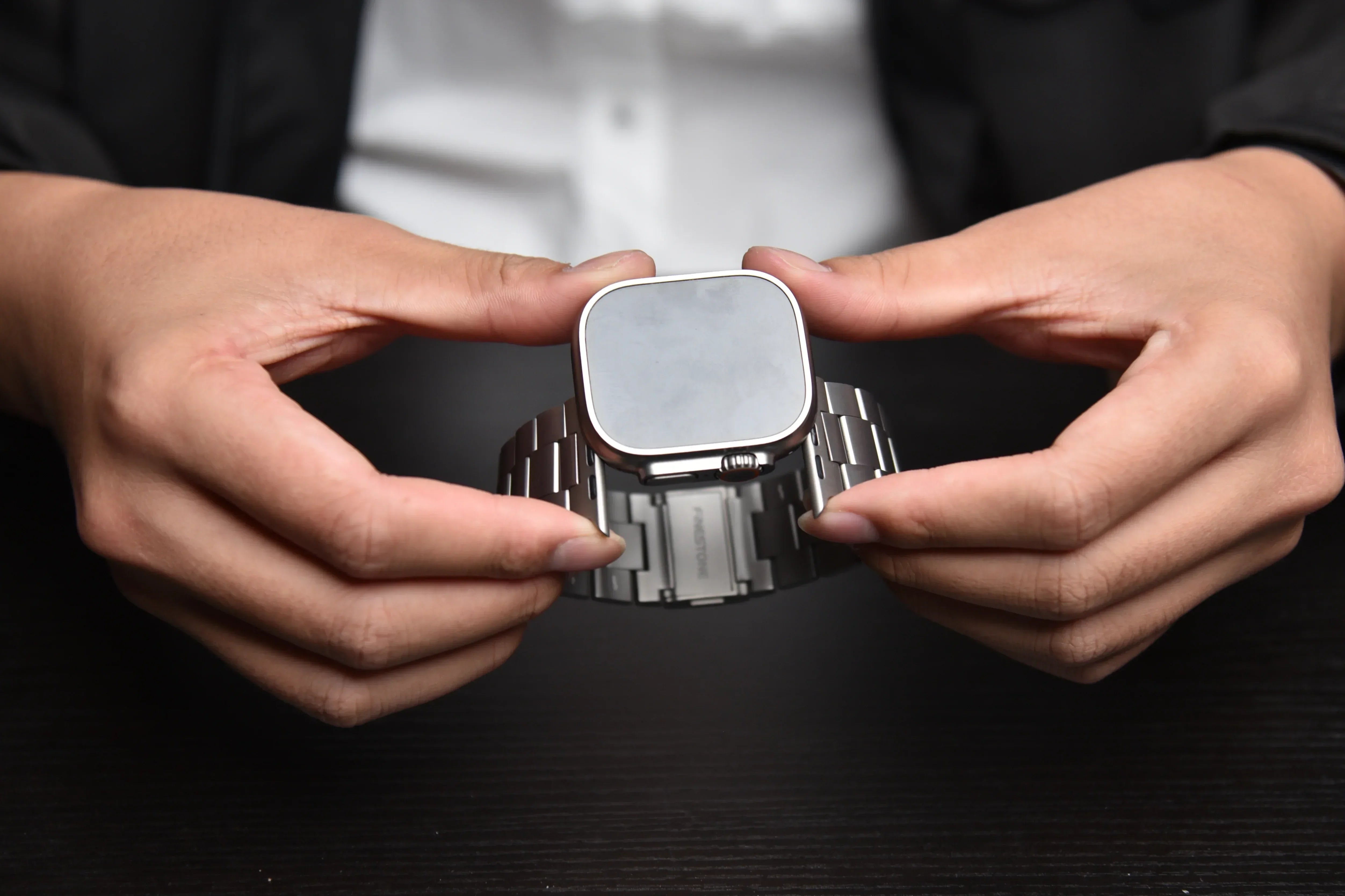
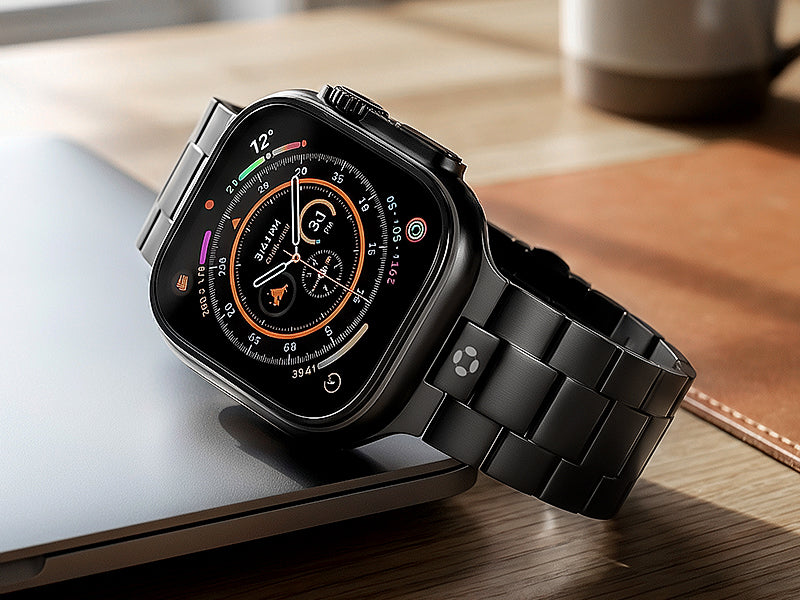
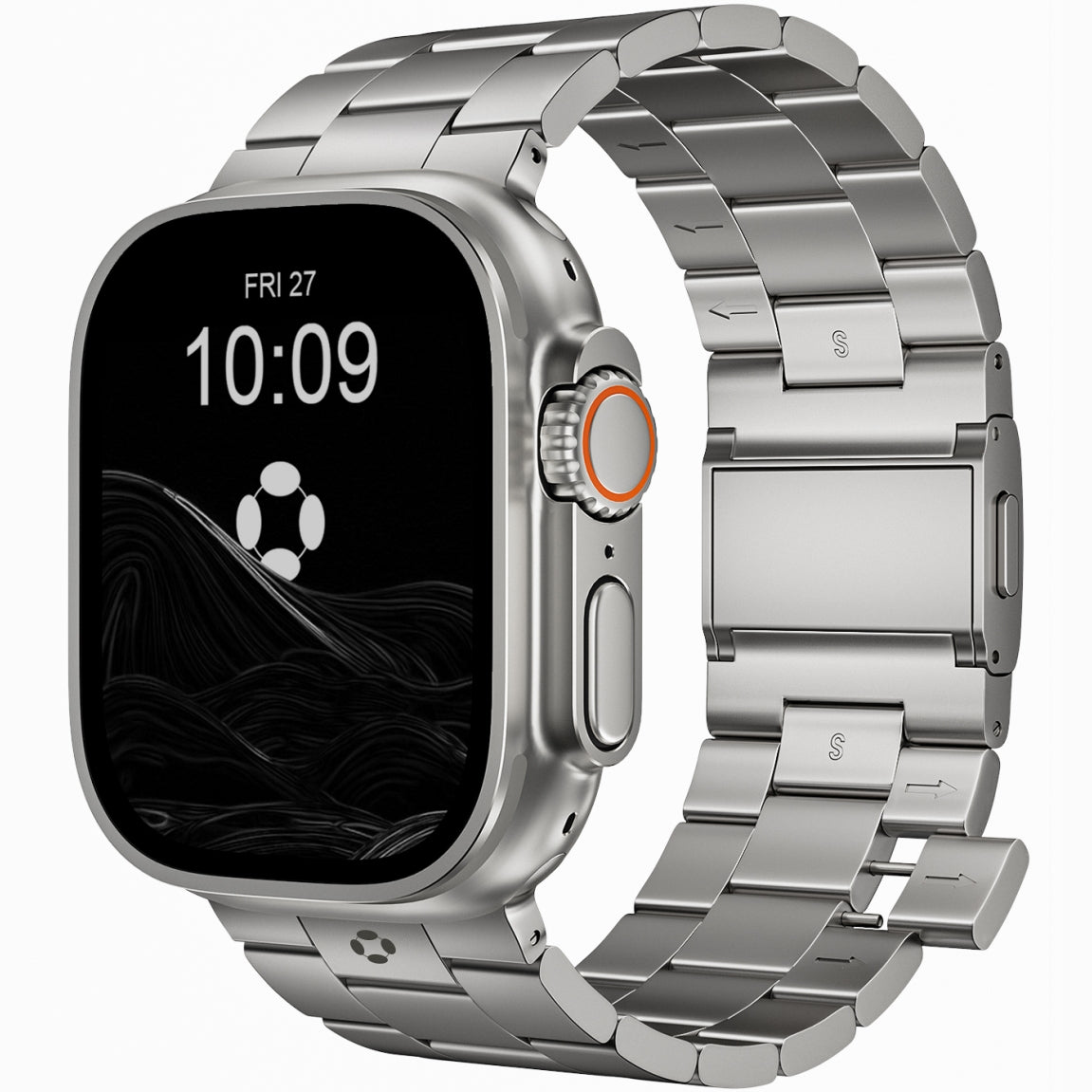
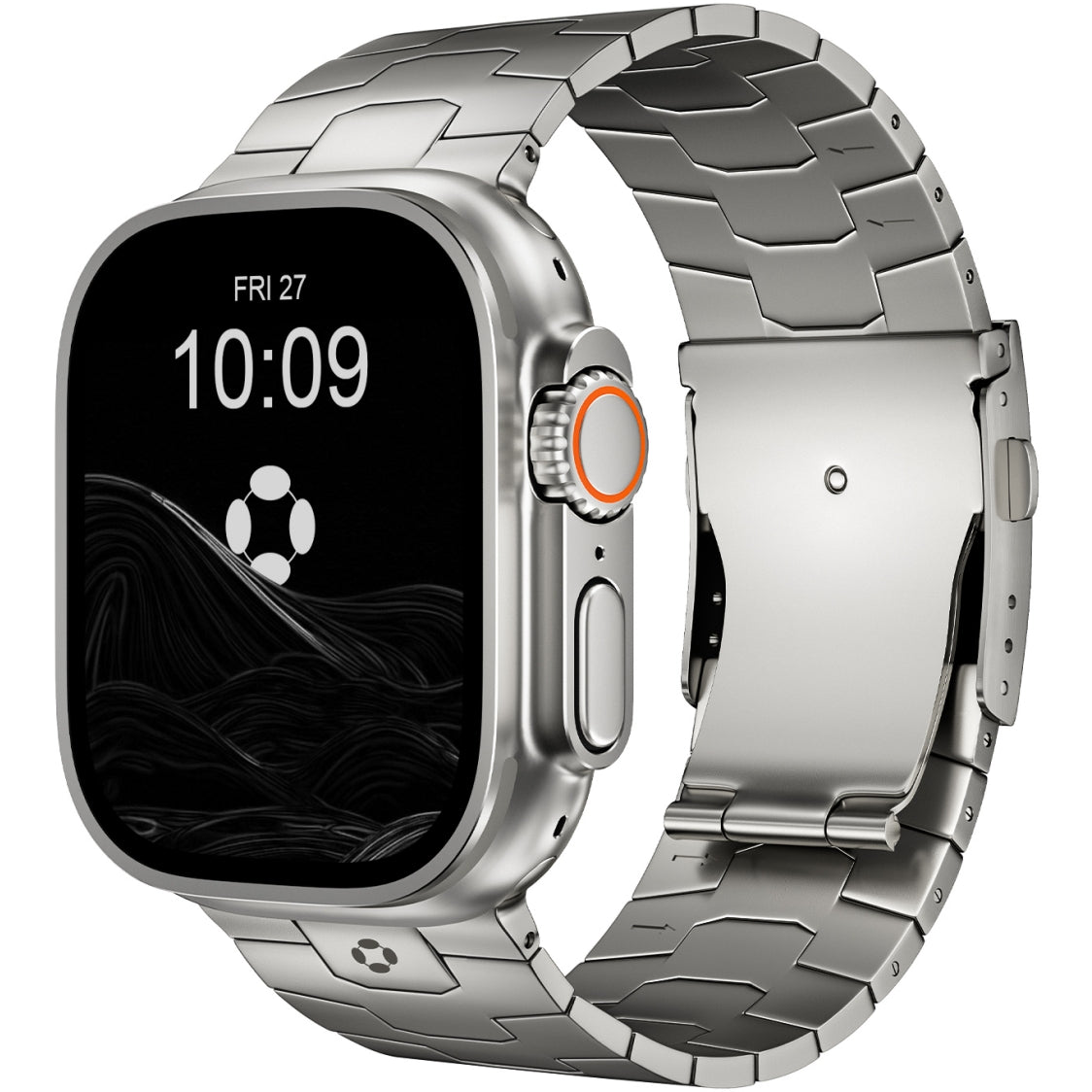
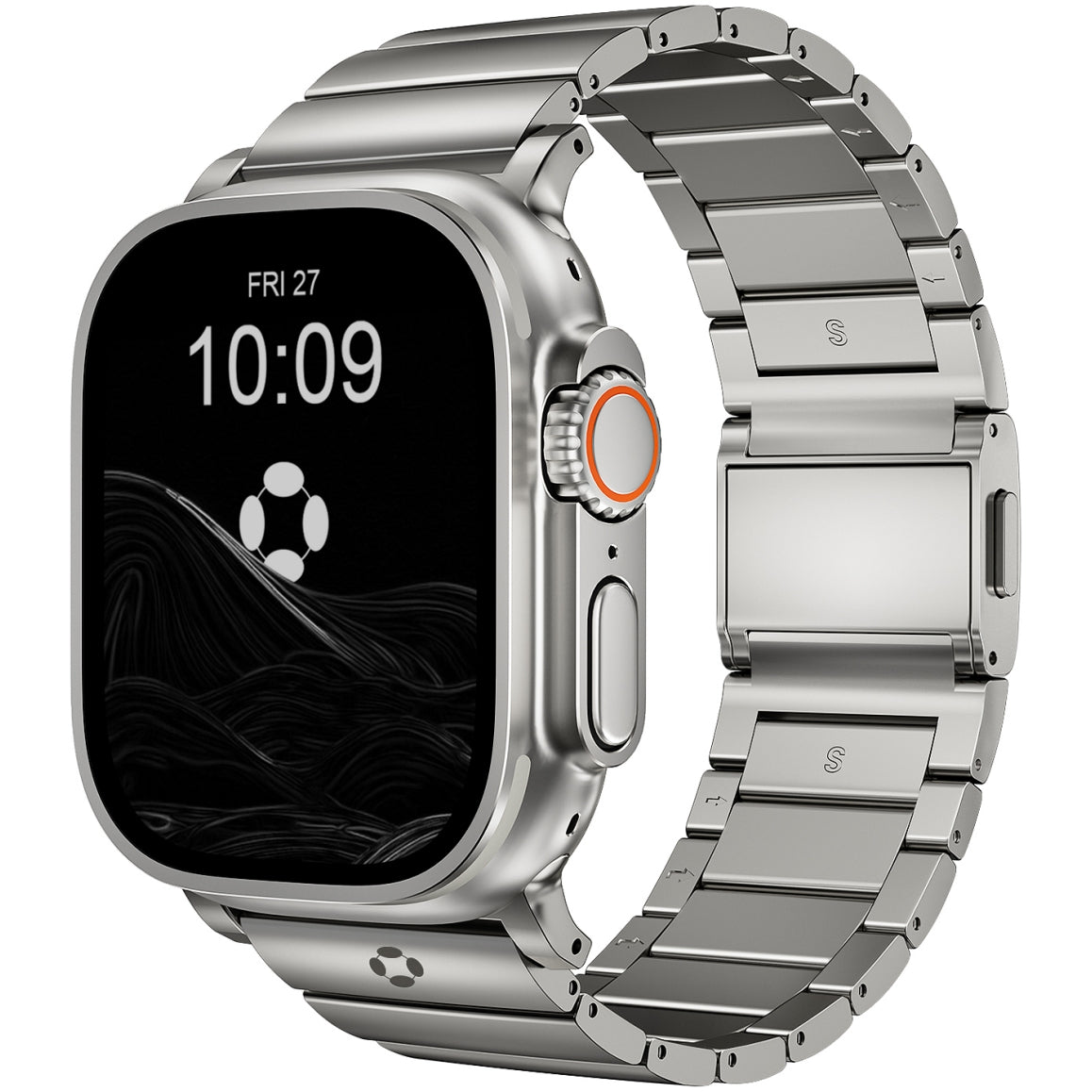
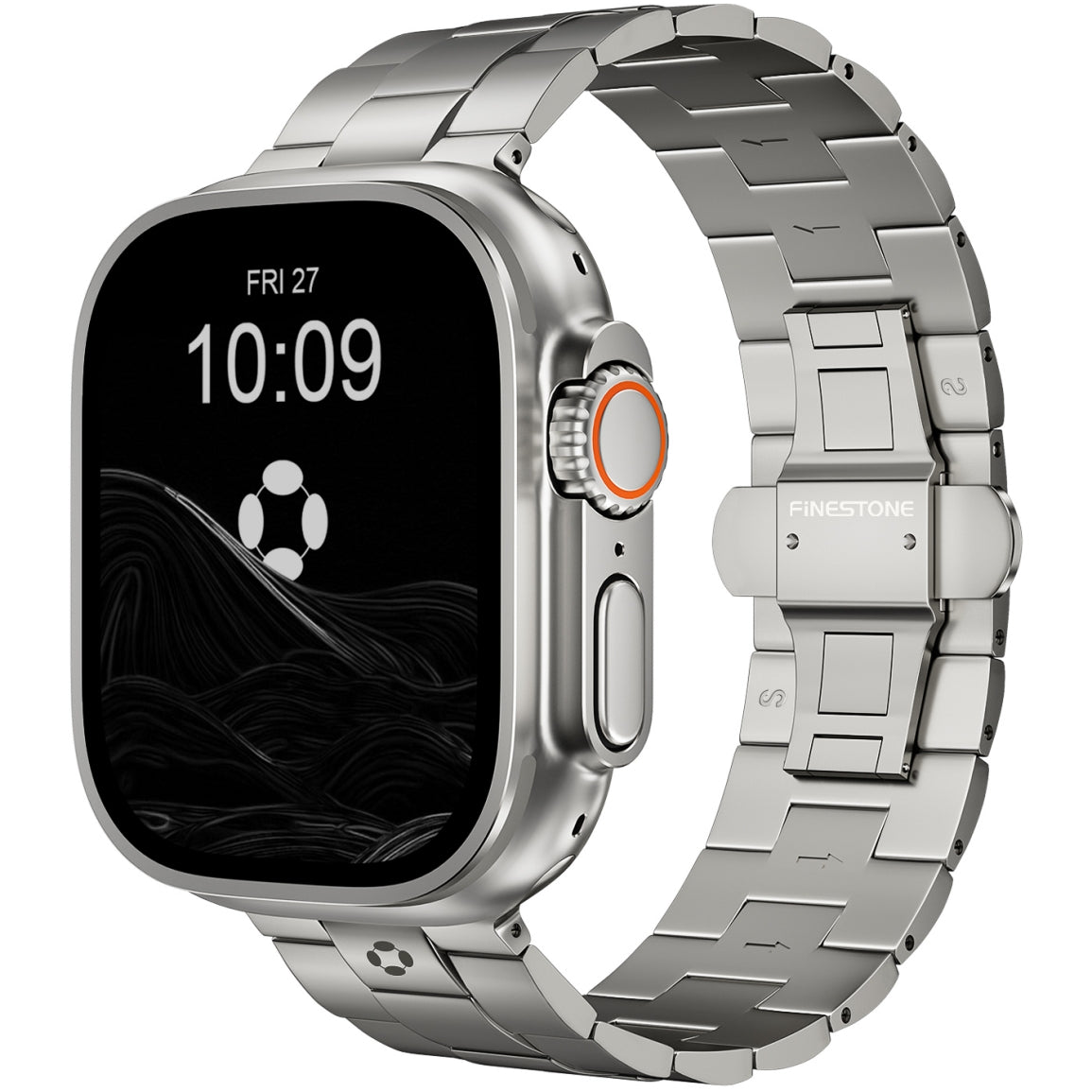
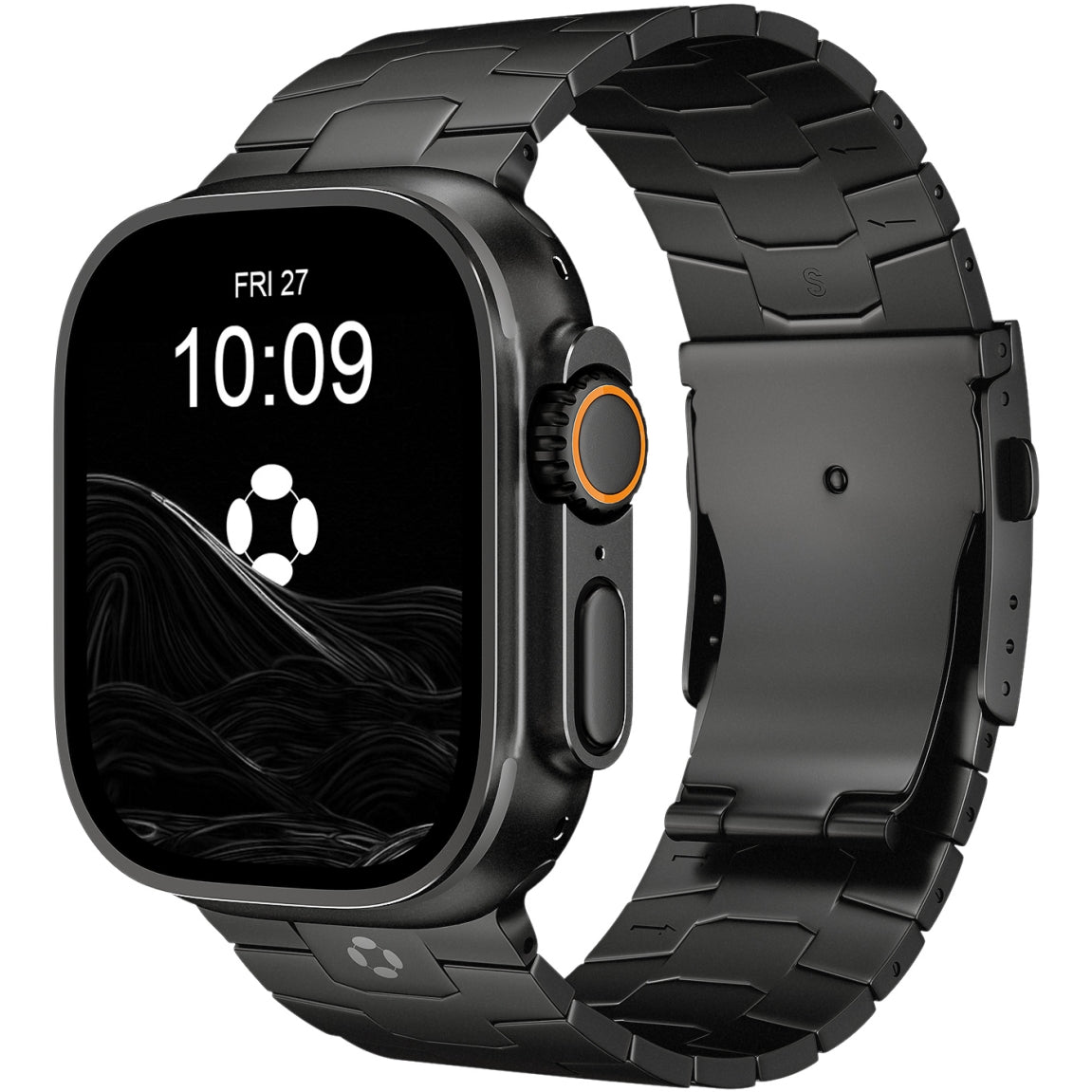
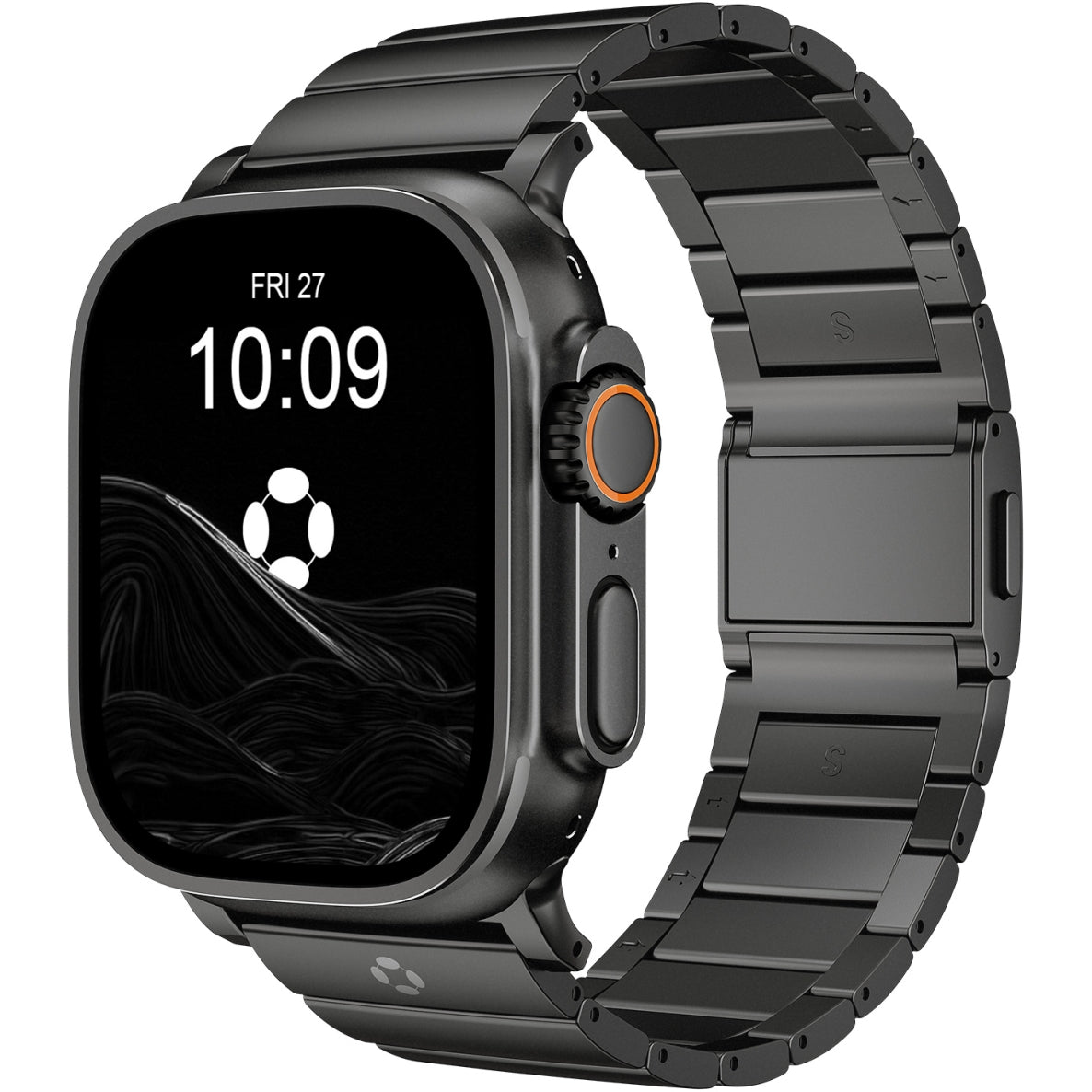
For those seeking a band that can handle a full day of phone-free activity—from a morning workout to an afternoon of meetings to an evening out—titanium is the material of choice. The FiNESTONE Titanium Band has emerged as a top-tier option for Apple Watch users, particularly Ultra owners .
Why does this matter for phone replacement? Because when you're relying on your watch for everything, you're wearing it constantly. The FiNESTONE band features premium titanium with a Diamond-Like Carbon (DLC) coating that resists scratches and corrosion from sweat . Its double-button folding clasp ensures the watch stays securely on your wrist through all your activities . And crucially, the lightweight titanium construction means you barely notice it's there—even after 12+ hours of wear. As one reviewer noted, the fit is designed to minimize gaps between the connector and watch face, creating a seamless, integrated look that works equally well for workouts and business settings .
Limitations: When You Still Need the Phone
Despite its growing independence, the Apple Watch has clear boundaries. As one analyst put it, "Even with cellular, the Apple Watch is a satellite device—powerful in orbit, but still gravitationally bound to the iPhone" .
You cannot:
-
Type lengthy emails comfortably.
-
Watch video content effectively on the small screen.
For complex tasks requiring heavy typing, media consumption, or extensive app management, the iPhone remains essential.
Conclusion: Is It Ready to Replace Your Phone?
So, can the Apple Watch replace your phone for daily tasks?
Yes—if you choose the right model and manage your expectations.
For short trips to the gym, walks around the city, or days when you want to be "unplugged" but still reachable, the Apple Watch is more than capable. It handles communication, navigation, payments, and health tracking with surprising competence. The cellular models, particularly the Ultra 3, offer enough battery and connectivity to get through a full day away from your iPhone.
No—if you need full app access, heavy content consumption, or complex computing.
The watch is a supplement, not a complete replacement. It's designed for the moments when pulling out a phone is inconvenient, unsafe, or socially inappropriate . It handles micro-interactions beautifully but isn't built for deep work.
The future of personal technology isn't about one device ruling them all—it's about having the right tool for the right context. The Apple Watch has evolved into a powerful tool for context-specific independence. For fitness, communication, and emergency readiness, it stands strong on its own .
Just make sure you pair it with the right companion: a comfortable, durable band like FiNESTONE that makes wearing it all day feel effortless. After all, if you're going to leave your phone behind, you need to trust the device on your wrist completely—both its technology and its comfort.